By ditching the camera bar and embracing more flagship features, the Pixel 10a prioritizes "boring" utility over AI hype—almost.

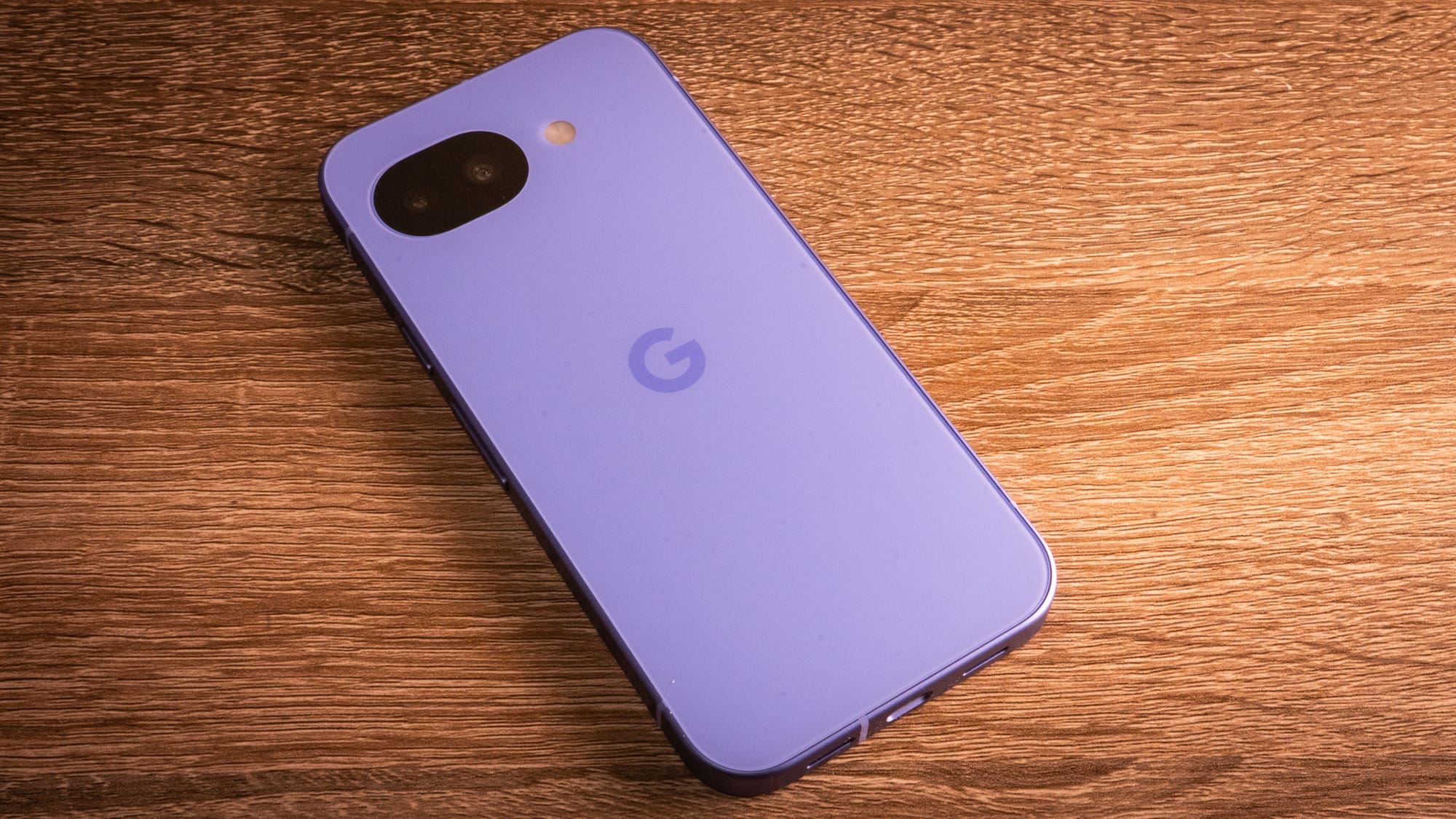
What's not to love about the Google Pixel 10a? While I am miffed there isn't Pixel Snap on the back to take advantage of all the magnets out there—the iPhone 17e does, though it can get away with starting at over $500—there is so much to like about this very dependable, very promising mid-range smartphone. If the Pixel 9a was the "great reset" of Google's vision for the mid-range, then the Pixel 10a can be considered the "final polish." It's the first A-series where it doesn't feel like it's compromising. Yes, even without the Pixel Snap.
The Pixel 10a packs all the premium essentials into a sub-$500 package, even with the same engine as last year's Pixel 9a. There's Gorilla Glass 7i glass for better durability, a high-brightness 3,000-nit Actua display, wireless charging, and even access to Google's new Satellite SOS. It's a major upgrade for anyone coming to the Pixel A-series from an early-generation device of the same tier, or even older Pixel flagships, like the Pixel 6 and Pixel 7, which hail from the early days of Tensor.
Who cares if it's more of the same thing? The Pixel 10a is another reliable mid-range smartphone from Google, packed with the best features of its flagship brethren. It's all for almost half the price of what you'd spend on a flagship without compromises on camera capabilities and software updates.
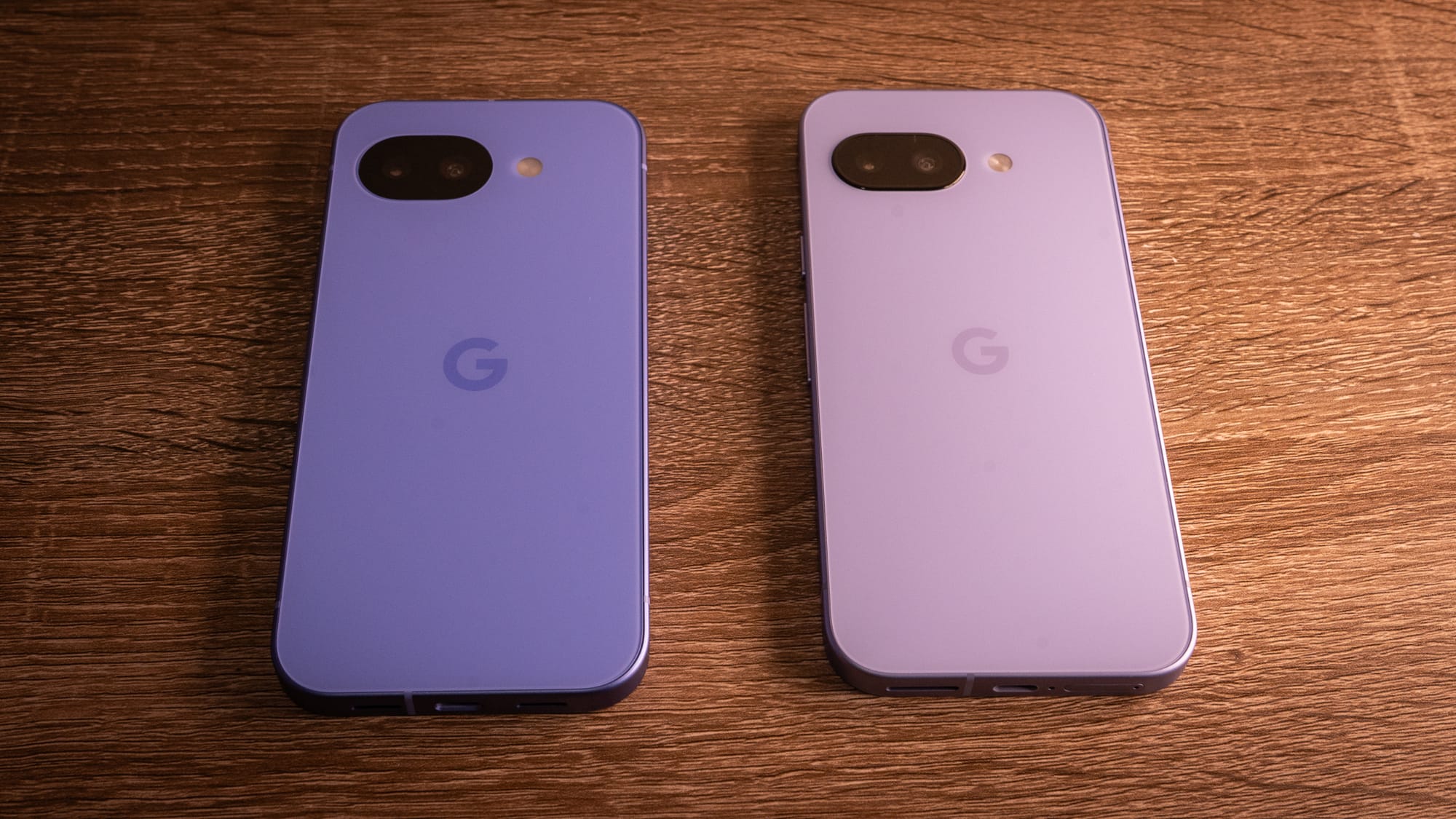
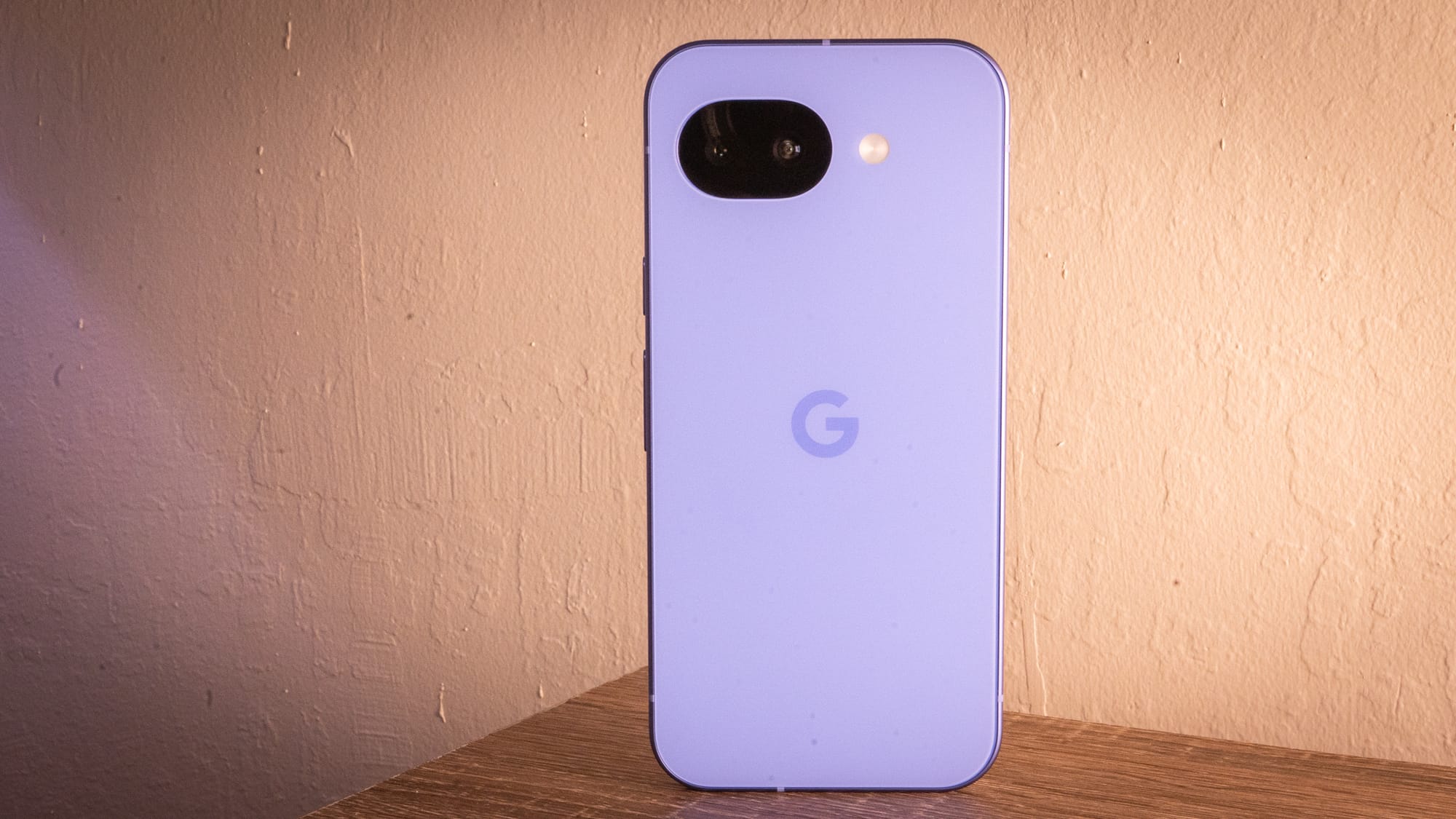
We talked a bit about this when we initially broke the news about the Pixel 10a. This time around, the Pixel 10a is a teensy, weensy bigger than its predecessor, because the chassis needed to move forward a tiny bit to lay flush with that rear-facing camera bump. The Pixel 10a is 9 mm, compared to the Pixel 9a's 8.9 mm.
It's nice! The 6.3-inch Actua display is 11 percent brighter this time around, with a maximum 3,000-nit setting in full sunlight. The display is covered in Gorilla Glass 7i, making this one of the most durable A-series models. It's IP68 and IP69-rated, which makes it nearly impervious to dust and water droplets.
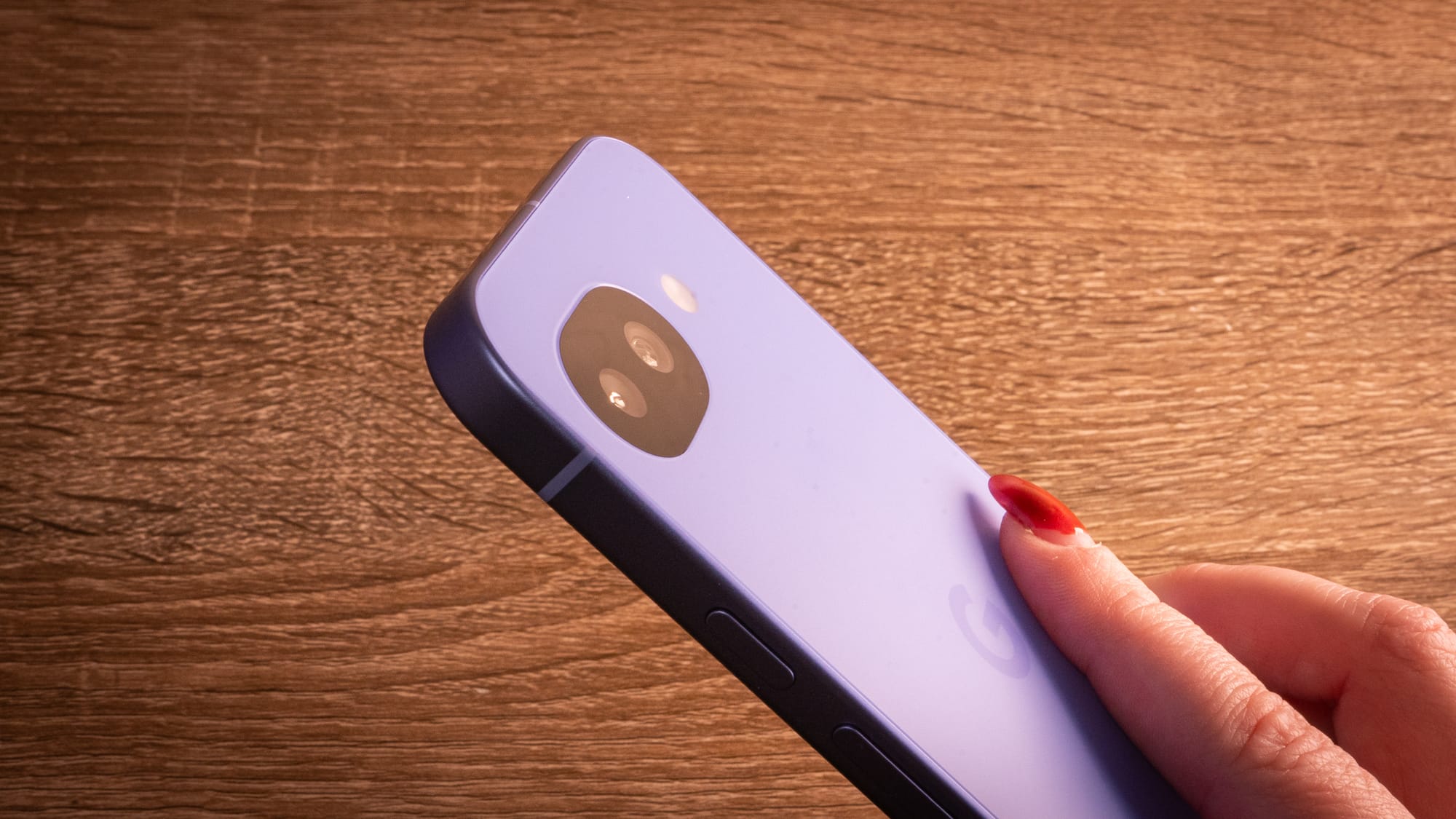
If it had Pixel Snap magnets, the Pixel 10a would be the first in the series to feel safe to carry without a case. But since I can't use my favorite magnetized PopSocket to keep ahold of the phone, this one feels slippery without its case on. Not even the official Pixel 10a cases have magnets, which makes sense given this is a budget phone. Again, only Apple tends to get away with raising prices on things like MagSafe-enabled cases for an economy phone. There are plenty of cases on Amazon.
The frame is a satin-finished recycled aluminum. It's paired with a composite matte back that does an okay job of avoiding fingerprints—it depends on how greasy your food is when you handle the device. I did apply cuticle oil while pawing at the Pixel 10a and then immediately regretted it. It took quite a bit of rubbing to wipe out.
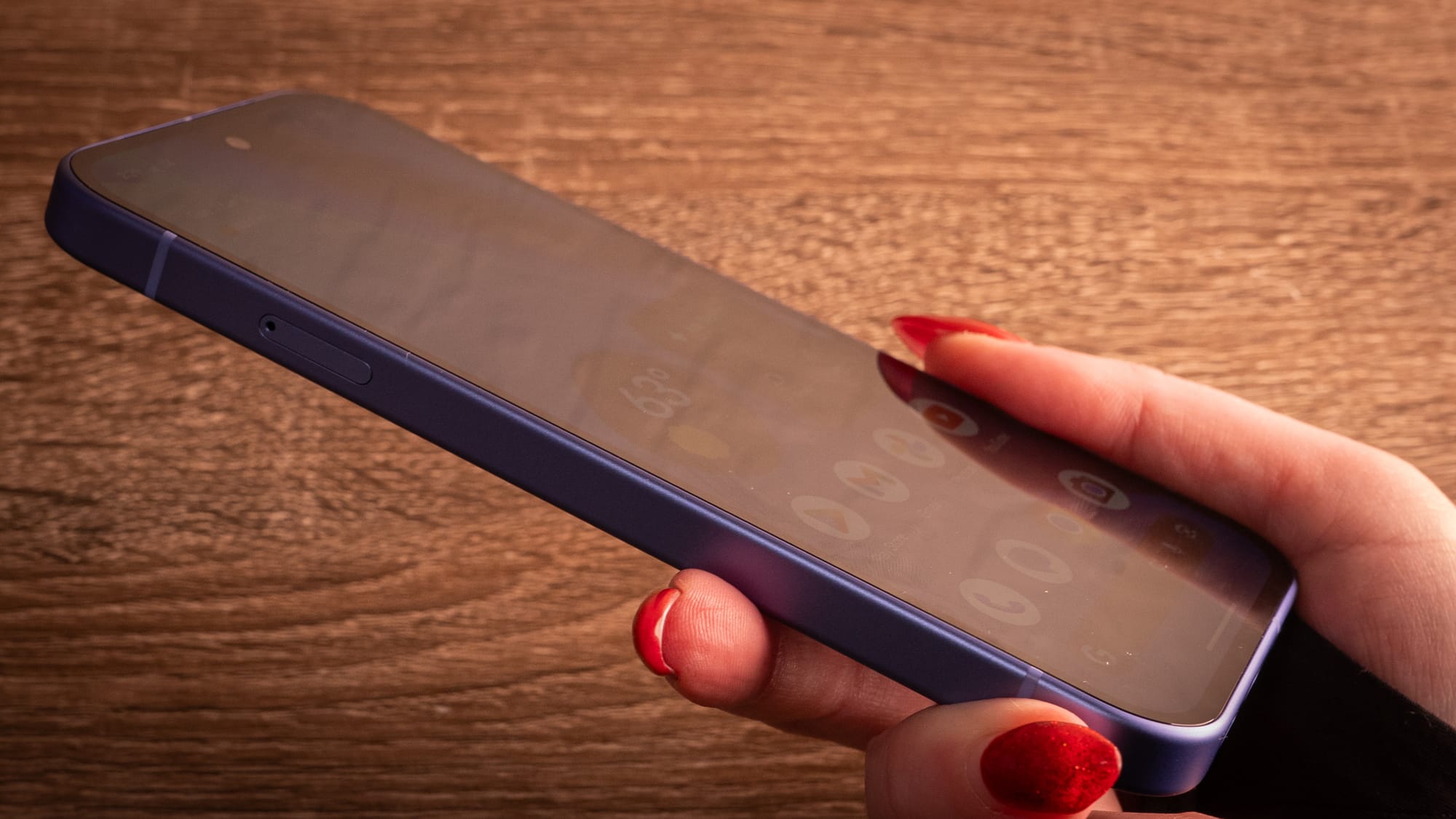
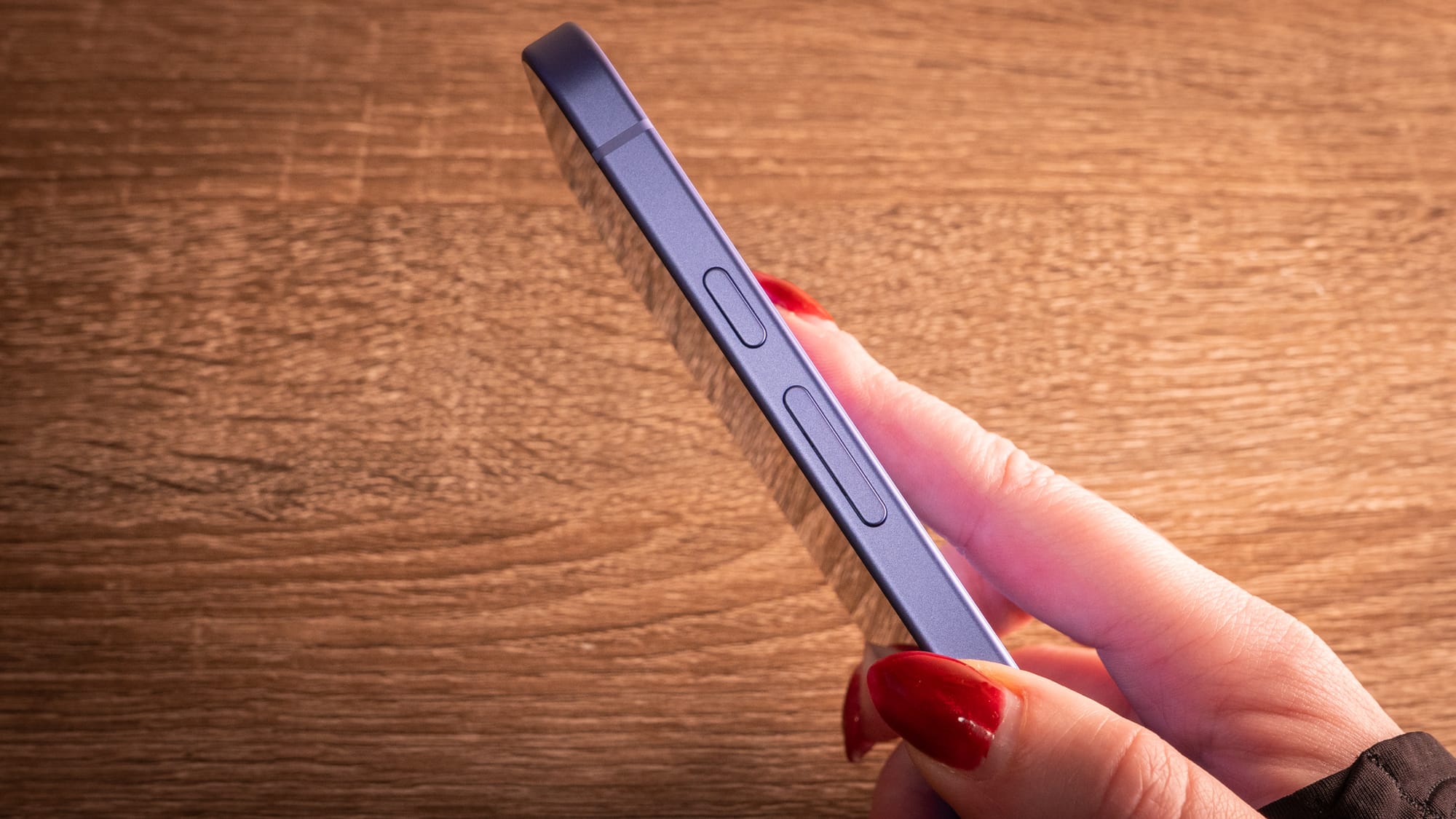
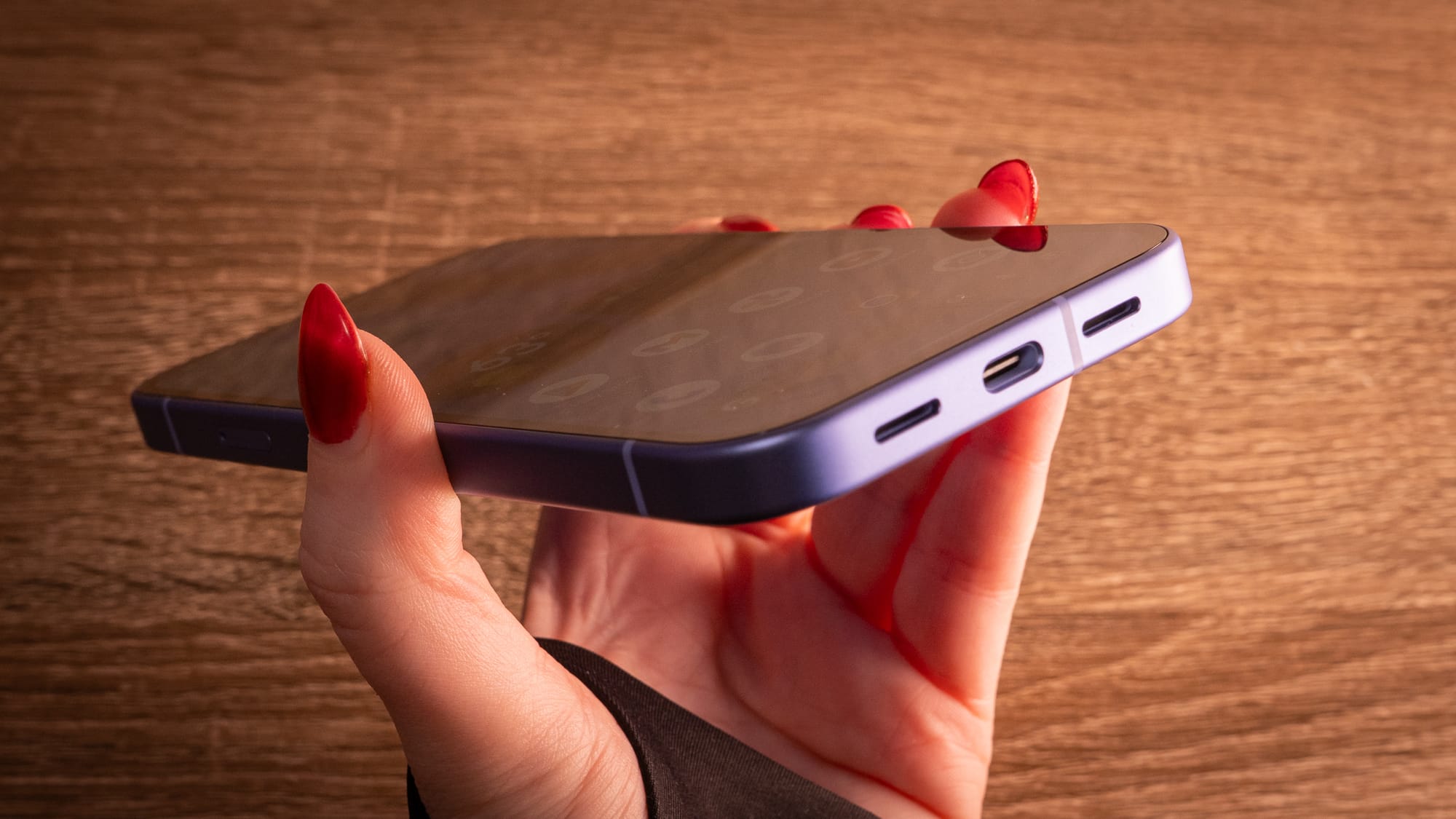
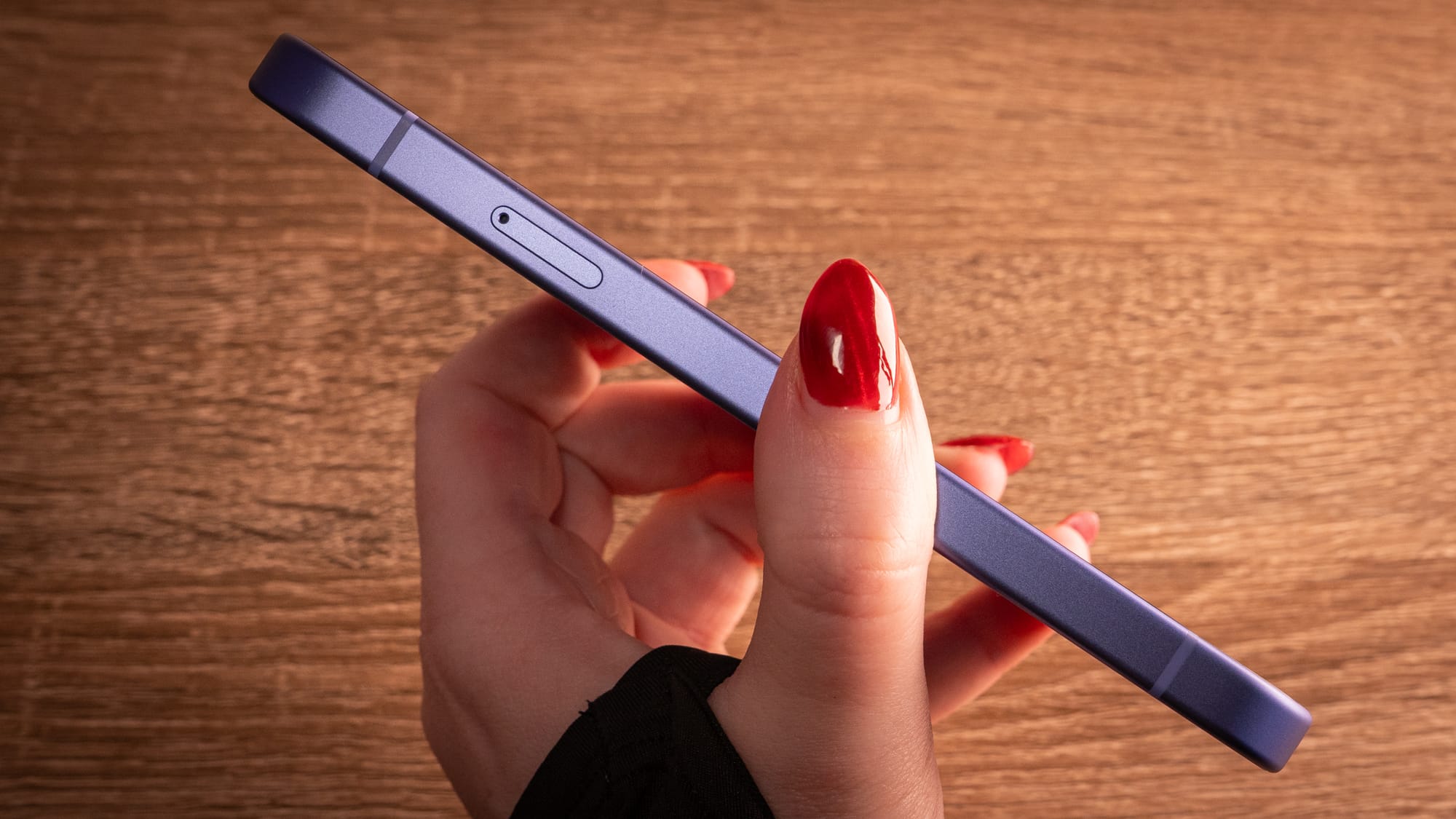
An around-the-world look at the Pixel 10a.
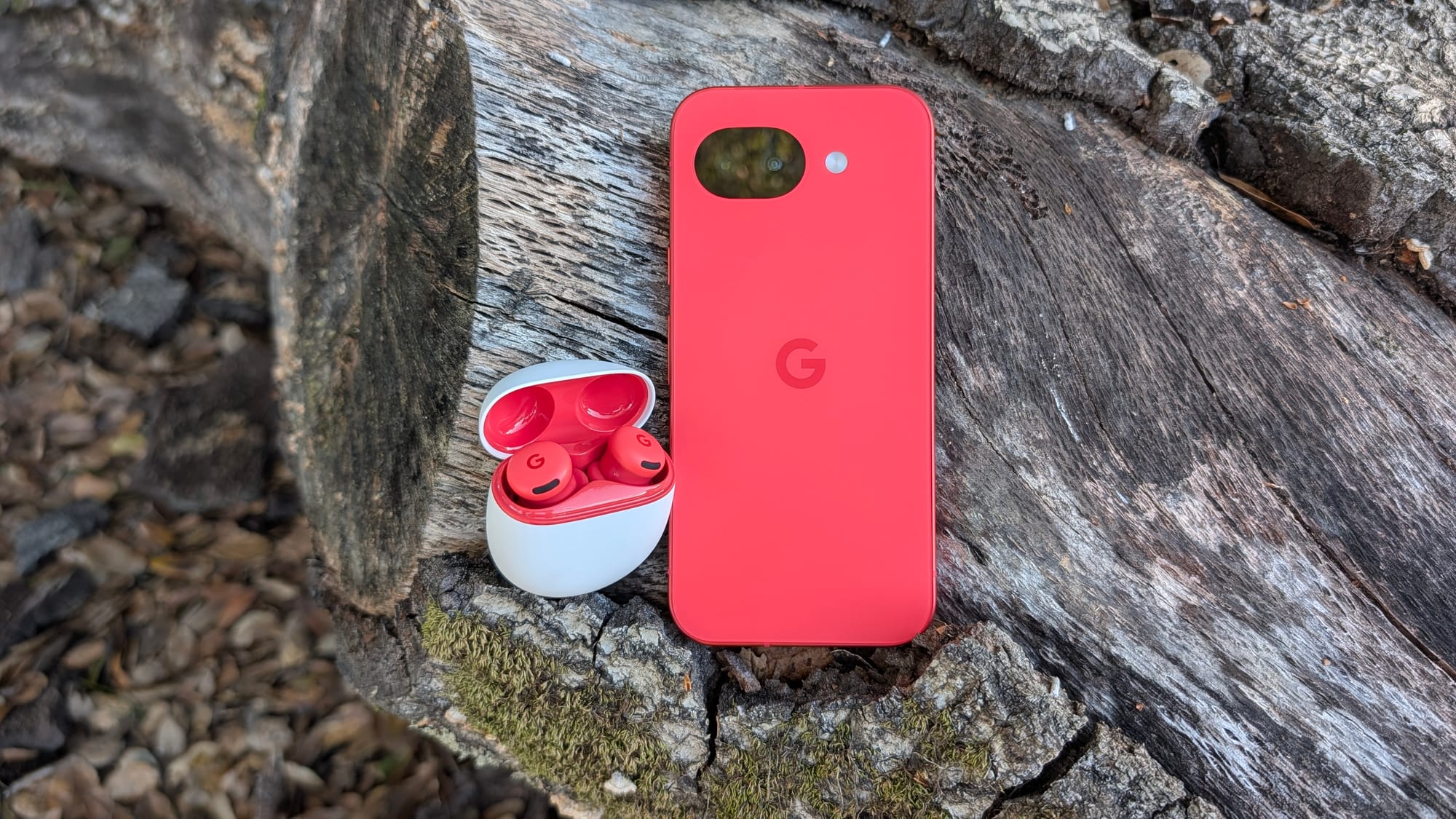
Everything else about the Pixel 10a is standard operating procedure. USB-C charging on the bottom, power and volume buttons on the left side, and bassy speakers that fire from the bottom of the device. It comes in four colors, including the Lavender you see here, which is more blue-lavender in person. It's no secret I wish Google had sent me the Berry colorway, but at least that's in Jason's hands. I can confirm it's brighter and bolder in person.
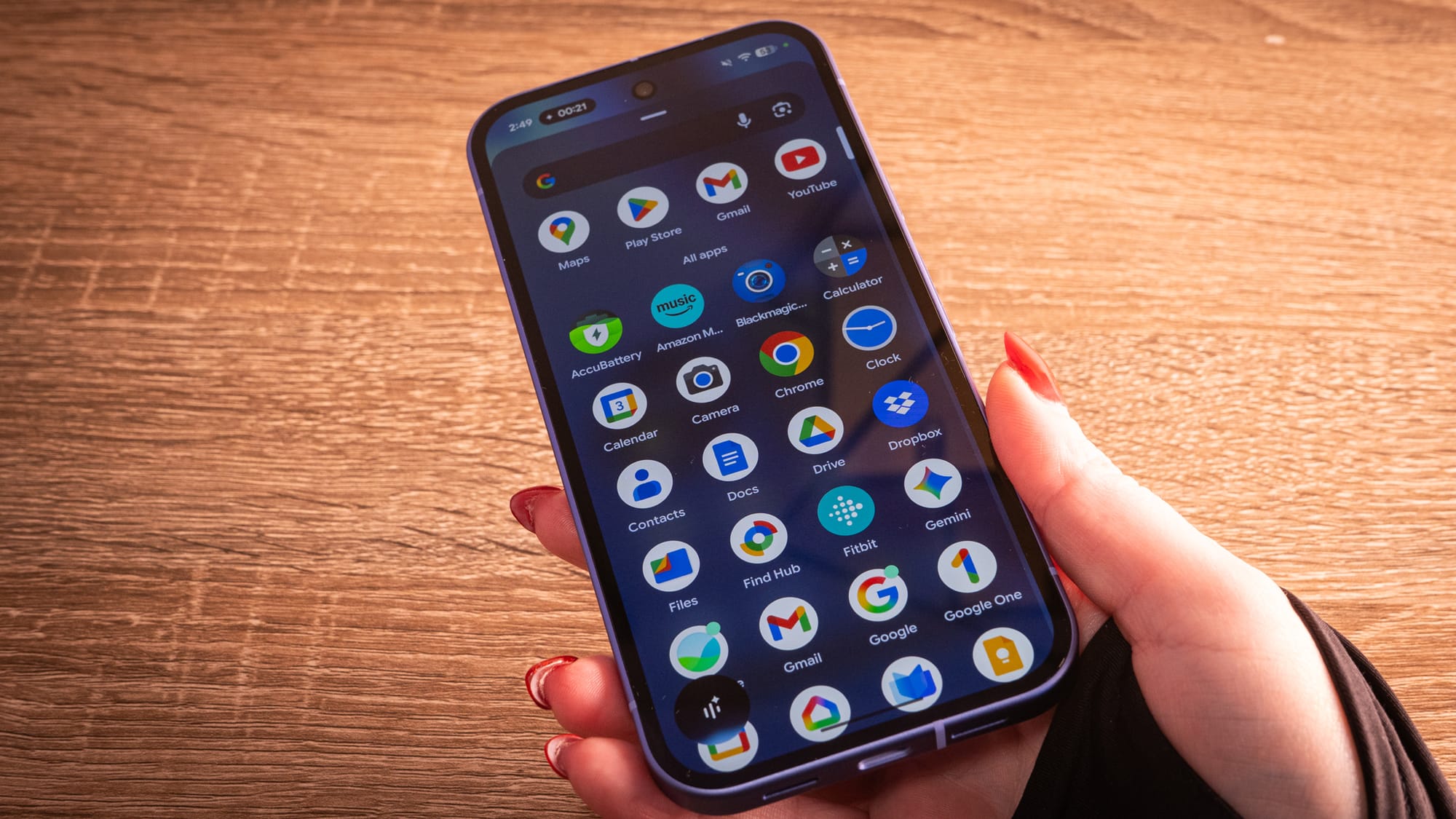
The Pixel 10a uses the Tensor G4 from the Pixel 9 and 9a era, coupled with 8GB of RAM and starting with 128GB of storage (with 256GB available for $600). The upside, for Google, is that this configuration is exactly how it kept the price at $500 while still upgrading the screen and the glass. The downside is that you're buying a 2024 engine in a 2026 model, which limits how long this phone will feel truly snappy.
The Tensor G4 is very capable silicon, but it will start to show its limitations once it gets long in the tooth—especially as Google brings more Gemini features to the subset. The Tensor G5, for instance, has the necessary components and dedicated NPU to handle Pixel Screenshots and Magic Cue, while the Tensor G4 does not. On the 10a, you're only getting the standardized Gemini experience, without some of the proactive, on-device multitasking on the Pixel 10, like system-wide cross-app reasoning and Gemini Live with multimodal awareness.
At least there's Satellite SOS. This feature debuted initially on the Pixel 10. and it lets you text emergency services and share your location even if you're without Wi-Fi or cellular service. The Pixel 10a uses the same Exynos 5400 modem as the Pixel 10 lineup. Google is including two years of service for free.
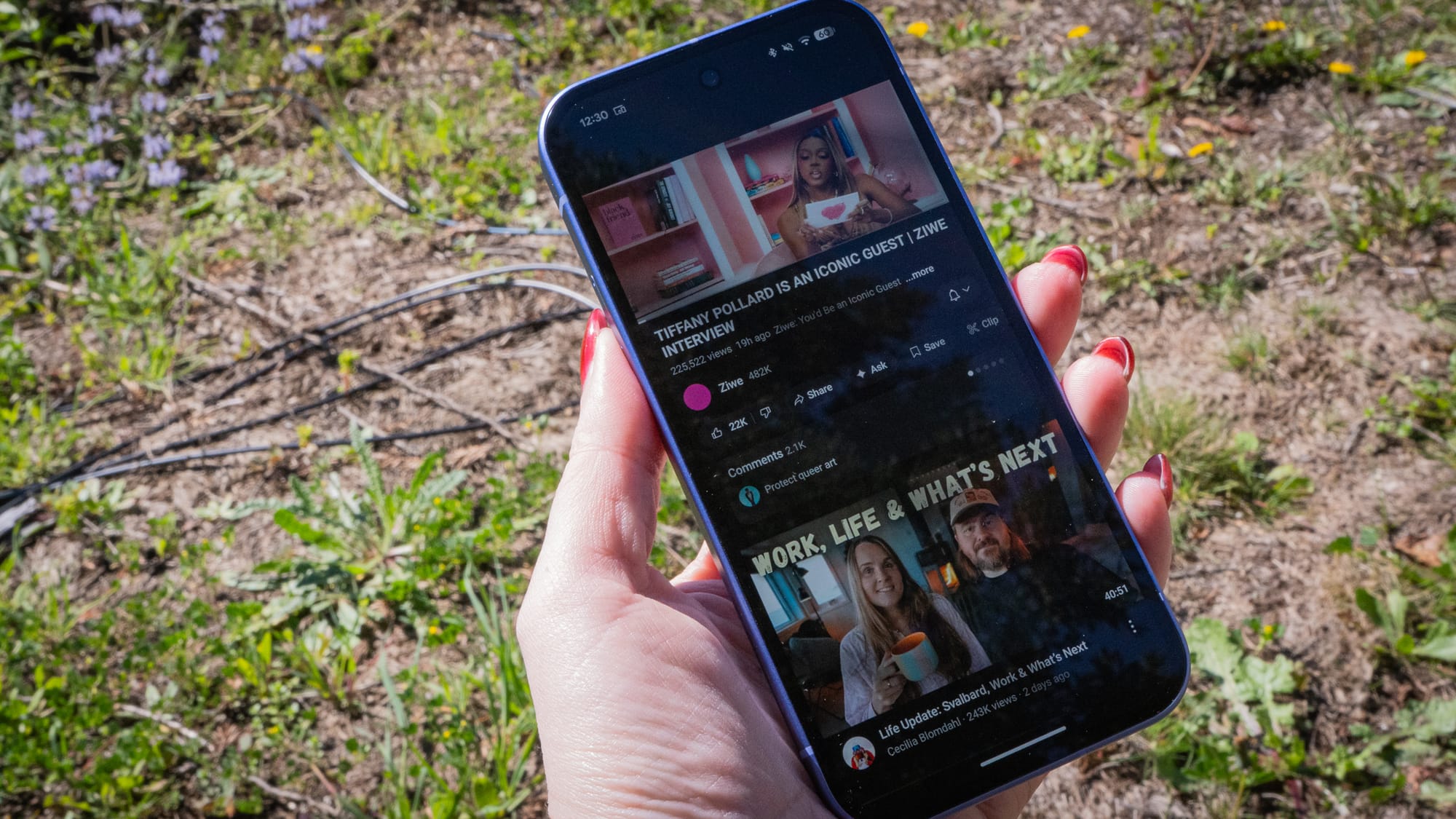
The 5,100 mAh battery is no larger than last year's Pixel 9a. It promises over 30 hours of battery and up to 120 hours in Extreme Battery Saver mode, about a 20-hour jump over the 9a's 100-hour limit. Compared to that of 9a, the Extreme Battery Saver rating increased by 20%, despite the battery having the same capacity as its predecessor. In an overnight streaming test at about 75% brightness, the Pixel 10a dropped about 33% over 10 hours. For a mid-ranger that can go a maximum of 3,000-nits brightness, that's definitely the hallmark of a "dependable" device. I did manage to drain about 11% of the battery over 90 minutes while watching YouTube and chatting on Gemini Live at the highest brightness. Tasking tasks will still suck the energy out of the Pixel 10a. And though it remained fairly temperate, we're not quite in the throes of summertime yet, so we'll see how it handles when the environment is hot, too.


The Pixel 10a on the left, slightly varnished. The Pixel 10 Pro sample on the right.
Look, I know Google didn't update the Pixel 10a with new camera hardware, and there's a bit of consternation about that. I get it. The thing is, you are getting last year's mid-range camera hardware, which also means pre-Tensor G5 algorithms. Normally, the point of waiting for the Pixel A-series is to get whatever is in the flagship at a fraction of the price, kind of.
On the plus side, the photos that the Pixel 10a produces are way more stylized than what you'd get from a Pixel 10/Pixel 10 Pro. In side-by-side testing, the 10a's color science is contrasted, brightened, and basically "oomphed" for show. The Pixel 10 Pro produces flatter imagery that's unvarnished, encouraging users to do the editing they need before publication. For the price, the Pixel 10a is still a "set it and forget it" type of phone. It also comes with Google's helpful Gemini features, like Camera Coach and Auto Best Take, which is a nice value-add for the mid-range.






Raw samples from the PIxel 10a.
While the Pixel 10a shares its silicon with last year's Pixel 9a, the software experience is a little different on Google's newest smartphone. For the first time on an A-series, you're getting Satellite SOS. You are also getting the full Android 16 experience at launch, plus Google's frequent Pixel drops without waiting.
By flattening the backside, boosting brightness to 3,000 nits, and enabling essential Satellite SOS, Google has created a device that prioritizes utility over hype—mostly. You'll still have Gemini's suite there waiting for you to interact. But Gemini Live is pretty free-flowing on this device. I used it for about two hours with the Pixel Buds 2a, asking it for help with things like adjusting my mirrorless camera settings and figuring out the astrology transits overhead right now. The Pixel 10a did it all without a hiccup and just as well as the Pixel 10 Pro.
If you're upgrading and can live without native Pixel Snap magnets for a while longer, along with a few other flagship-only Gemini abilities, the Pixel 10a is the easiest recommendation in the mid-range. It's the absolute polish of what Google envisioned years ago, and, finally, it's enough of what you need in a Pixel device.