Part two of our three-part review looks at Gemini, Bixby, and the Perplexity in between.

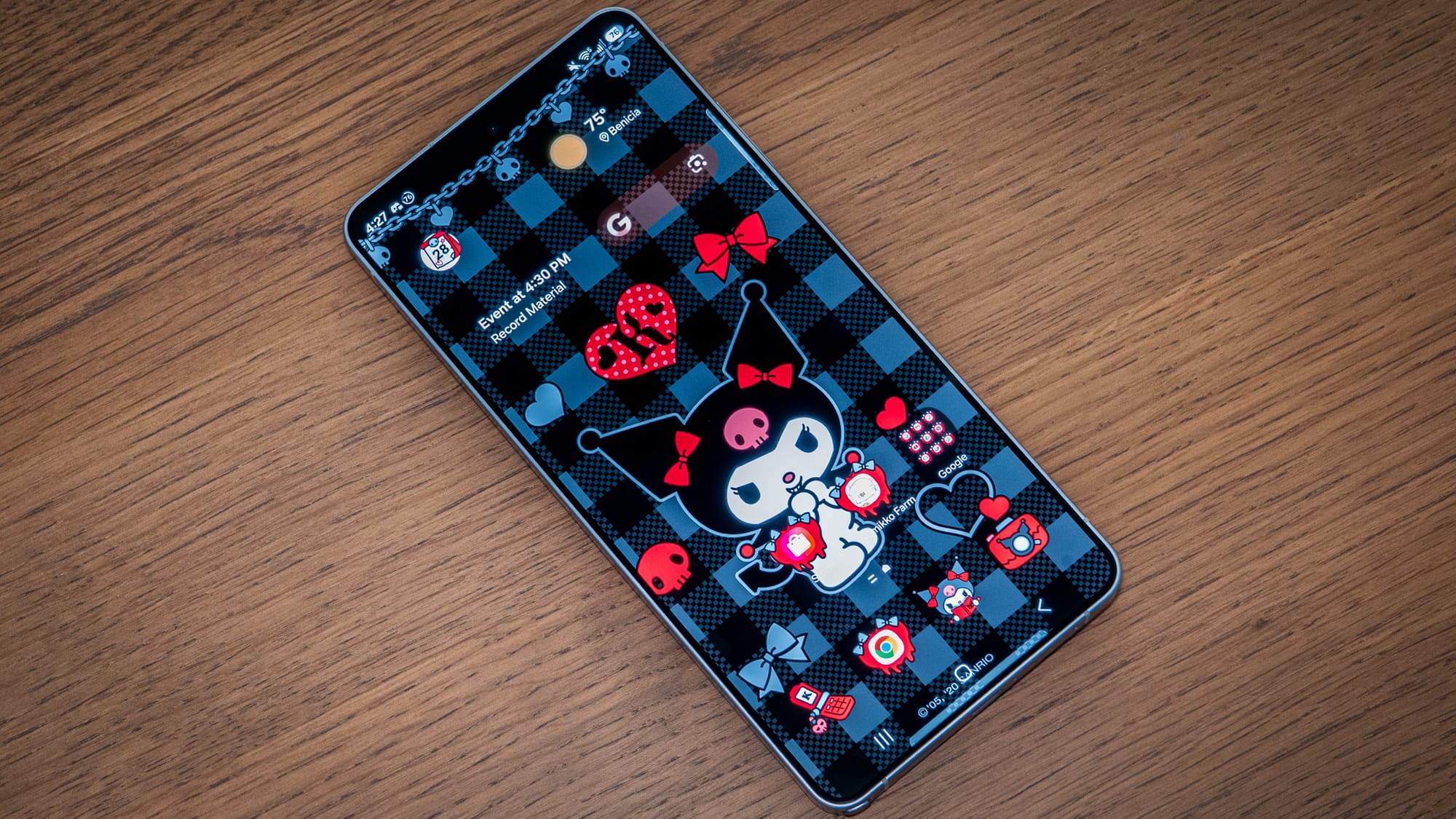
Bixby, Gemini, Perplexity: the choice is yours, and yours alone, and that's Samsung's primary pitch with the AI on the Galaxy S26 Ultra. The entire Galaxy S26 family comes with three agentic AI helpers, which you can choose as needed.
To actually use these agents (of chaos!), you'll have to master three distinct summoning methods. And you'll have to set it all up beforehand, otherwise you might not even realize that two of them are there. Google's Gemini is the most active and accessible AI agent, with a built-in shortcut to summon it, while Bixby requires you to toggle it on in the app before it will do the work. Perplexity had its own wake word at launch, but that's since been rescinded over a patent dispute or something-or-other. Overall, the three chatbots, or whatever you want to call them, feel entirely siloed at present. They don't talk to each other, and it's not always clear which one to bring up to do what. For most users, especially those already reticent to AI, it might be too many choices.
On the Galaxy S26 series, Bixby has been reimagined as a conversational device agent you can use to interact directly with the Samsung device. It uses a new LLM to understand natural-language intent, powered by Perplexity on the backend. Instead of commanding Bixby with specific robotic phrases, you could ask more subversively—like, "How do I make my screen even dimmer?"—and it should offer to fix it for you.
In my testing, Bixby only held my hand part of the way there. I asked it to dim the screen even further so I could read in a dark room. It laid it out in the response, step by step. Then I asked it to navigate to the Settings panel so I could toggle it on. Bixby obliged, but when it opened the page, it took me to the "Connections" section instead of the "Accessibility" section, where Samsung places the Extra Dim toggle. It's helpful from a hands-free perspective, but it didn't take me all the way there. I had to step in and re-route. It's a far cry from the agentic future Samsung promised at Unpacked, where the AI is supposed to understand your intent and execute the task for you.
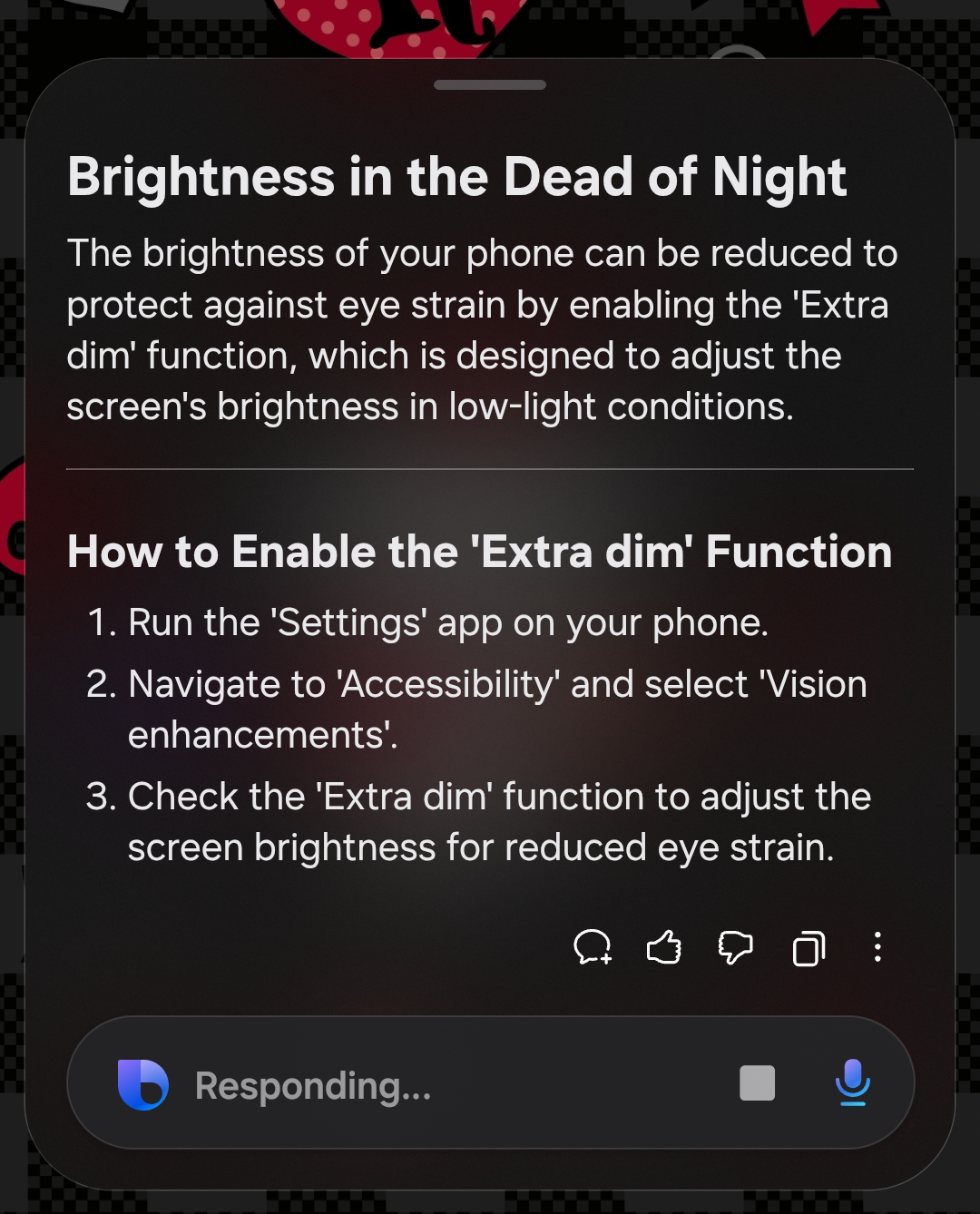
Do the three AI chatbots ever talk to each other? Sort of. Samsung is using Perplexity Sonar API as the actual infrastructure for Bixby's web searches, so that's one way the two interconnect. But the integration with Google's Gemini remains a wall to scale. Gemini lives in its own Google siphon. It can handle agentic app tasks like ordering through DoorDash, which I'll discuss in the next section, but only if you call on it specifically. I tried to ask Bixby to route me through to Gemini, but it opened up Uber for me when I asked it to call a ride instead.
Samsung also added a bit of agentic flair to its default keyboard app. The debut feature is Now Nudge, which uses on-device OCR and text analysis to recognize what's on screen and suggest the next logical step. For instance, if you're planning a hangout for a future date, it will offer to seal the deal by adding the event to your calendar. It genuinely sounds like a helpful feature, especially for those instances when you're trying to move fast and can't immediately swipe and tap to multitask, but it's tied to the Samsung Keyboard app, which I don't use. I am in no hurry to use it, either. From what I'm reading in other reviews, Now Nudge isn't a "killer" reason to invest in the Galaxy S26 series. If you are using the Samsung Keyboard app, Now Nudge will pop up, especially when you're in a messaging app.
You'll notice a couple of other copycat features on Samsung's device that seem pulled straight from iOS's playbook. Notification summaries, called Notification Highlights on Samsung's One UI, use on-device AI (Gemini Nano) to summarize bulked notifications. The summaries are often unintelligible, and I find myself only reading them to see if what's been summarized sounds funny. I consider it entertainment.
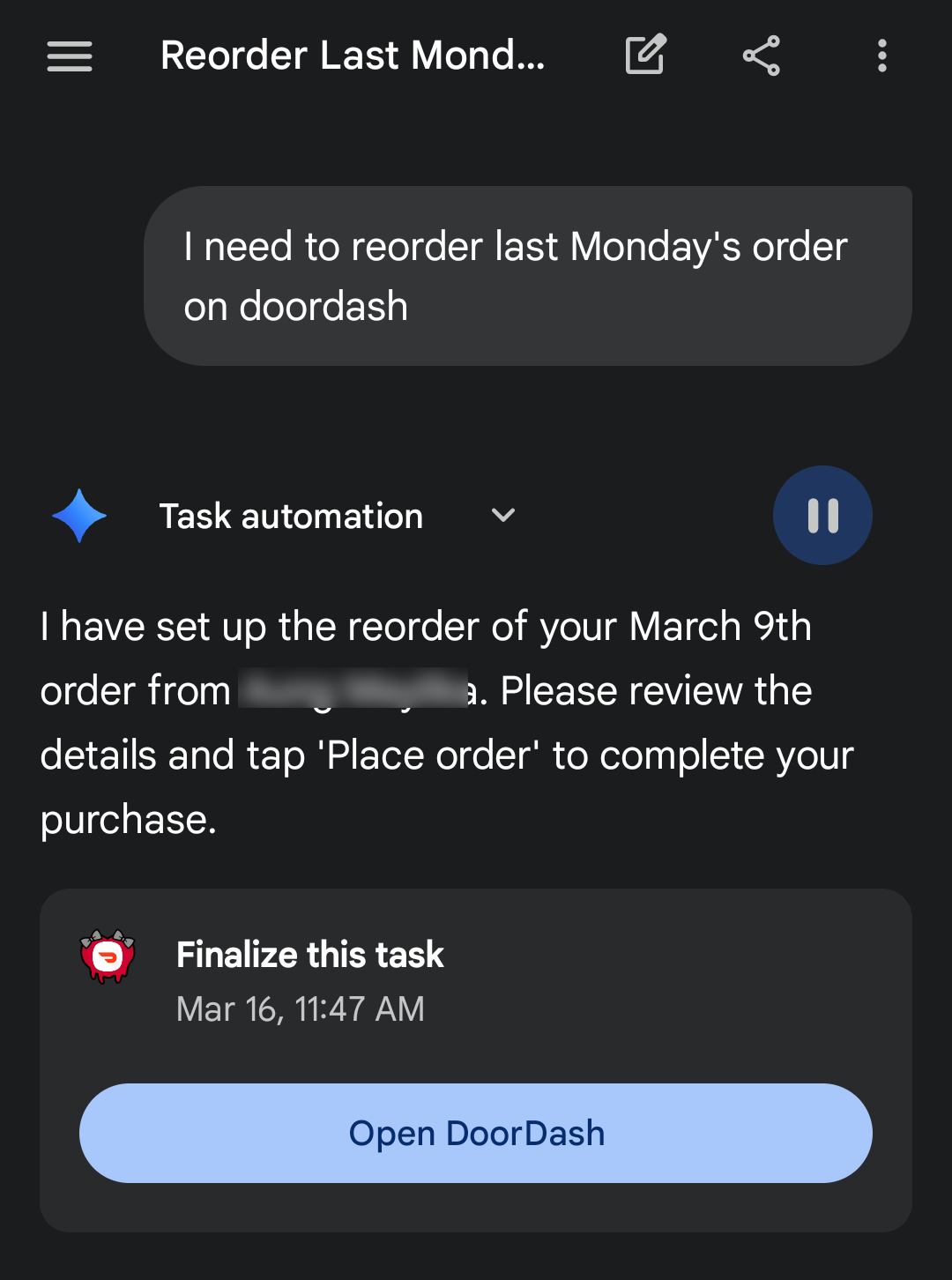
Samsung struck a deal with Google to be the hardware that debuts Gemini's multi-step task automation. It's rolling out to the Pixel 10, too, but I tried it on the Galaxy S26 Ultra first. The experience is like watching a ghost use the phone. Gemini opens a floating window to show you it's diving into the DoorDash app, and then starts navigating the interface in the background. It selects the restaurant, adds the item to the cart, and then reappears on the final checkout screen. You still have to hit the button yourself to place the order, but the friction of going into the app and tapping around is effectively eliminated.
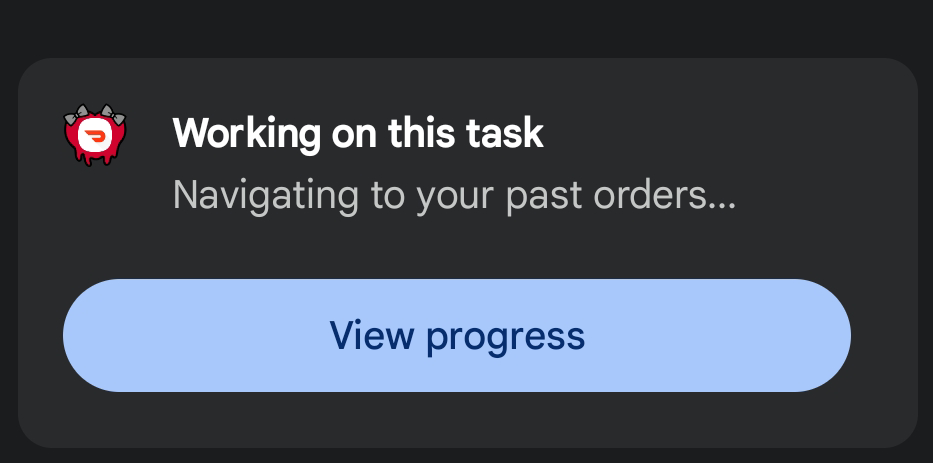
I successfully had a tea leaf salad delivered via DoorDash using Gemini's multi-step automation. The only thing I didn't like was that every time I'd asked for that kind of task, Gemini would slot it into the chat list. It feels egregious to have to delete them after the fact when I go back to the screen to work on something else. If you use this feature regularly for food, rides, appointments, and anything else it might do in the future, your Gemini might turn into a cluttered mess.
The last of the three chatbot offerings on the Galaxy S26 Ultra is Perplexity, which I did not have time to use before the hotword disappeared. Perplexity was supposed to be the sleeper hit of the S26 series and its AI offerings. For me, it's just been asleep.
Perplexity isn't pre-loaded on every unit like Bixby or Gemini, which is confusing given the major marketing push and the free year of Perplexity Pro included with device purchase. If you want Perplexity, you'll have to explicitly download it from the Samsung Galaxy Store, which is its own app store.
Until the new Perplexity hotword rolls out, the poor app exists in a weird limbo. You can't summon it with your voice, though you could map it with the side button shortcut if you really wanted it. At the very least, Perplexity powers Bixby's web search on the backend, and it's what helps infuse a little more "brain" into Bixby.
Samsung's agentic AI push on the Galaxy S26 Ultra is bloated and disjointed. I don't know who to call or what to do. Since I'm already Pixel-pilled, my usual instinct is to go straight to Gemini, and I'm going to leave that as the shortcut. I do like the ability to say, simply, "Bixby" to control the Galaxy S26 Ultra—open an app, adjust a setting—without activating Gemini, and that I can use them both interchangeably. But I still wish they talked to each other a little more.