The Moto Watch nails battery life and build quality at $150, but its proprietary OS and unreliable fitness tracking hold it back from competing with Wear OS alternatives.

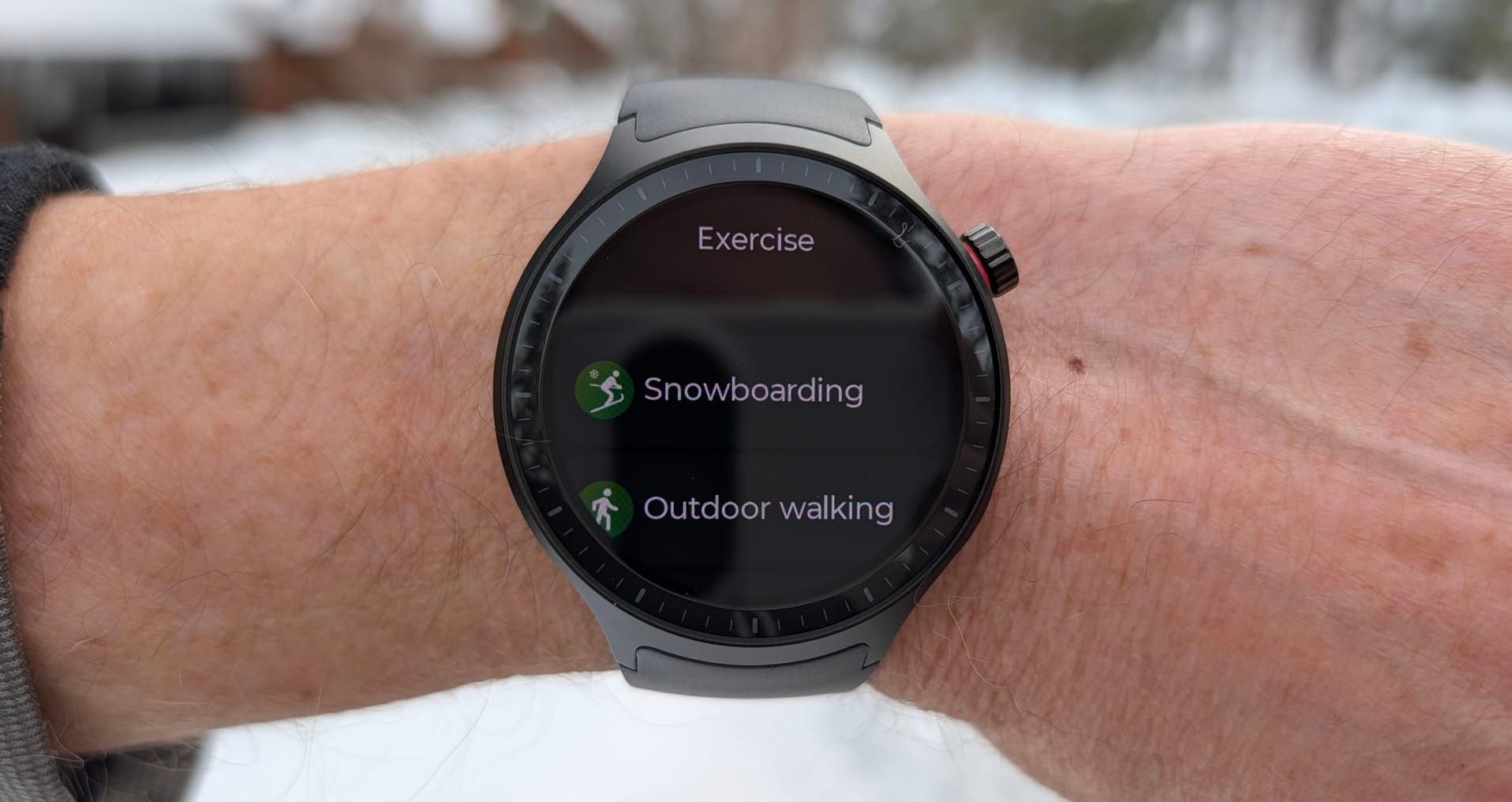
The Moto Watch looks and feels like a more expensive device than it is. The 47mm aluminum frame paired with a stainless steel crown has a simple but attractive quality that reminds me of the days I had the original Moto 360 strapped to my wrist. You know, the one with the flat tire at the bottom of the display. Except this time around, thankfully, there's no flat tire. Just a clean, circular 1.43-inch OLED that fills out the case nicely with Gorilla Glass 3 protection.
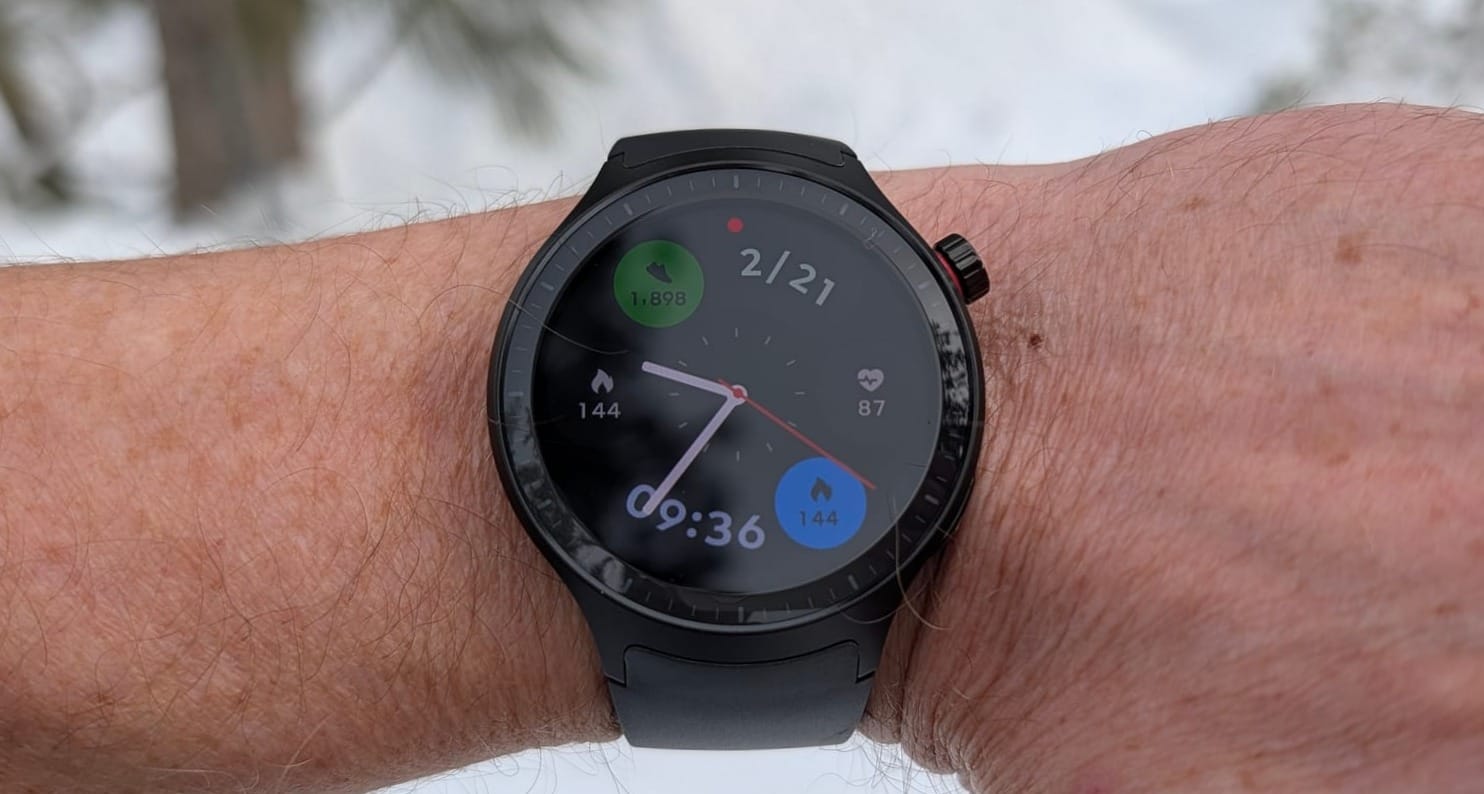
The Moto Watch nails battery life and build quality at $150, but its proprietary OS and unreliable fitness tracking hold it back from competing with Wear OS alternatives.
The crown knob has a nice texture to it that's easy to grip on the go, and the buttons feel solid and sturdy when pressed. At 35 grams without the band, it practically disappears on my large wrist, to the point that I sometimes had to check if I was still wearing it. I'm not usually a fan of silicone watch bands, but for a fitness-focused watch like this one, it gets the job done. And thankfully, standard 22mm lugs mean you can swap in any aftermarket band you prefer.
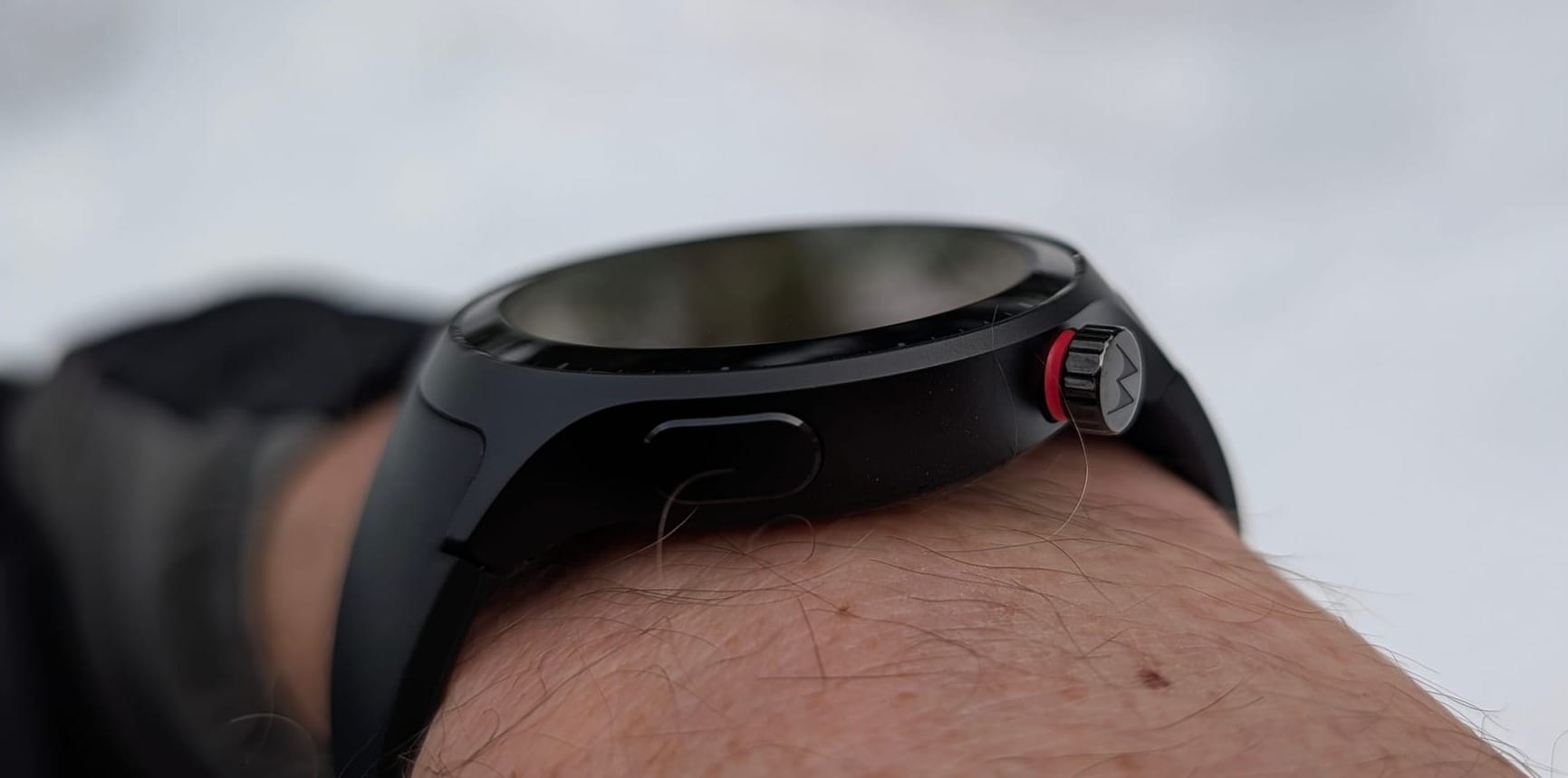
Battery life is the other genuine bright spot. Motorola claims up to 13 days on a single charge, and while I never made it that far, I consistently landed around 10 days with intermittent health tracking and regular notifications. The fast charging also deserves a mention, with five minutes on the charger buying almost a full day of use.
The Moto Watch runs Motorola's own proprietary RTOS, not the more ubiquitous and complete Wear OS. After using the watch for a few weeks, I kept asking myself why Motorola opted to reinvent the wheel. Motorola could have a knockout device running Wear OS with real app compatibility, and the story would be entirely different. Instead, you get a patchwork of ideas that seem borrowed from Wear OS with none of the consistency or completeness.
Even the UI looks a lot like Wear OS, with familiar control mechanisms. Swipe down for quick settings, up for notifications, and left and right to switch between the watch's limited tiles.
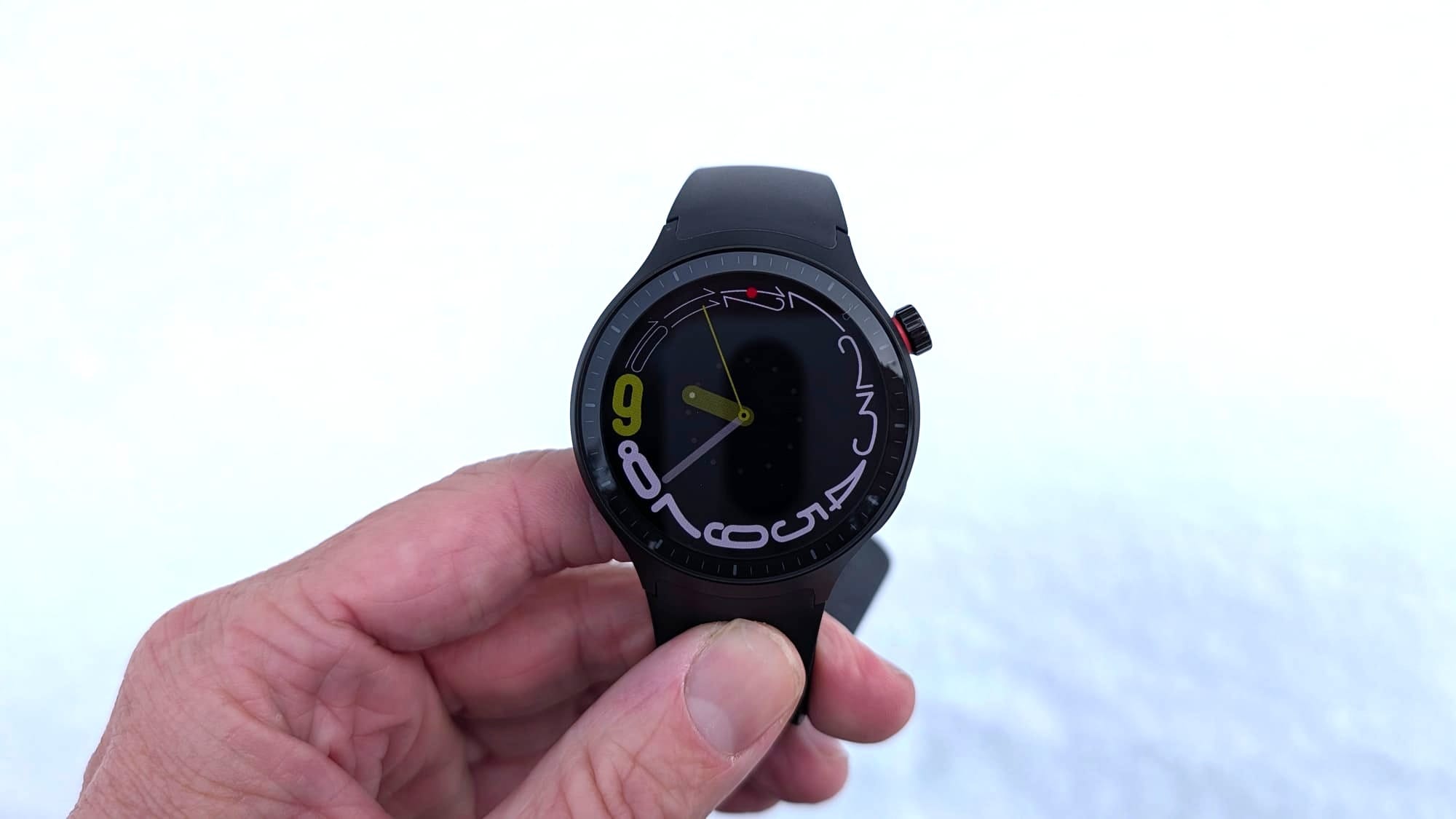
The trade-off, of course, is the knockout battery life, which is undeniable. But that battery gain comes at the expense of an entire app ecosystem. You won't find Strava, Spotify, or Google Maps on this watch. You also won't get NFC for mobile payments.
Yes, I get it. This isn't an expensive watch, so compromise is expected. But for $150, you're already getting significantly fewer capabilities than the Samsung Galaxy Watch FE at $199, which runs full Wear OS and includes mobile payment support. That $50 upgrade buys a substantially more capable device, no question.
The asset that Motorola is leaning hard into is its partnership with Polar and its 50 years of sports science expertise. That includes licensed algorithms for Nightly Recharge recovery metrics, Smart Calories, and HRV-based insights. On paper, that differentiates the Moto Watch from other budget smartwatches on the market and squarely targets it as a top-notch solution for fitness.
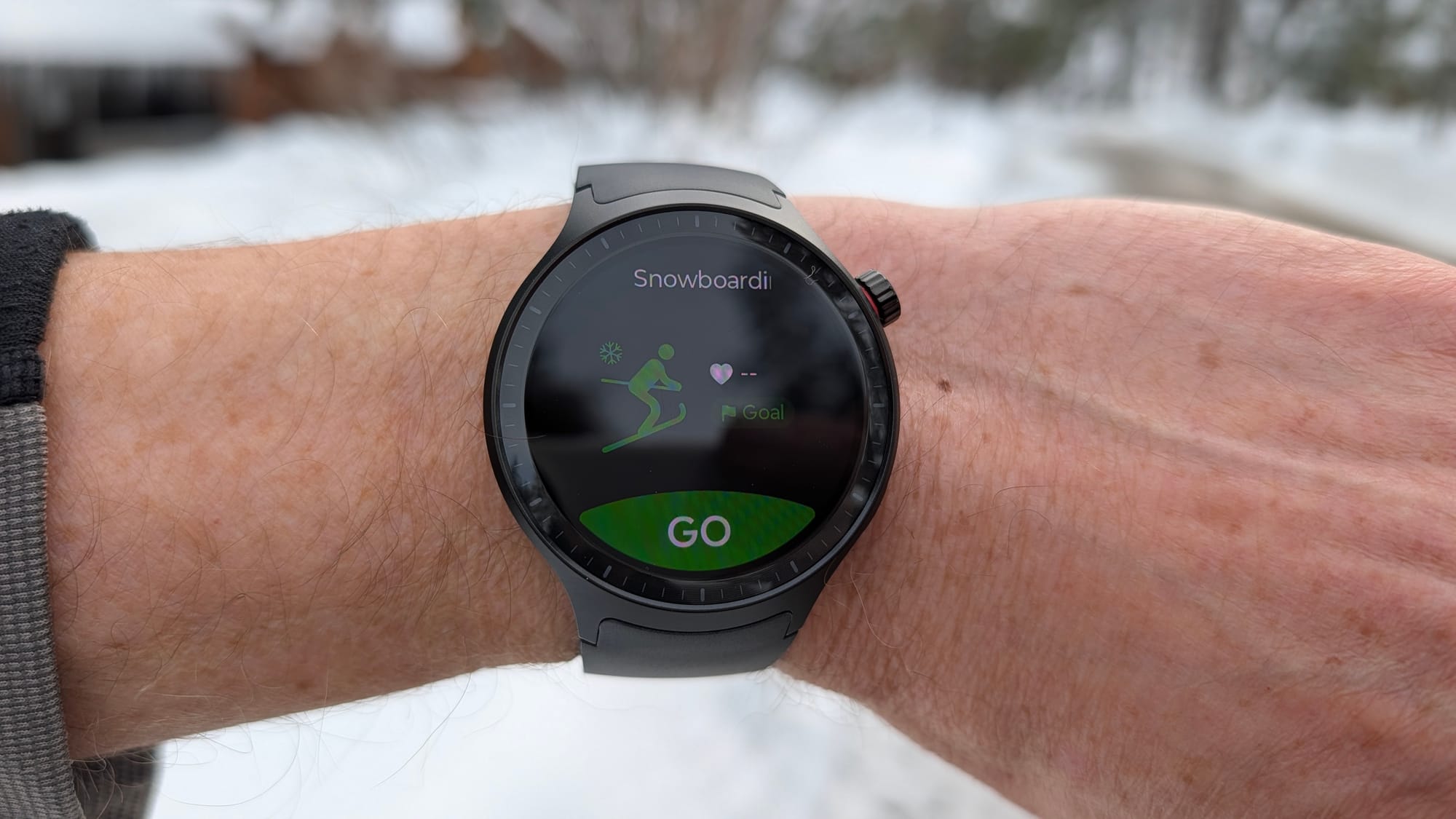
On my recent snowboarding trip to Tahoe, I encountered a slew of frustrating problems that ultimately resulted in days' worth of lost tracking data. I would set the watch into Snowboard activity tracking mode, hit go, then press the screen lock button to keep it tracking all day. When I checked the watch later, it was parked on the home screen with tracking ended at some unknown point earlier in the day. Each attempt survived maybe one to five minutes before getting canceled, even with the screen lock engaged.
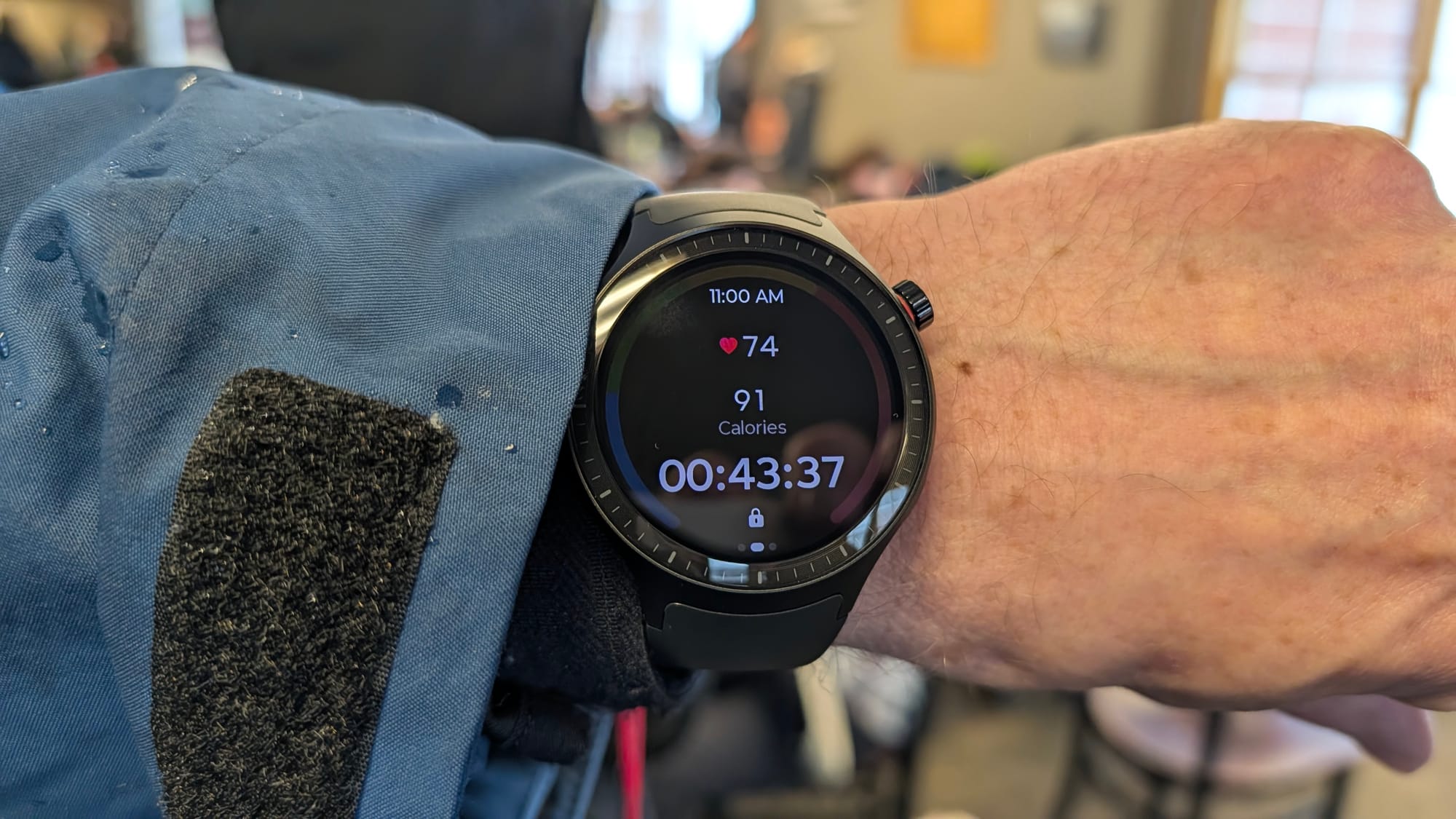
I would often return to find a completely different watch face than the one I had set as well, clear evidence of phantom screen touches swapping things around during activity.
I later realized that the screen lock could be bypassed by simply holding down the crown for a few seconds. When wearing gloves on the mountain, this is apparently a very difficult thing to prevent from happening. Perhaps switching that function to the more flush side button would prevent such interference.
The day-to-day software experience reveals how many quality-of-life details Motorola still needs to sort out. During the trip, eight of us were on a shared group text thread. Every time someone messaged, I'd get a buzz and look at my wrist to see what was said. Instead of calling out the name of the person who just sent the message, the watch displayed the entire string of names from the thread, followed by a few words of the message. This serves as yet another example of the hard work that the Wear OS team figured out years ago that Motorola now has to develop its way through for no good reason.
Dismissing notifications is another area of friction. You can't just swipe them away. You have to swipe once to the left to reveal a Trash button, then press that button to actually remove it from the list. Those extra steps make notification triage on the Moto Watch feel like a chore.
The Motorola Moto Watch gets most of the hardware fundamentals right. Build quality, battery life, and physical design all speak to me at $150. Believe me, I really wanted to like this budget option.
But a smartwatch lives or dies by its software, and the Moto Watch's proprietary OS delivers a frustrating, unreliable experience that undercuts the Polar partnership.
The Moto Watch has the beginnings of something genuinely good, but at the end of the day, the software just isn't ready for the task. Spending the extra $50 on a Samsung Galaxy Watch FE gets you a far more mature and capable experience throughout.