Privacy Display and Horizon Lock are the real winners this time around. Let's hope Samsung gets on the magnet train next year.

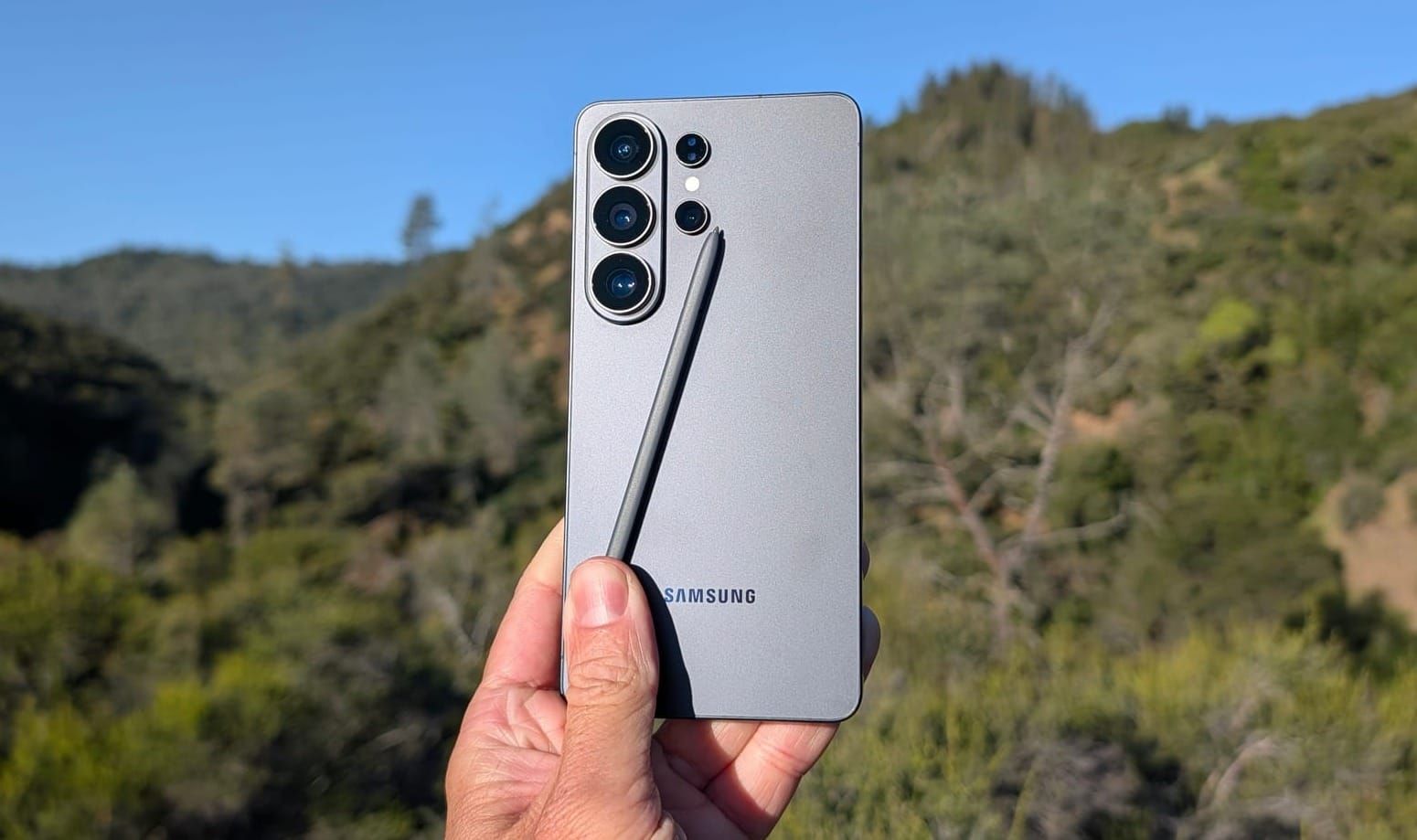
When it comes to top-tier Android smartphones with peak hardware both internally and externally, it's hard to find many devices that go quite as hard as Samsung's Ultra series. I first got my hands on the Galaxy S26 Ultra at Samsung's Unpacked event at the Palace of Fine Arts in San Francisco back in February. Ever since, I've been carrying it as one of my daily drivers, taking it on a few trips, bringing it to my daughter's volleyball tournaments, and putting it through its paces as my default device.
After two months of use, some features have proven themselves to be even better than I initially expected, and a couple of areas have left me wanting more.
Full disclosure: AT&T provided me with this Galaxy S26 Ultra unit, connected to the AT&T 5G network.
You have to begin with Privacy Display, and if you've read other reviews by now, you know this is truly a standout feature. Samsung built narrow-angle pixels into the display alongside traditional wide-angle pixels, and when Privacy Display is enabled, the phone switches to only using those narrow pixels. The result is a screen that looks perfectly normal when viewed straight on, but becomes nearly invisible to anyone glancing from the side.
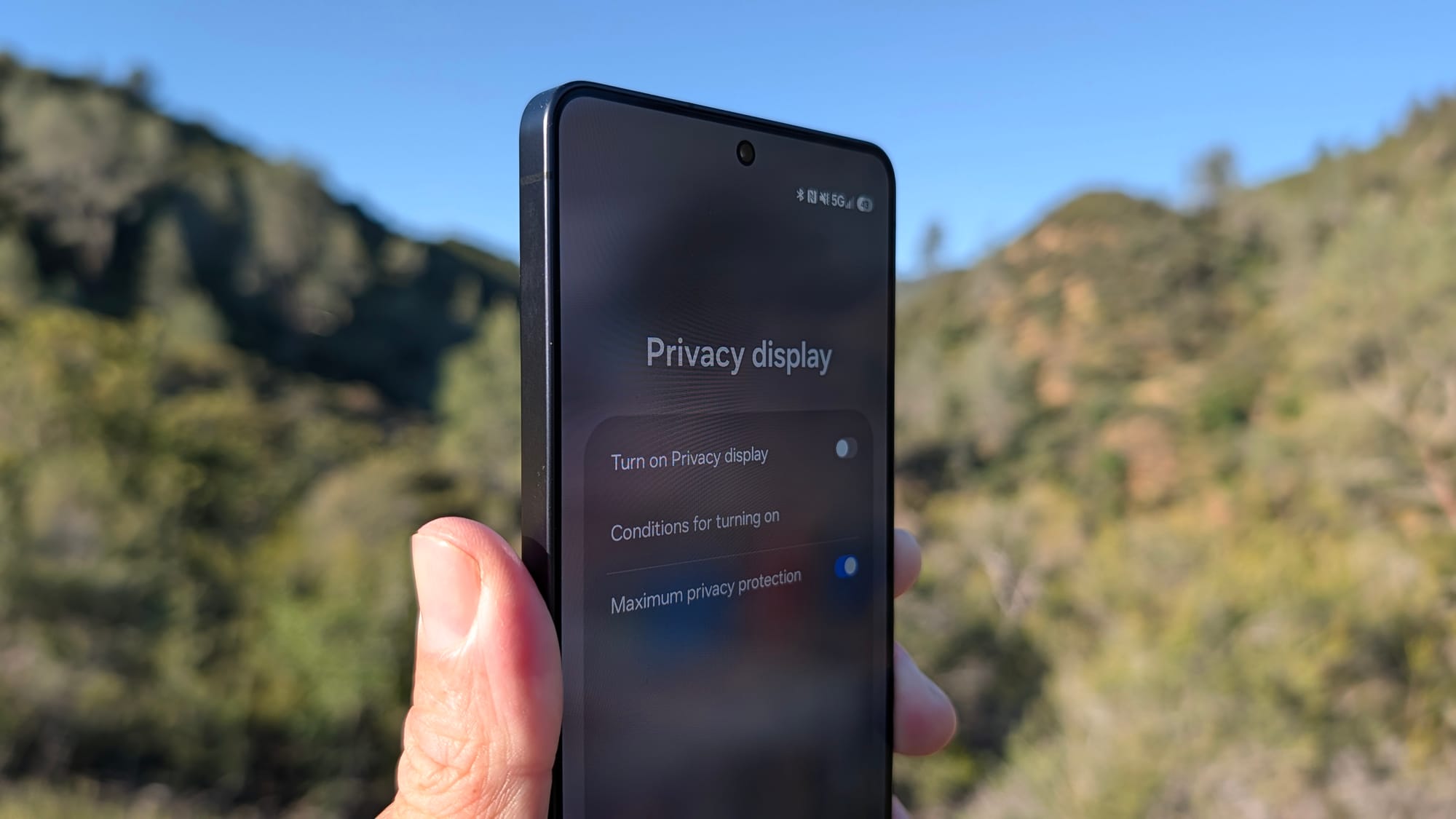
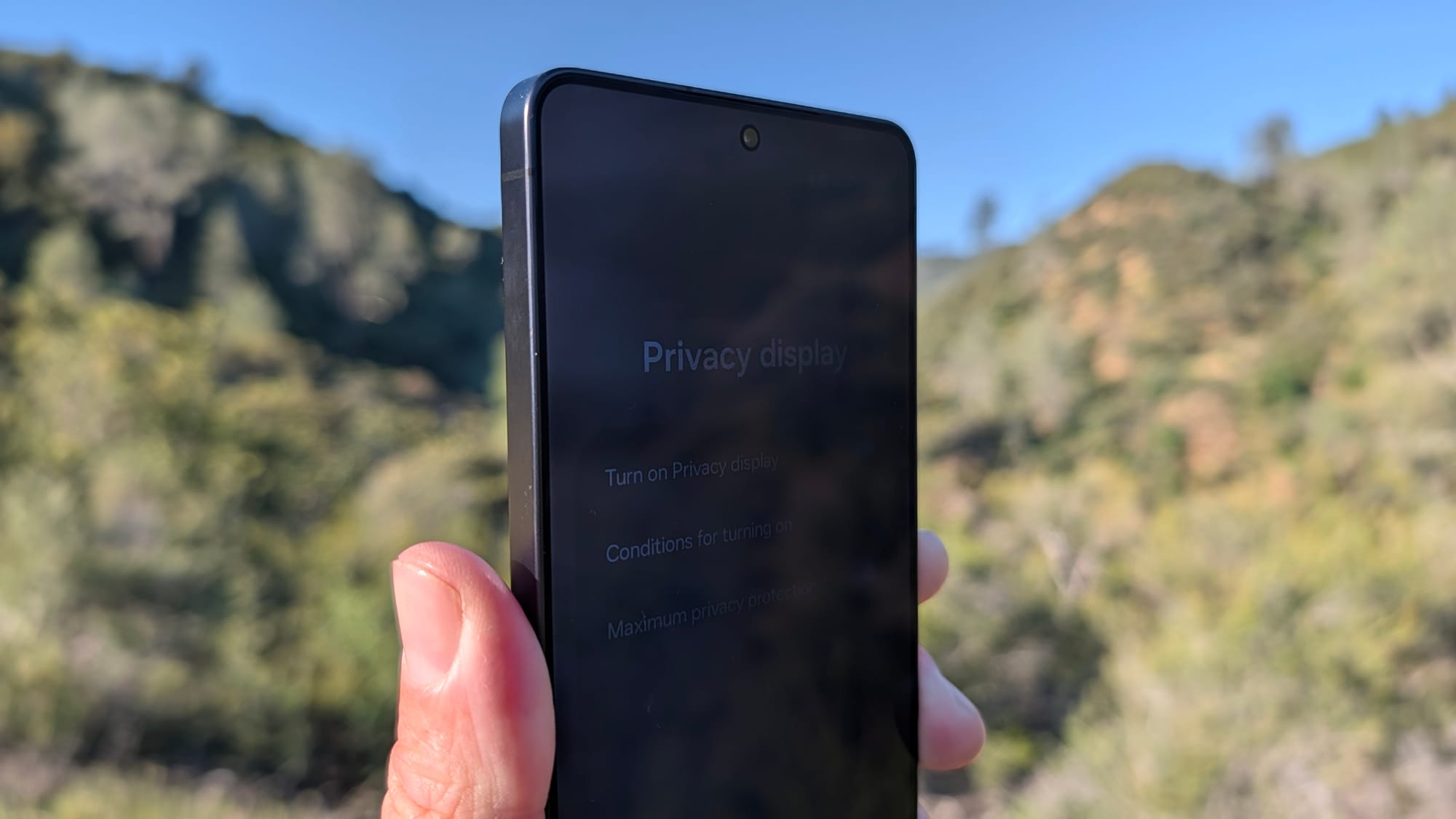
Privacy Mode off (left) - Privacy Mode on (right)
I don't find myself using it constantly throughout the day, though I have left it on for long stretches without much negative to report in the experience. But when I'm in a situation where it really matters, like entering passwords into a website while sitting at a restaurant or pulling up sensitive work information at a coffee shop, the ability to flip it on through the Quick Settings panel is about as easy as it gets.
It does exactly what Samsung promises, and the implementation goes deeper than just a simple toggle. You can set it for specific apps, activate it only when entering passwords, or tie it into Samsung's Routines to trigger automatically based on location or time of day.
There are also multiple intensity levels for the privacy effect, which is a nice touch that shows Samsung really thought through how people would actually use this in the real world. I genuinely wish every phone had this feature, and I'm kind of surprised to say it. It's certainly not a feature I ever had on my bingo card, and after this impressive showing, I think it's only a matter of time before we see competitors follow Samsung's lead.
I'll be honest: Until now, I've struggled to articulate why 8K recording on a smartphone actually matters. The files are enormous, and very few people are outputting 8K masters for any practical purpose. It always felt like spec sheet theater with no real payoff.
Capturing with Horizon Lock
The footage that was captured with Horizon Lock
Horizon Lock changed that for me. The feature uses the full 8K recording capability as a canvas, cropping down to 4K in real time while continuously stabilizing the footage through panning and movement. The phone essentially uses all that extra resolution as a buffer to keep the final 4K output smooth and locked, regardless of how you're moving the device. The result is an incredibly effective software-derived stabilization that adds some real flexibility to the phone's camera.
This past weekend, I brought the S26 Ultra to my daughter's volleyball tournament, and Horizon Lock proved its worth throughout. I locked the horizon in horizontal orientation, then held the phone on my knee while sitting courtside with the phone pointed vertically. Because of Horizon Lock, it continued recording horizontally and stayed anchored, even though the phone itself wasn't in that orientation. I was able to tilt my hand to follow the action without worrying about framing on the screen. That freed me up to actually watch the tournament with my own eyes instead of through a phone display.
If you'll indulge me for one second, it goes even further than that. My daughter's team was down during a critical set, and they managed to turn the tide and come back to win in the third. The moment they won, our entire side of the court erupted in high fives and tears. Parents were jumping up, screaming, hugging each other, and I was right there in the middle of it, celebrating without having to think about how I was holding the phone. Because Horizon Lock was running, that footage captured all of the magic of that amazing moment without me needing to check what was being captured.
Watching it back later was an absolute joy, and it's honestly some of the best footage I've ever captured at an event like that. For the first time, 8K on a mobile phone feels completely justified. I absolutely love Horizon Lock.
You won't notice the design refinements as much in photos, but holding the S26 Ultra in one hand and the S25 Ultra in the other makes the difference between the two pretty obvious. The corners are more rounded, the edges feel less aggressive against your palm, and Samsung borrowed the glassy camera island design from the S25 Edge (may it rest in peace), which is far more elegant than the stark, exposed lens cluster on last year's model.
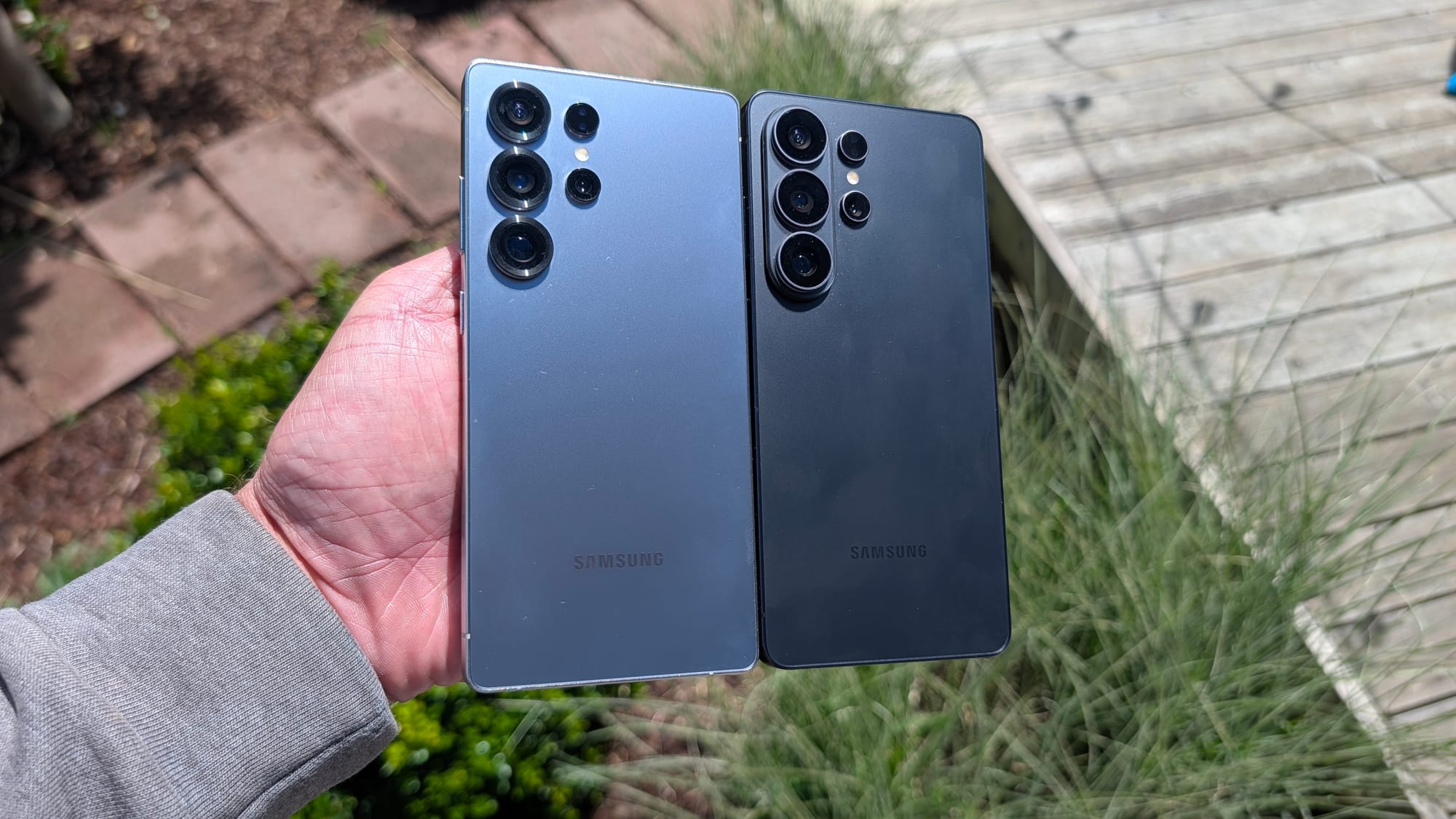
The overall effect is a phone that still qualifies as enormous but manages to feel significantly more comfortable to hold and use for extended periods. After two months, I can say that the comfort factor is one of the things I really appreciate about this device.
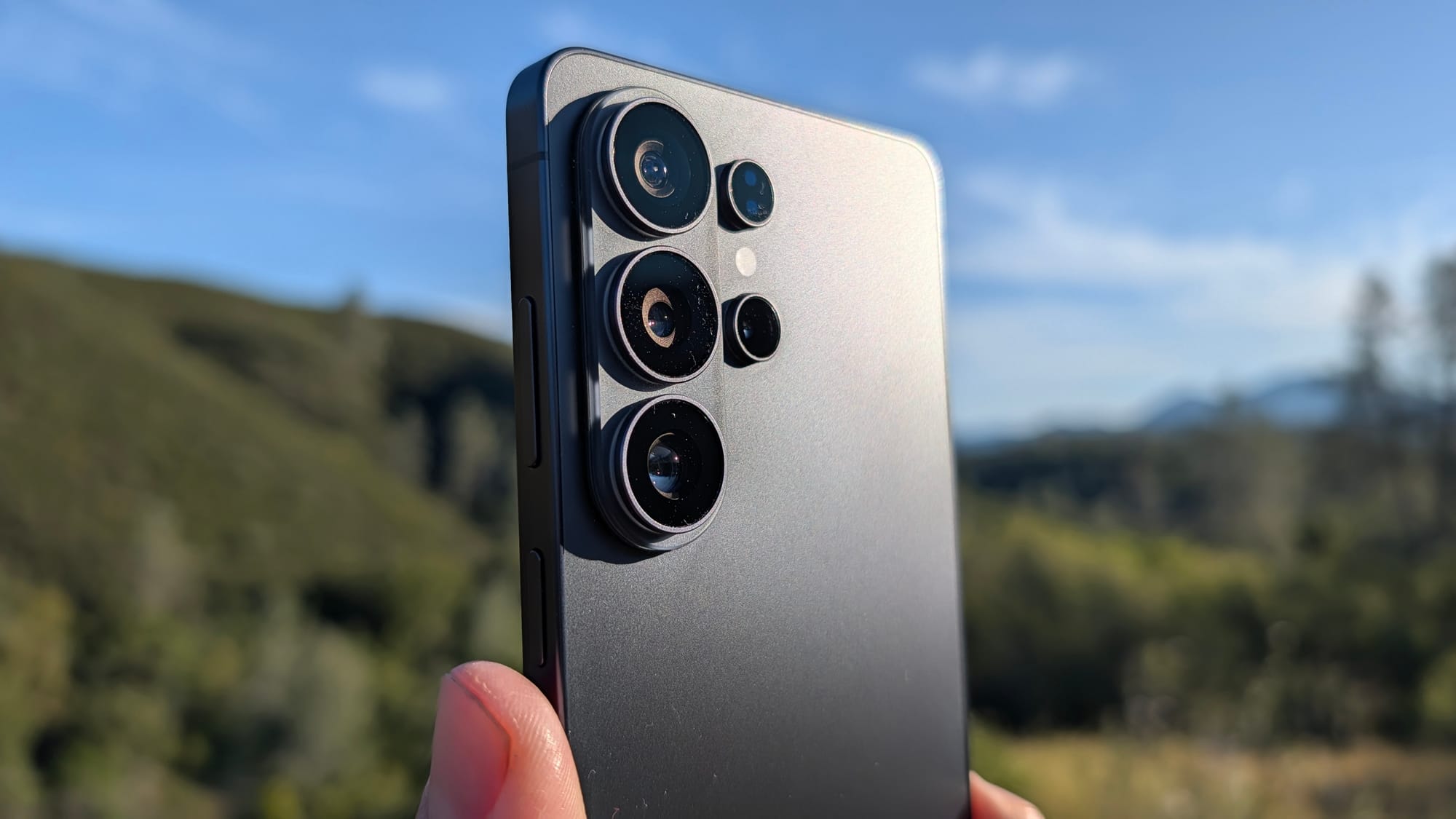
My biggest gripe with the S26 Ultra is the absence of embedded magnets for Qi2 wireless charging accessories. Google added Pixel Snap to the Pixel 10 line, and I use it often on my Pixel 10 Pro. Apple has had MagSafe for years. Samsung's response is to rely on magnets embedded into cases, and while that works, it's a workaround rather than a real solution. For a flagship at this price point in 2026, built-in magnet support should be standard. My hunch is that this is one of those new features that appear in next year's Ultra, but that's pure speculation.
If you're upgrading from an S22 or S23 Ultra, the S26 Ultra represents a meaningful jump and is absolutely worth considering. If you're on the S25 Ultra, the upgrade path is less clear unless Privacy Display and Horizon Lock are enough to sway you.
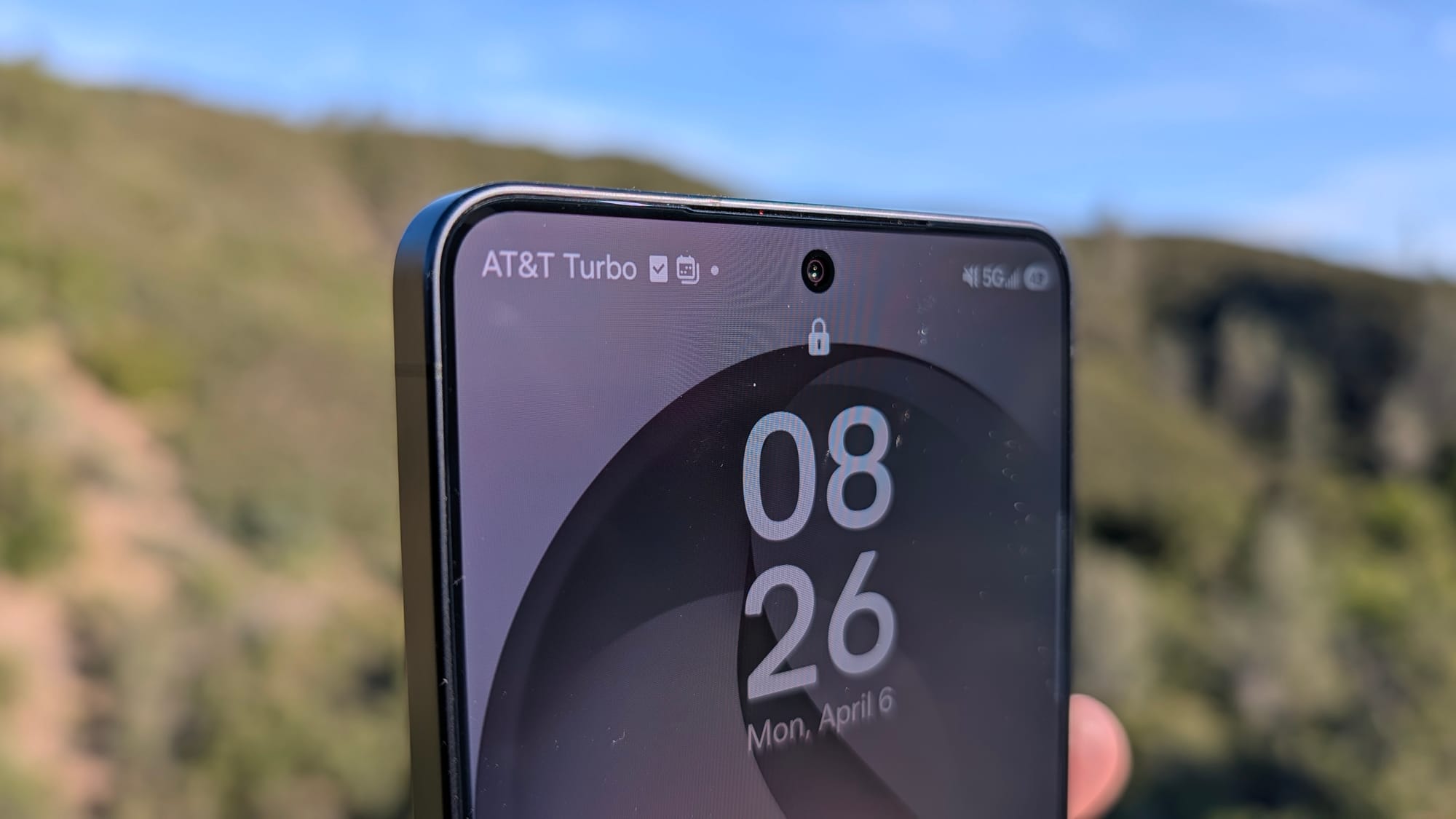
The deal landscape is also worth noting. AT&T is currently offering up to $1,300 off the Galaxy S26 Ultra with an eligible trade-in on a qualifying unlimited plan, which can bring the 256GB model down to $0 after 36 monthly bill credits. You don't need to be on AT&T's most expensive plan to qualify, which makes this deal more accessible than typical carrier promotions. AT&T is also bundling a Galaxy Watch8 and Tab A11+ 5G for $0.99 per month each on accessory lines, adding more value if you're looking to go all-in on the Samsung ecosystem.
And we all know that Samsung LOVES its ecosystem.
Don't forget to check out Florence Ion's triple-part review of the Samsung Galaxy S26 Ultra, where she goes much deeper into the software and cameras:
Samsung Galaxy S26 Ultra Review: An Ergonomic Workhorse
How Useful Are the Galaxy S26 Ultra's AI Features?
The Galaxy S26 Ultra Camera Review: Horizon Lock is The Real Star