The OnePlus Go 2 is minorly specced and lacks a first-party keyboard, but it makes an effort where it counts.

I said I didn't need a full-size tablet because I have a laptop and the 8-inch Samsung Galaxy Z Fold 7. But now that I'm reading more for research, taking notes, and trying to achieve what I'd do on a laptop on the go, I prefer something with a larger surface area for multitasking.
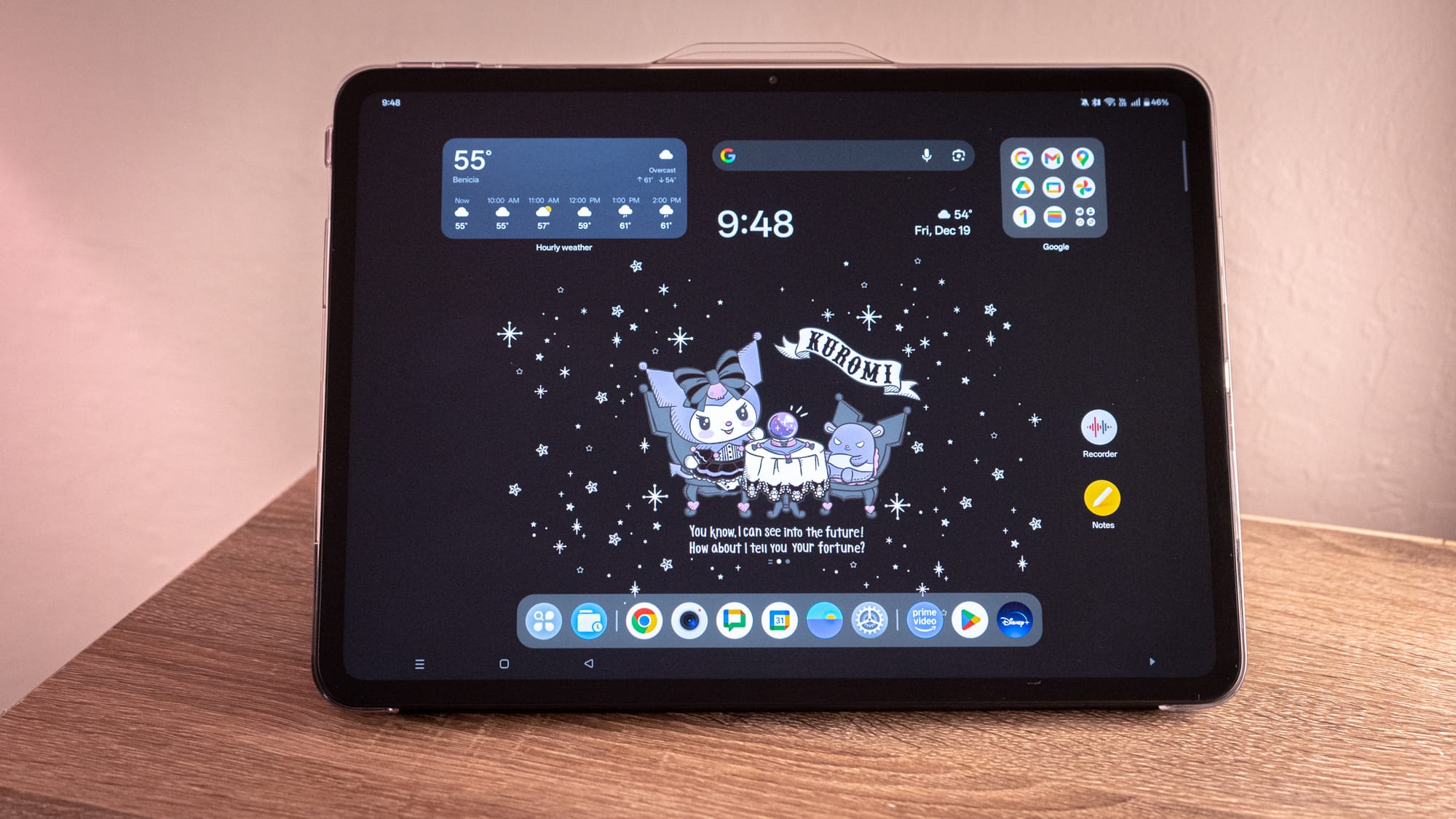
Enter the OnePlus Pad Go 2, one of the last holdouts keeping the dream of the Android tablet (beyond Samsung) alive. The device is available for pre-order this week and goes on sale the day after Christmas. It's billed as the affordable counterpart to the OnePlus Pad 3, launched in June. For $400, the 12.1-inch OnePlus Pad Go 2 is powered by a MediaTek Dimensity 7300 Ultra and 8GB of RAM. There's a massive 10,050 mAh battery, which I've only had to charge once in the last week, and it supports OnePlus's proprietary 33W SuperVOOC charging. That's down from the 65W of its pricier counterparts, but the fact is that this is a tablet that charges fast, provided you have the OnePlus brick and red cable.
I've been using the OnePlus Pad Go 2 for a little over a week. It's not enough to roll out the full review quite yet—I'll be following up with that sometime in January—but I am thinking about how this will accompany me as I work toward all that I want to achieve over the next month. The most important point to note here is that the OnePlus Pad Go 2 isn't just a budget slab. It's a reminder of what's possible in the Android ecosystem with a little TLD: tender love and development. This affordable Android tablet runs the latest version of OnePlus's Android 16, complete with Open Canvas, which lets you multitask with up to three windows on the OnePlus Pad Go 2. The only bummer is that there isn't an official keyboard case for the device, and though there's a capable stylus, it will set you back an extra $80.
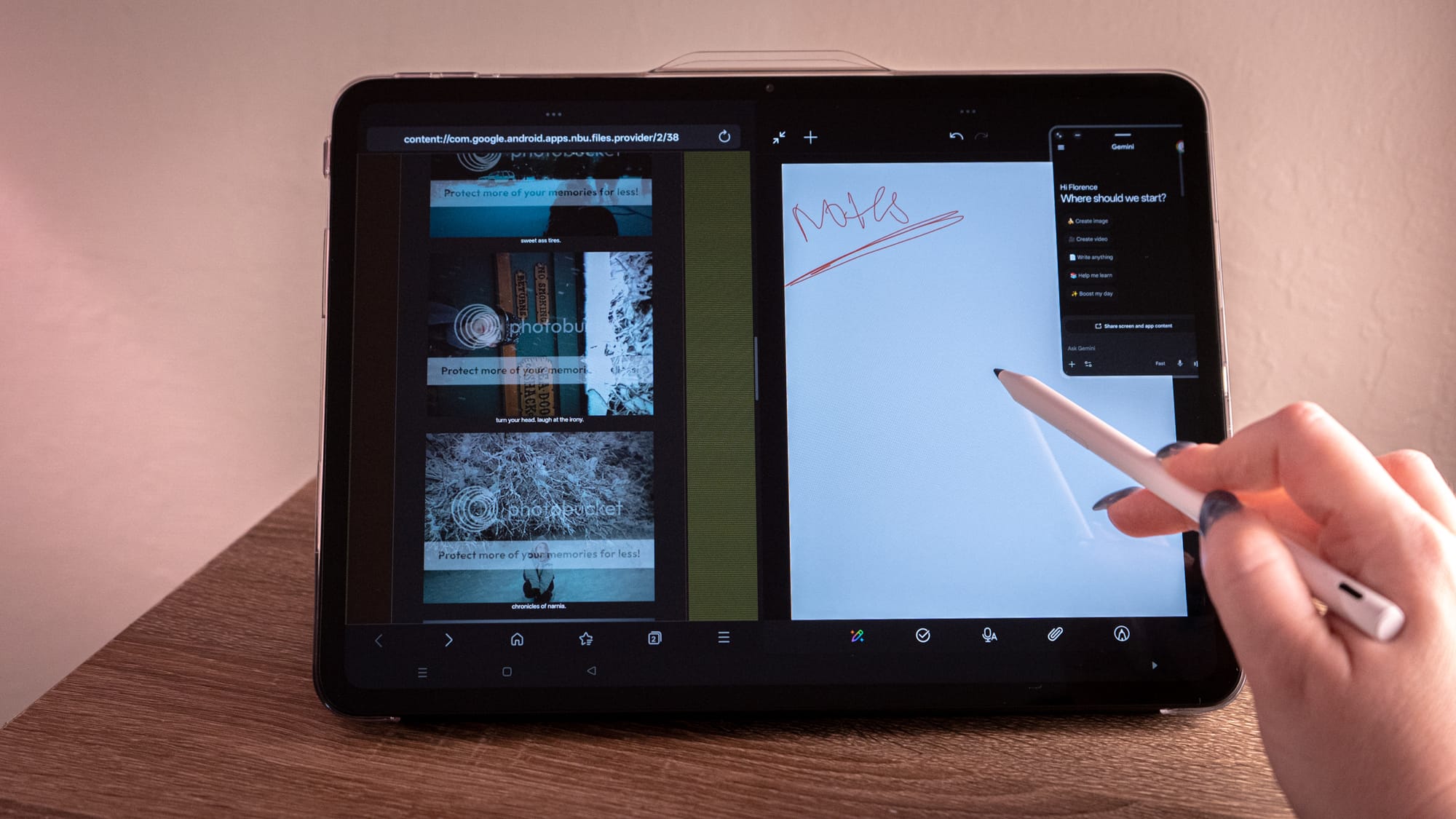
The OnePlus Pad Go 2 is designed to be a productivity powerhouse despite its decidedly mid-range specifications. But it's only able to push this narrative because of Open Canvas, OnePlus's feature set of multitasking tools and abilities. Open Canvas lets you run three apps simultaneously, similar to how you would on a foldable phone or other tablet: two apps side-by-side and one in a floating window, or two apps stacked on one side, with the third taking up a whole half-screen. The experience is almost as fluid as the foldable. It helps me move between archive.org in one browser window, HTML-based archives in another browser app, and Gemini for asking questions as I pore through. I was even able to connect my Tamagotchi hack through the Chrome browser app with no problem. It's computer-capable stuff.
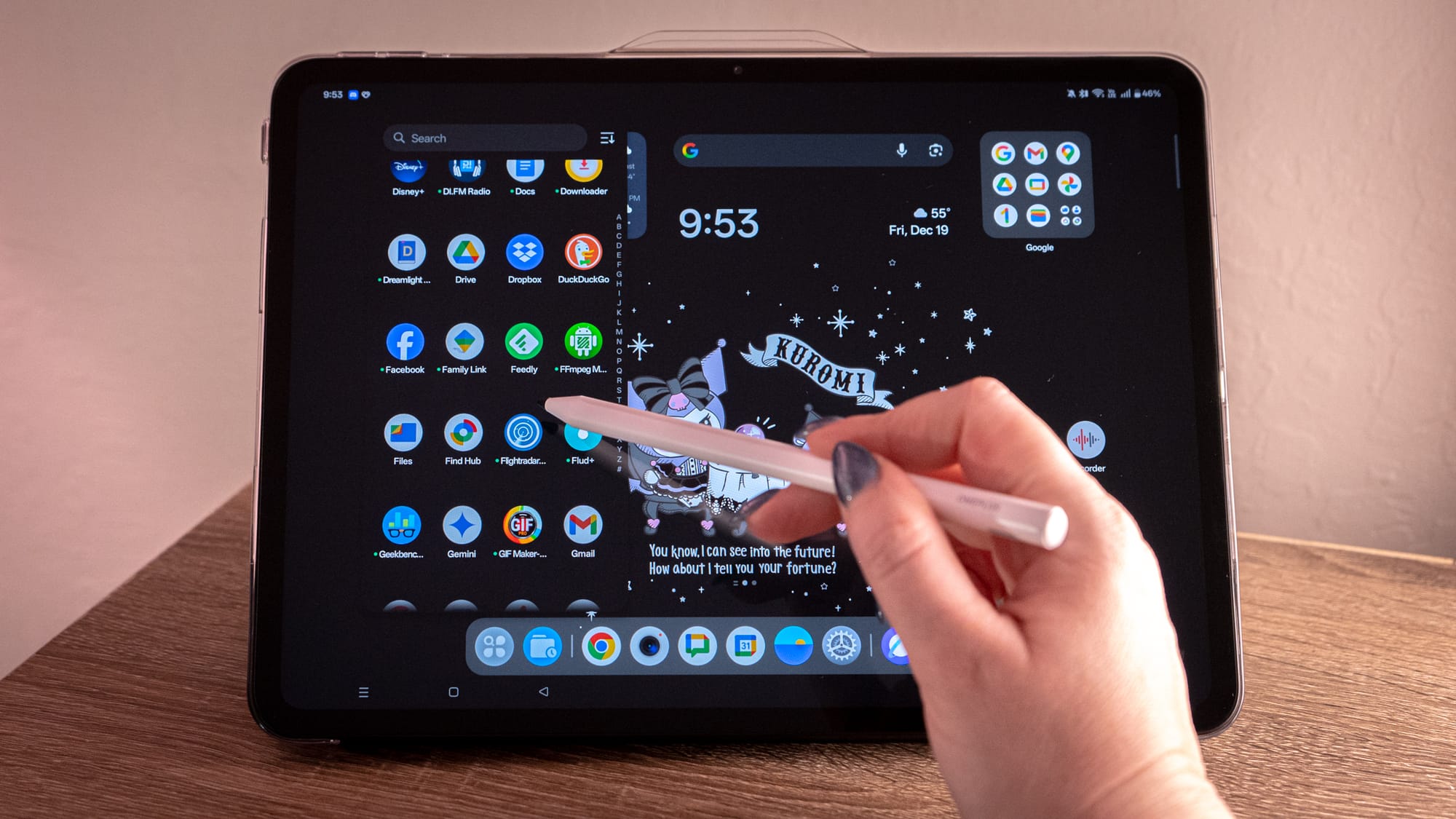
Open Canvas also enables pen-as-peripheral capabilities on the OnePlus Pad Go 2, making it the first OnePlus tablet at this price point to offer stylus support. I'm pretending to be an artist with the Stylo's 4,096 levels of pressure sensitivity and Android apps like Infinity Painter and Sketches, the latter of which I hope I will like enough to pay for a year of use.
The pen, for me, is more of a helpful finger; it's a stylus I can use to tap and move around the screen the way I would with a mouse. It's nice for scrolling through webpages on the OnePlus Pad Go 2's jumbo 12.1-inch display. The Stylo even works in the calculator app so that you can work out numbers the old-fashioned way. Those of you who come from the Samsung way of life will remember the S Pen's ability to write with the "screen off." OnePlus has adopted a similar ability that starts taking notes the second the pen hits the screen. However, unlike Samsung's version, the screen comes on blaring rather than at a low refresh rate, as in Samsung's implementation.
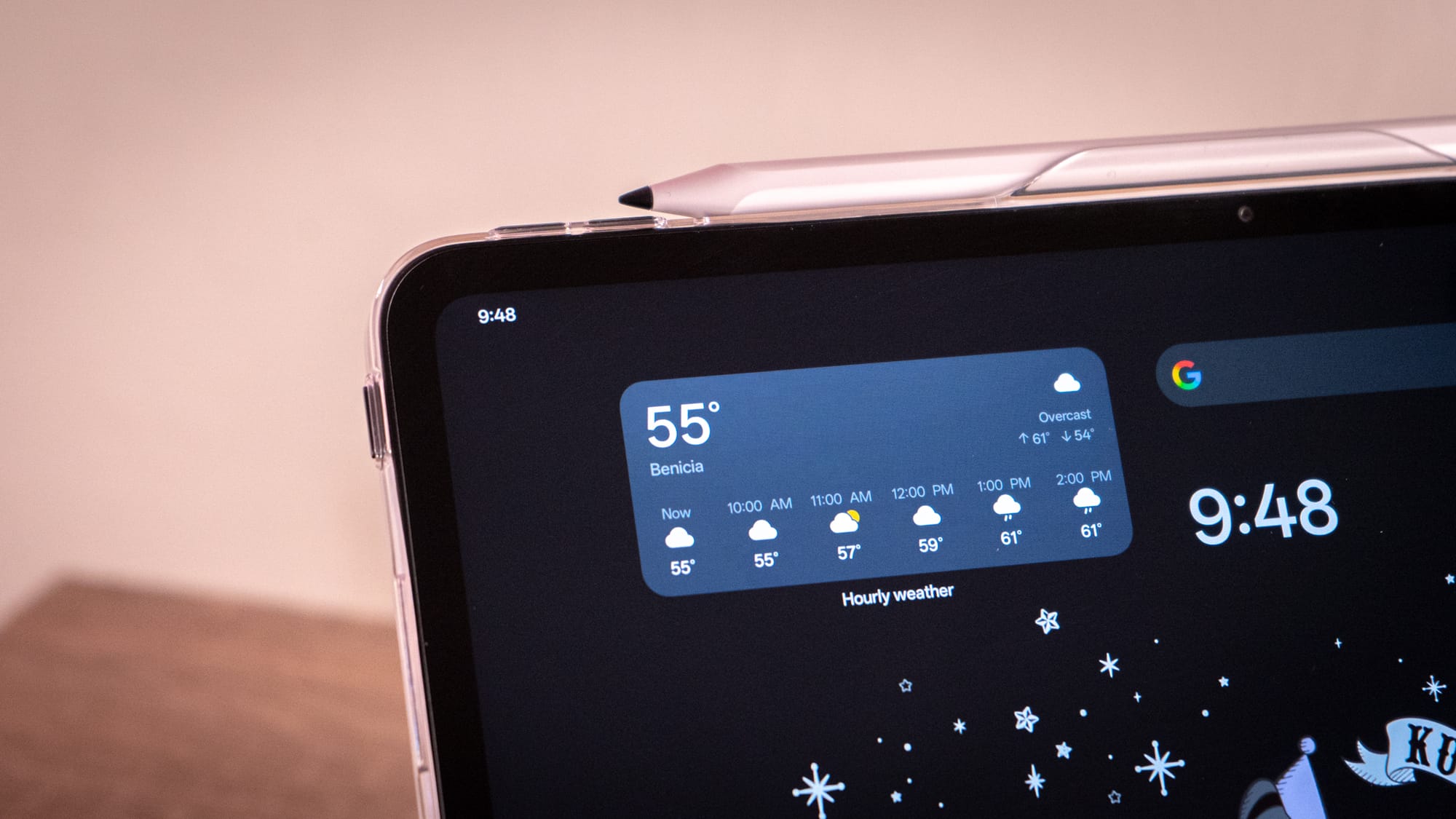
Of course, there are caveats to some of this multitasking magic. Open Canvas suffers from the same screen real estate struggles as the Galaxy Z Fold 7, despite the larger surface area. Not all apps are designed for this kind of maneuvering, since most Android apps are designed for smaller displays. Apps like Discord and even the aforementioned Gemini chatbot appear cramped when tightened in. And it's worth noting that much of the "magic" is in OnePlus's apps, not the ones you're already using in the Google sphere. The Stylo also has its limits. This is still the budget set, so there are no magnets to hold the accessory in place when it's not in use, and it charges on its side via USB-C.
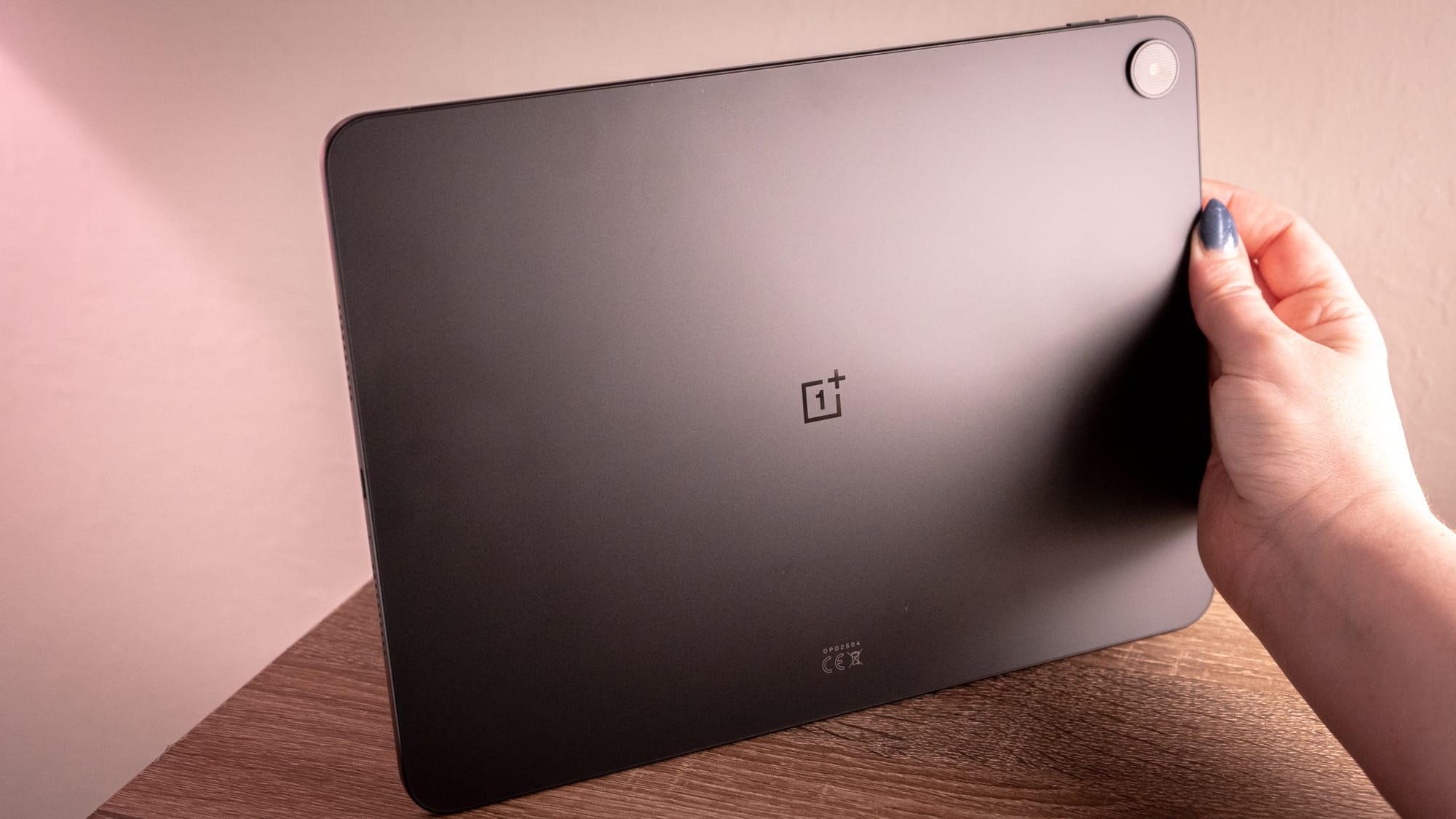
The OnePlus Pad Go 2 reminds me a little of why I don't currently carry a large Android tablet. Its 12.1-inch 2.8K 120Hz IPS LCD is dense, and it was cumbersome to prop up this hefty load (1.3 pounds!) with the OnePlus Pad Go 2 Folio Case sent over with the review unit. At least the display has a 7:5 aspect ratio, a better setup than the 4:3 on the Galaxy Z Fold 7. OnePlus says it sized the Pad Go 2's aspect ratio to match A4 paper, hence the name "ReadFit." The result is more text on the page for newspaper articles and ebooks, though it also means more whitespace in apps that haven't figured out Android tablets exist. At the very least, I can sift through PDFs without squinting. And while the OnePlus Pad Go 2 doesn't have the highest resolution display at 284 PPI, it's unnoticeable when it matters.
Most of what I plan to do with the OnePlus Pad Go 2 is read and highlight, though there will likely be TV time in the future—hopefully over the holiday days off, when I will have access to a hotel tub. What do we watch in that tub? The remastered Beverly Hills, 90210 clips we've been scraping from YouTube and beyond. The Pad Go 2 is good for watching videos, and the speakers are quite capable.
The MediaTek Dimensity 7300 Ultra is what might slow me down. It's a 4nm chip that's more of a mid-range workhorse than a, pardon the metaphor, top-tier thoroughbred, compared to a Qualcomm Snapdragon chip. Anyone who has spent a long time in the Android world knows that those horses eventually wear down, especially after numerous software updates. OnePlus gets ahead of this narrative by boasting a TÜV SÜD 48-month Fluency certification. Basically, they've got the papers to suggest that the tablet will still run smoothly four years from now. Only time will tell whether the longevity is worth the marketing pivot.
I need a big tablet right now with enough juice to run the heaviest web apps. For $400, the OnePlus Pad Go 2 isn't going to replace a full-blown laptop, but it has features that can help me get stuff done at a major fraction of the weight. And its ratio makes it a stellar device for reviewing PDFs. Seriously!
I'll have more to say about this tablet come review time. There's more I want to explore, like whether the stylus has more tricks than drag-and-drop, and whether I truly manage to get any work done. There is no official keyboard case for this device, which makes me feel like I'm not encouraged to type on it. Luckily for me, I am a keyboard addict, and I have a slim mechanical Bluetooth keyboard that fits easily in the tote bag I'll be using to carry this OnePlus Pad Go 2. I'll have more for you soon.