Samsung's latest flagship is lighter, cooler, and more ergonomic than ever. But the "Ultra" life still comes with a few familiar caveats. Part 1 of our official review-in-progress.

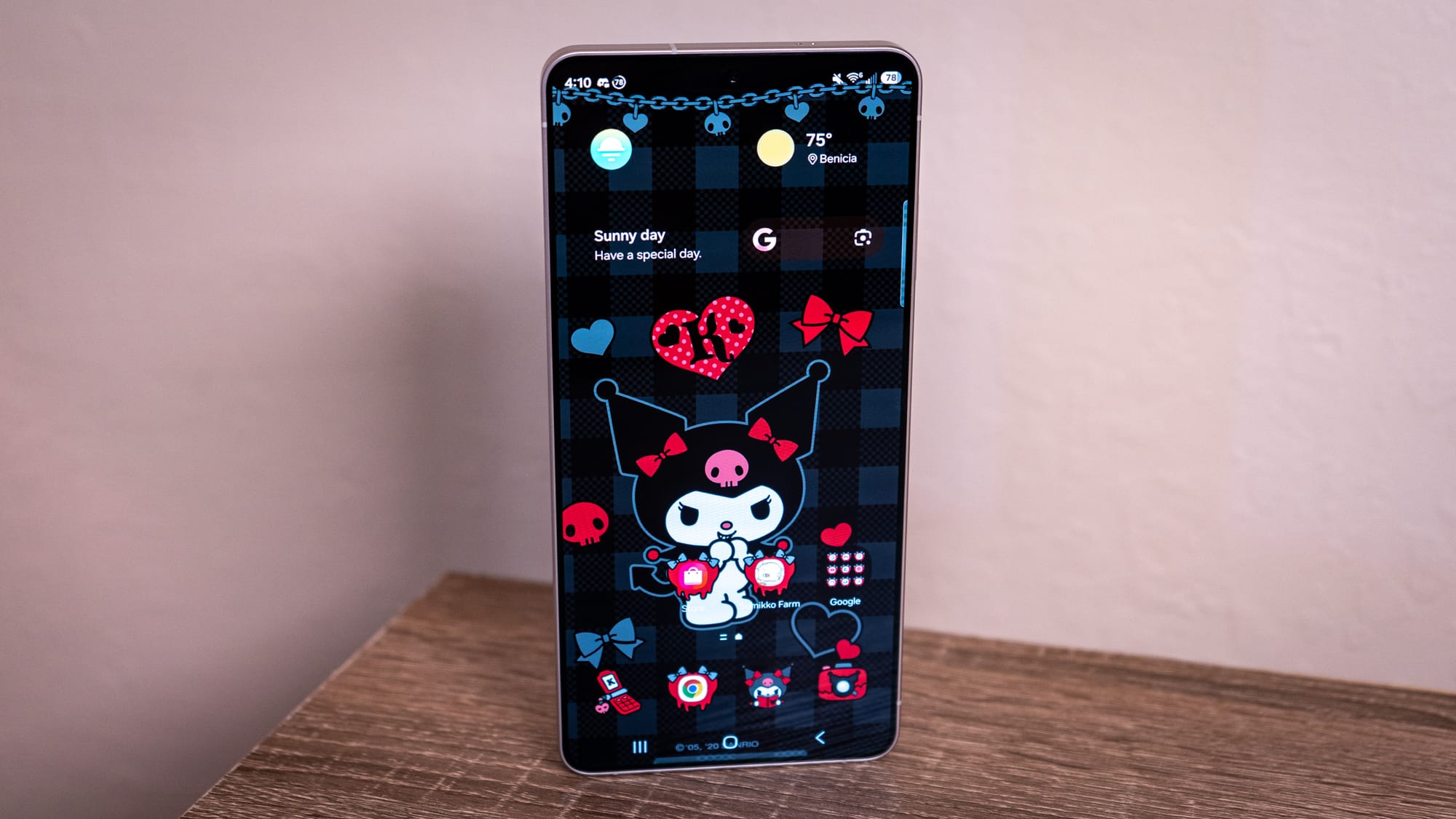
For a brief second during the Samsung Galaxy S26 Ultra review process, I considered trading in my Pixel 10 Pro for Samsung's latest and greatest non-foldable smartphone. The Galaxy S26 Ultra continues to set the precedent for how powerful an Android device can be, even when it feels like it's doing too much.
You are reading the official Android Faithful review of the Galaxy S26 Ultra. However, because this phone is such a massive workhorse, I'm trying something differently this time around. Rather than the usual smash-it-out-all-you-can-eat review, I'm tackling the Galaxy S26 Ultra piecemeal, releasing focused deep dives on physicality, software, and cameras over the next few days leading up to episode 140. This landing page will serve as the hub for the entire series, and the final score will be updated below as each chapter concludes.
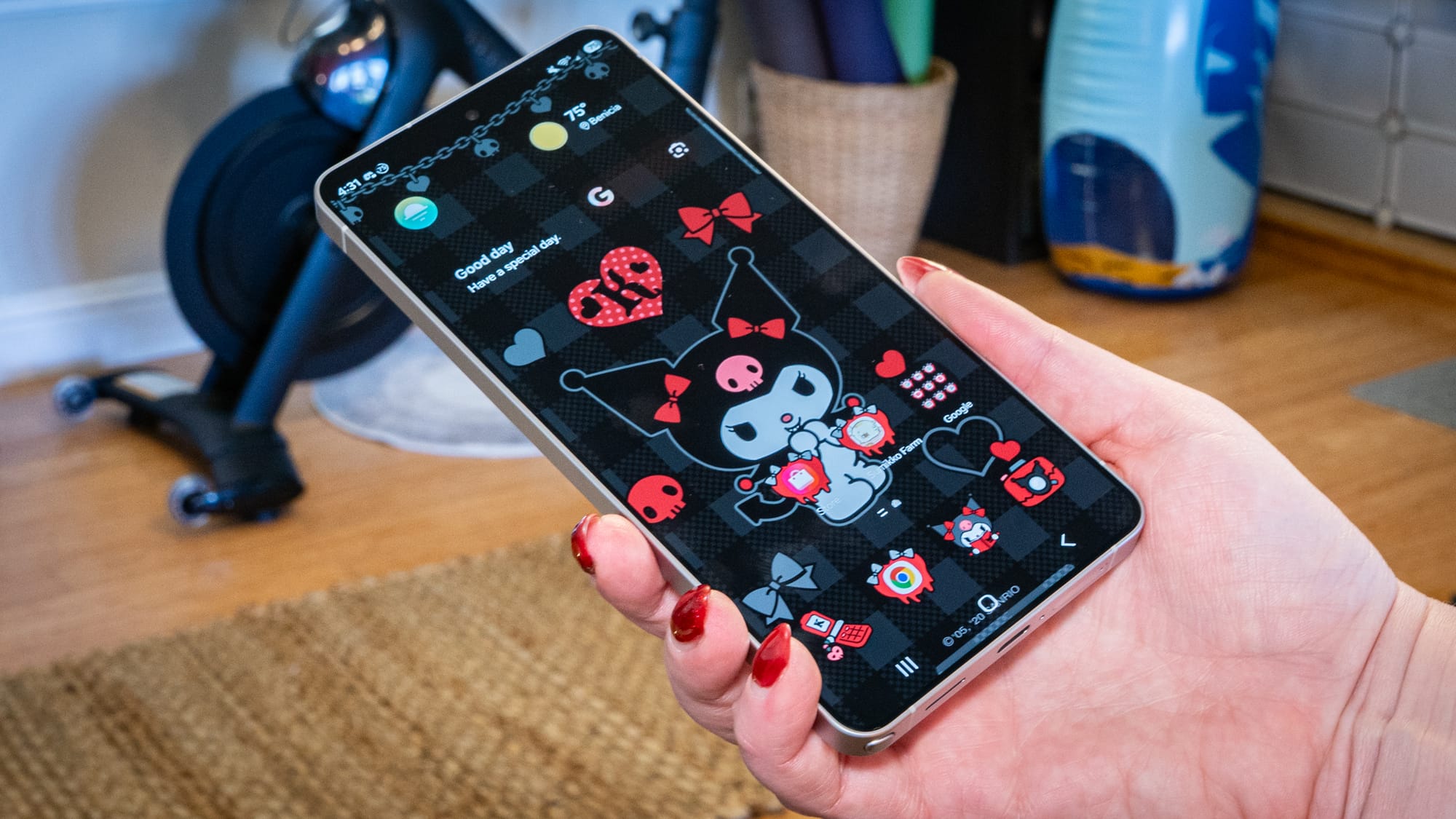
We're starting with the Galaxy S26 Ultra's physicality: how it looks, how it handles, and how it feels in the hand. In addition to being one of the most ergonomic versions of Samsung's ultimate flagship, the company claimed it improved the device's thermal dissipation. We're going to check that out to ensure it stays within a comfortable operating temperature even when pushing the Snapdragon "For Galaxy" silicon to the limit.
Pros (so far):
Cons (so far):
Jump ahead:
Samsung Galaxy S26 Ultra: The Body
Samsung Galaxy S26 Ultra: The Performance
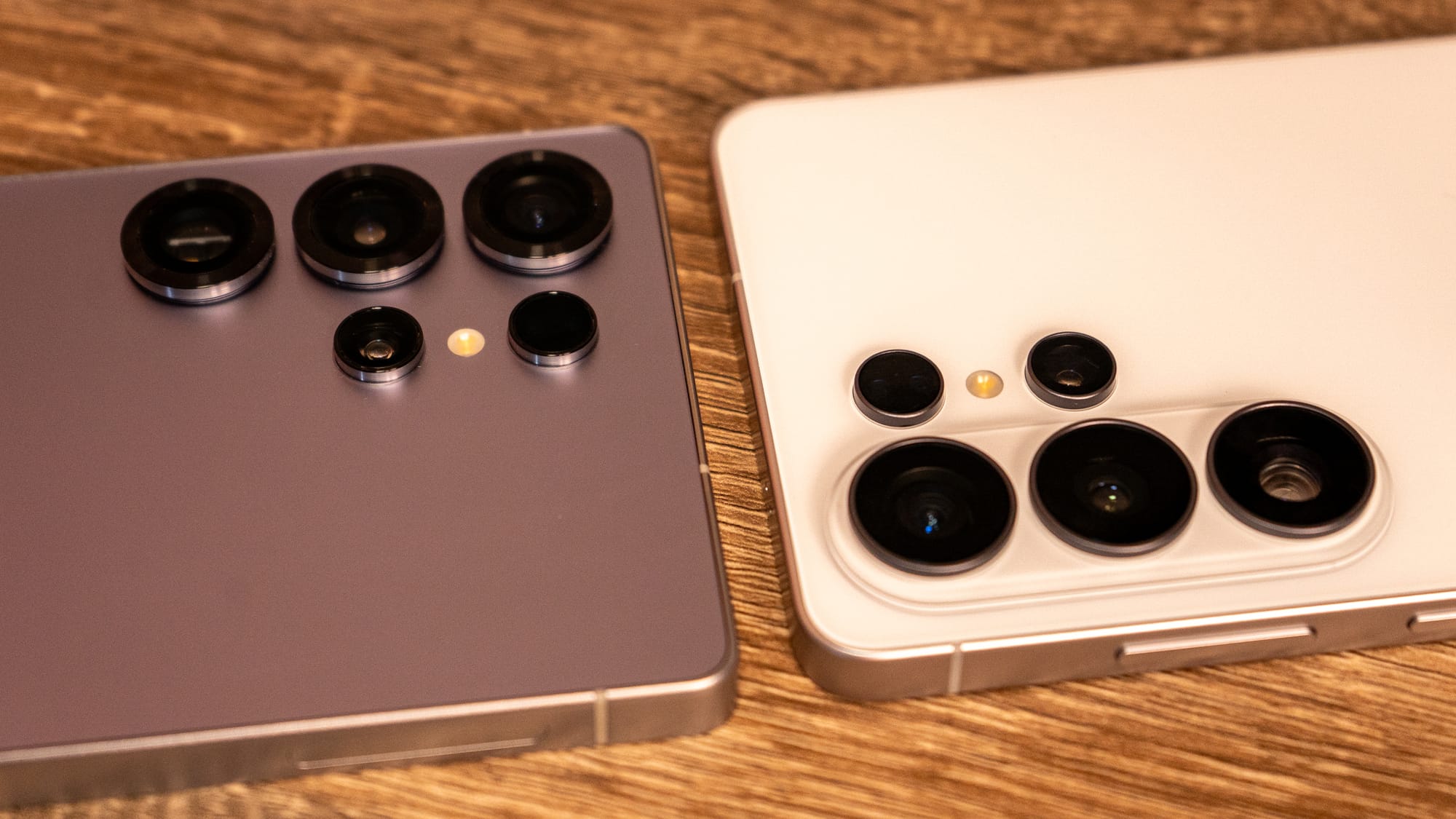
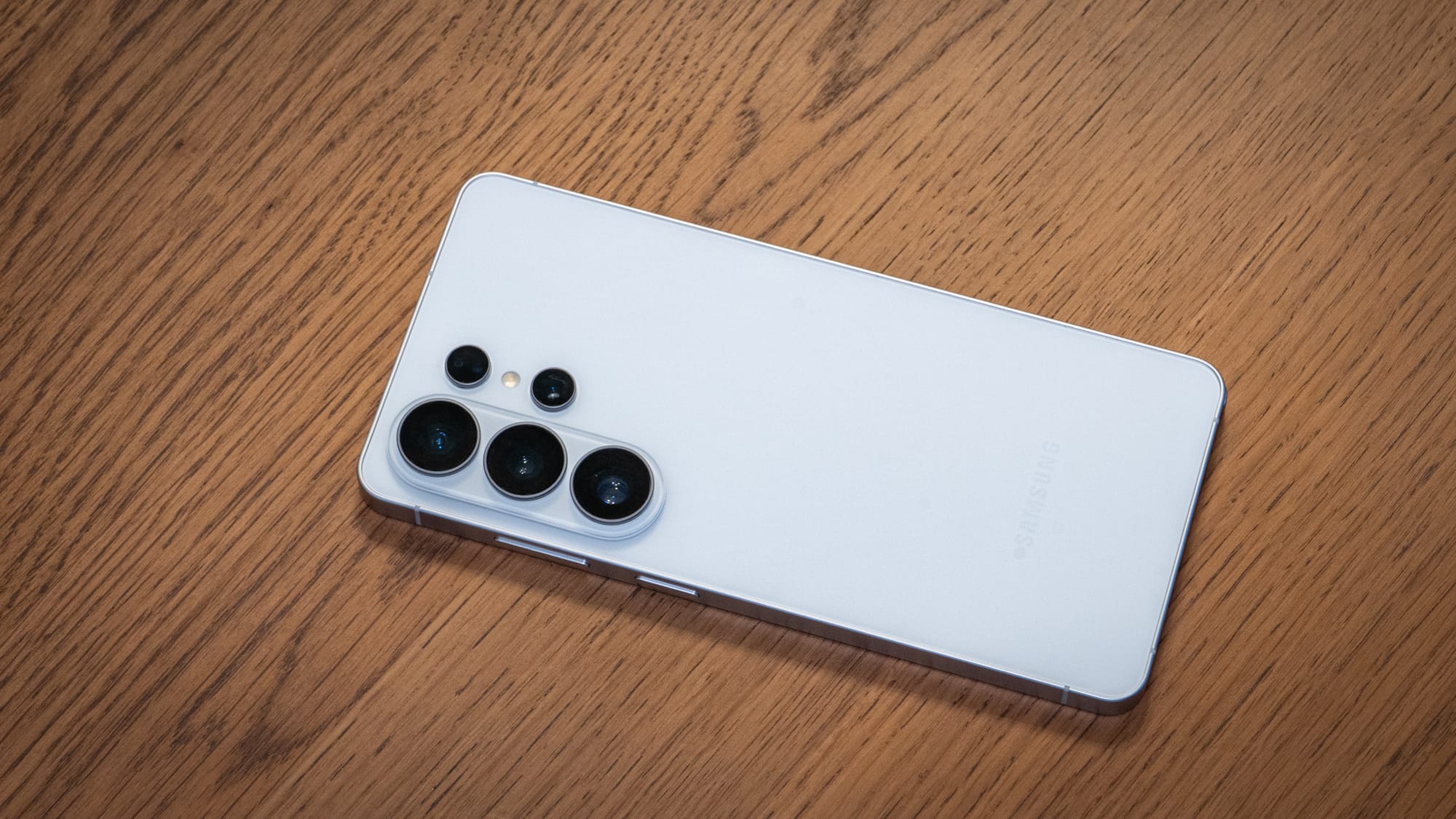
When I was in the demonstration chamber during the week of Unpacked, I had a hard time distinguishing between the Galaxy S26 Ultra and the Galaxy S26+ from the front alone. The back is the biggest teller of which Galaxy device you're wielding. The Galaxy S26+ has three rear cameras, while the Galaxy S26 Ultra has three rear cameras and an additional baby lens, which is the Ultra's Laser Autofocus module. The four colorways of the Galaxy S26 series are the flagship Cobalt Violet, Sky Blue, Black, and White. All colors are available across the entire lineup.
I have always appreciated the Ultra as the ultimate Samsung smartphone offering. But I've never found it entirely comfortable to hold one-handed. You see, the Galaxy S26 Ultra is a big phone, and though I've figured out ways to make it work over the years in pursuit of the review, it's never felt like the right fit. The Pixel 10 Pro's narrower body is much easier for me to use, which is why I flocked to it.
Pleasantly, the Galaxy S26 Ultra is a different handheld experience. I instantly noticed that it felt lighter in density. It is only about 4 grams lighter than the Galaxy S25 Ultra, though the weight is more evenly distributed across the entire backside. Even with an official Samsung magnet case on, I didn't feel the same pinky fatigue I've felt holding the Galaxy S24/S23 Ultra.
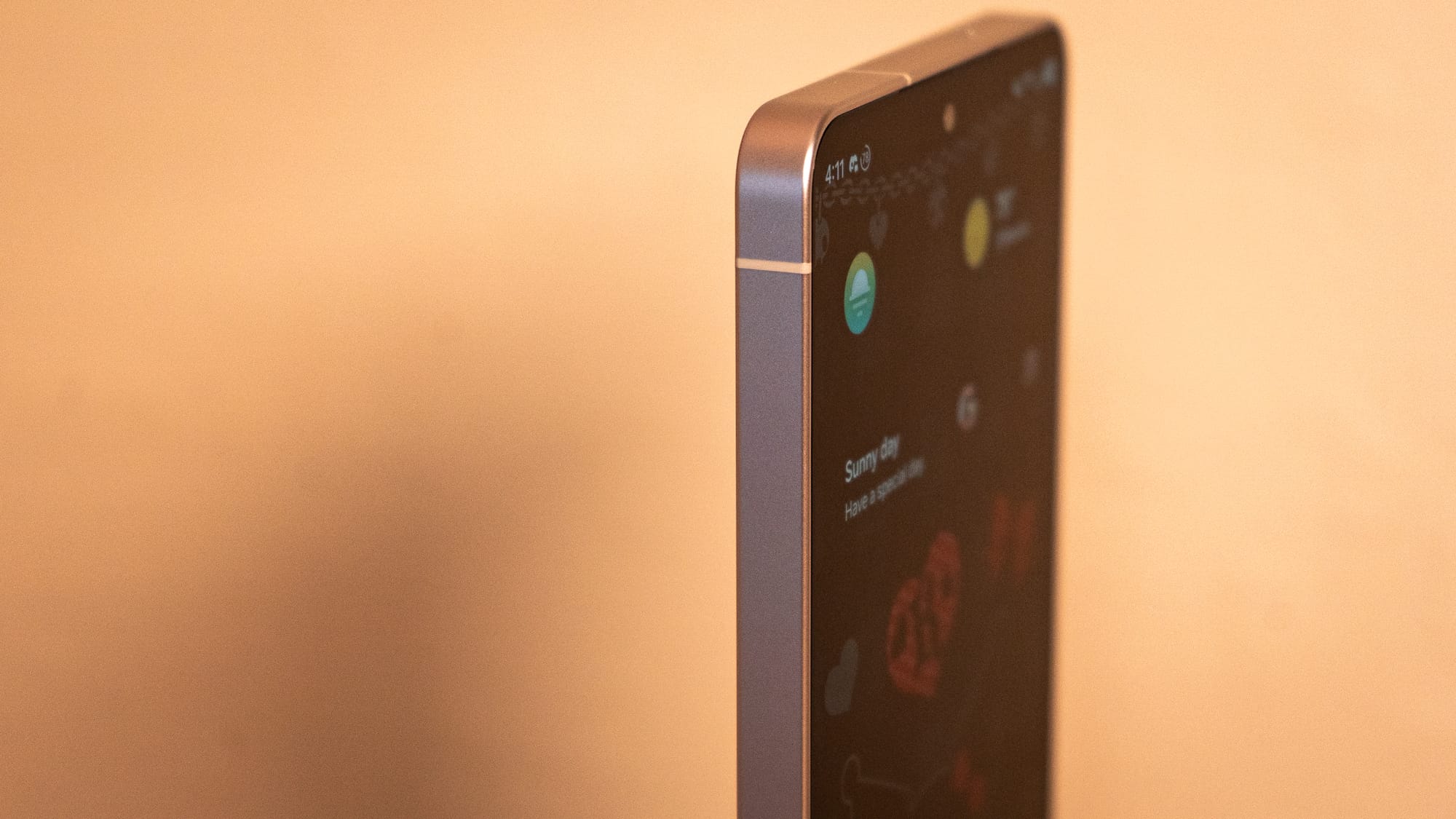
Samsung moved away from the titanium build of the Galaxy S25 Ultra, reverting to an armor aluminum 2.0 frame instead. While this might seem like a "cheap" downgrade, it's actually the right choice for thermal dissipation; aluminum's thermal conductivity is better than titanium's, which is crucial if Samsung wants to deliver impressive performance numbers without scalding heat. The S26 Ultra's corners have also been massively rounded, moving from a 12mm radius compared to the S25 Ultra's sharper frame, so it doesn't feel like it's digging into the fingers or palm when it's caseless.
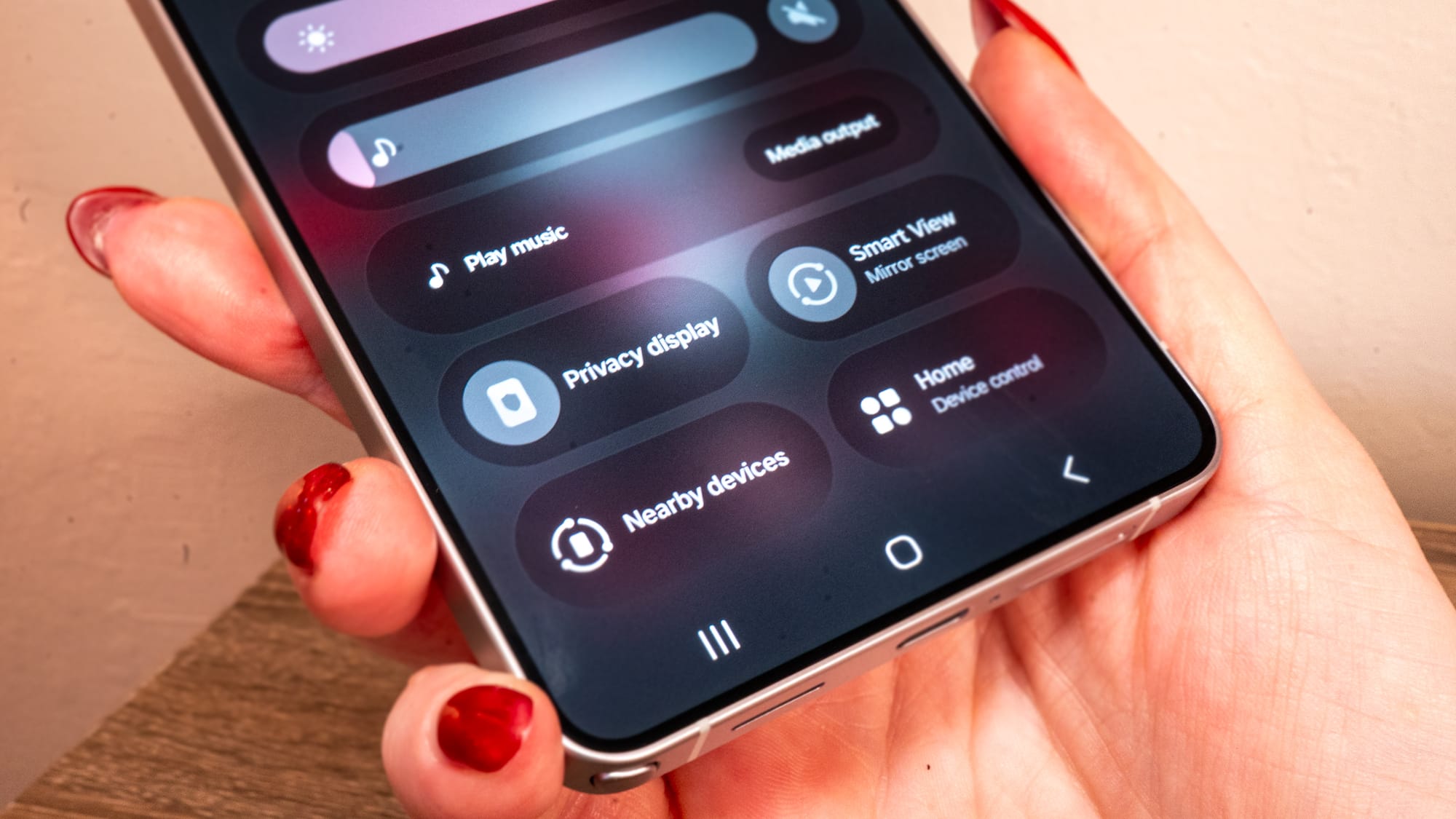
If there's one feature that makes the Galaxy S26 Ultra stand out from the rest, it's the Privacy Display. Samsung leaned into what it does best, which is display technology, and then added a bit of a hook that, so far, only its priciest flagship device can do. Samsung's Flex Magic Pixel technology powers the Privacy Display. It's not software or a dimming filter, but rather a clever use of OLED subpixels that help shield a bit of what's happening on screen.
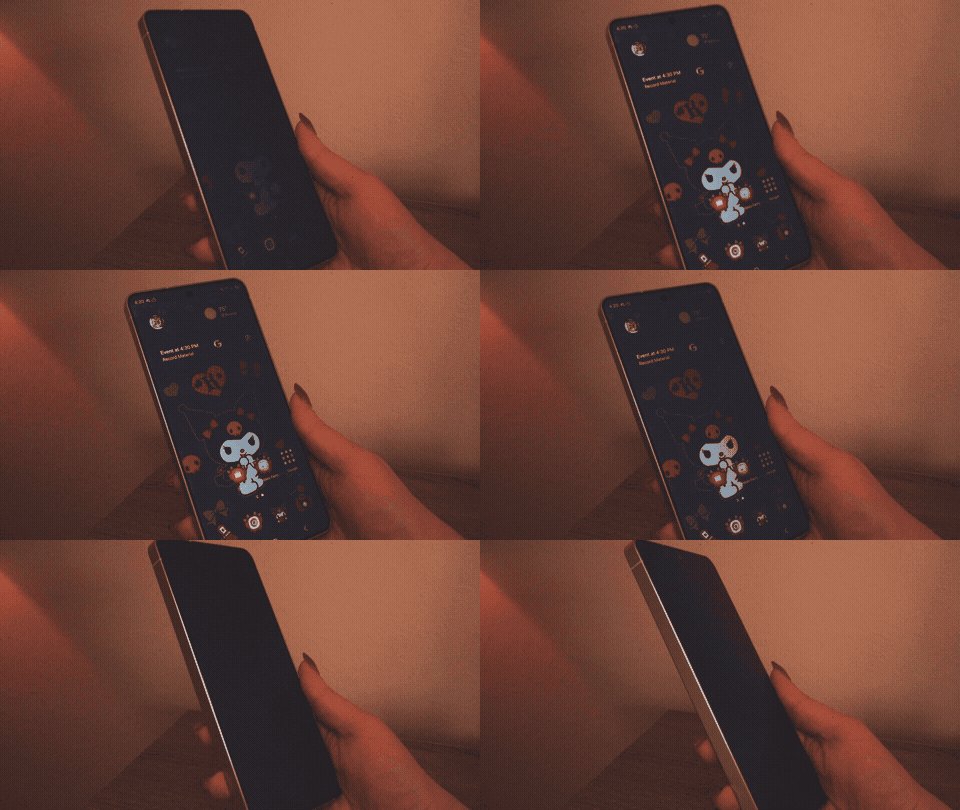
The display panel uses two types of pixels: wide pixels that scatter light that you can see every which way, and narrower pixels that fire light upwards and forward only. When you toggle on Privacy Mode, which can be added to Quick Settings for easy access, the wide pixels go dormant, leaving only the ones facing you directly active. Anyone sitting next to you will see that your screen appears either powered off or mostly shielded. It is definitely a nice thing to have when you're on planes, trains, and buses, as it makes you feel less like everyone around you can read your boss's Slack message about everything you've ever done wrong.
Friend of the show, Michael Fisher (Mr. Mobile), mentioned in his review a slight dip in color accuracy, or a "blue shift," when privacy mode is turned off. I didn't notice that at all. The whites on the S26 Ultra look as crisp and bleached as the Galaxy S25 Ultra's display. In fact, my biggest complaint about the screen is that I had to set up a very specific night mode to get the display to dim and desaturate so I could comfortably use the Galaxy S26 Ultra in a dark room.
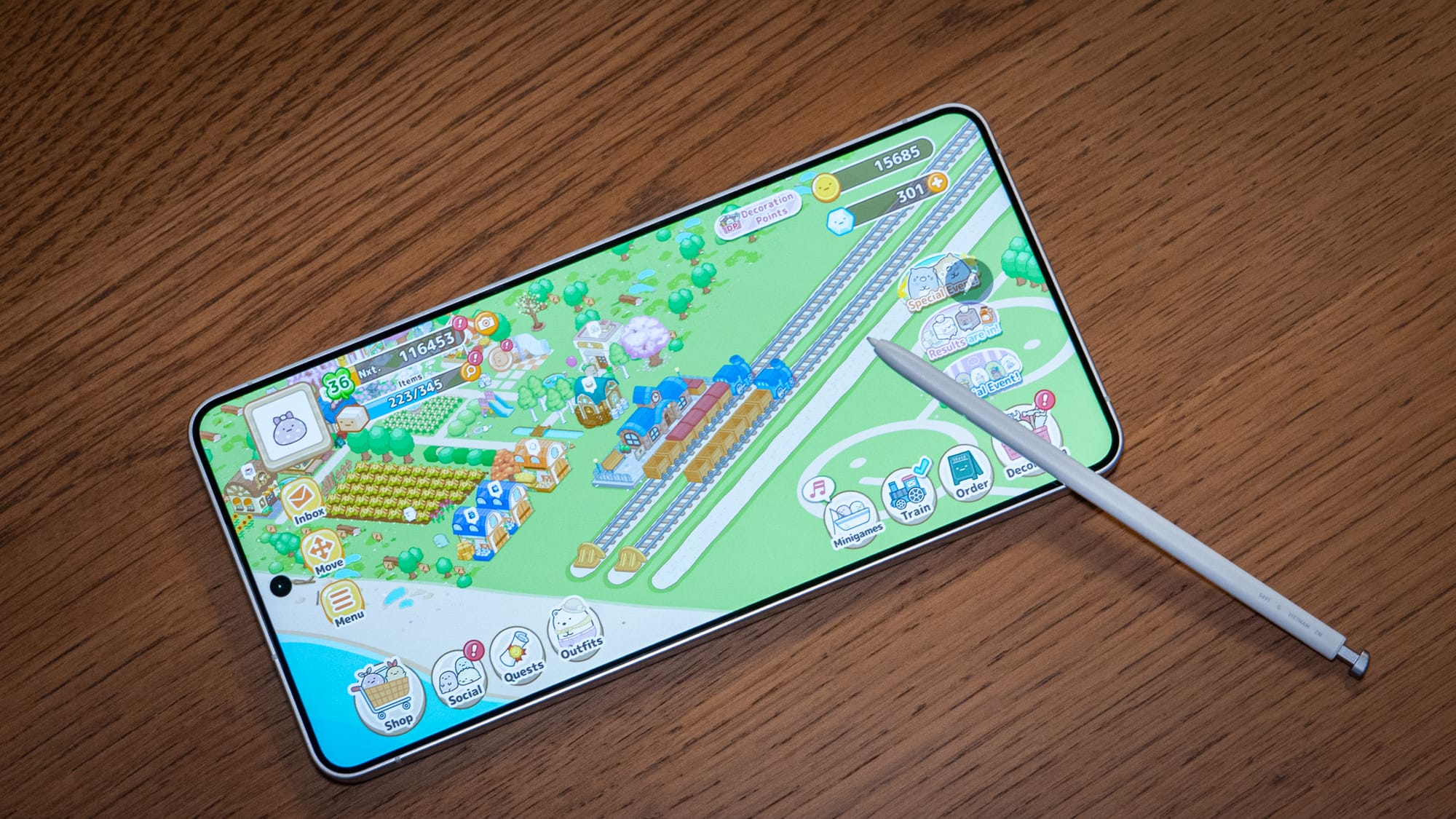
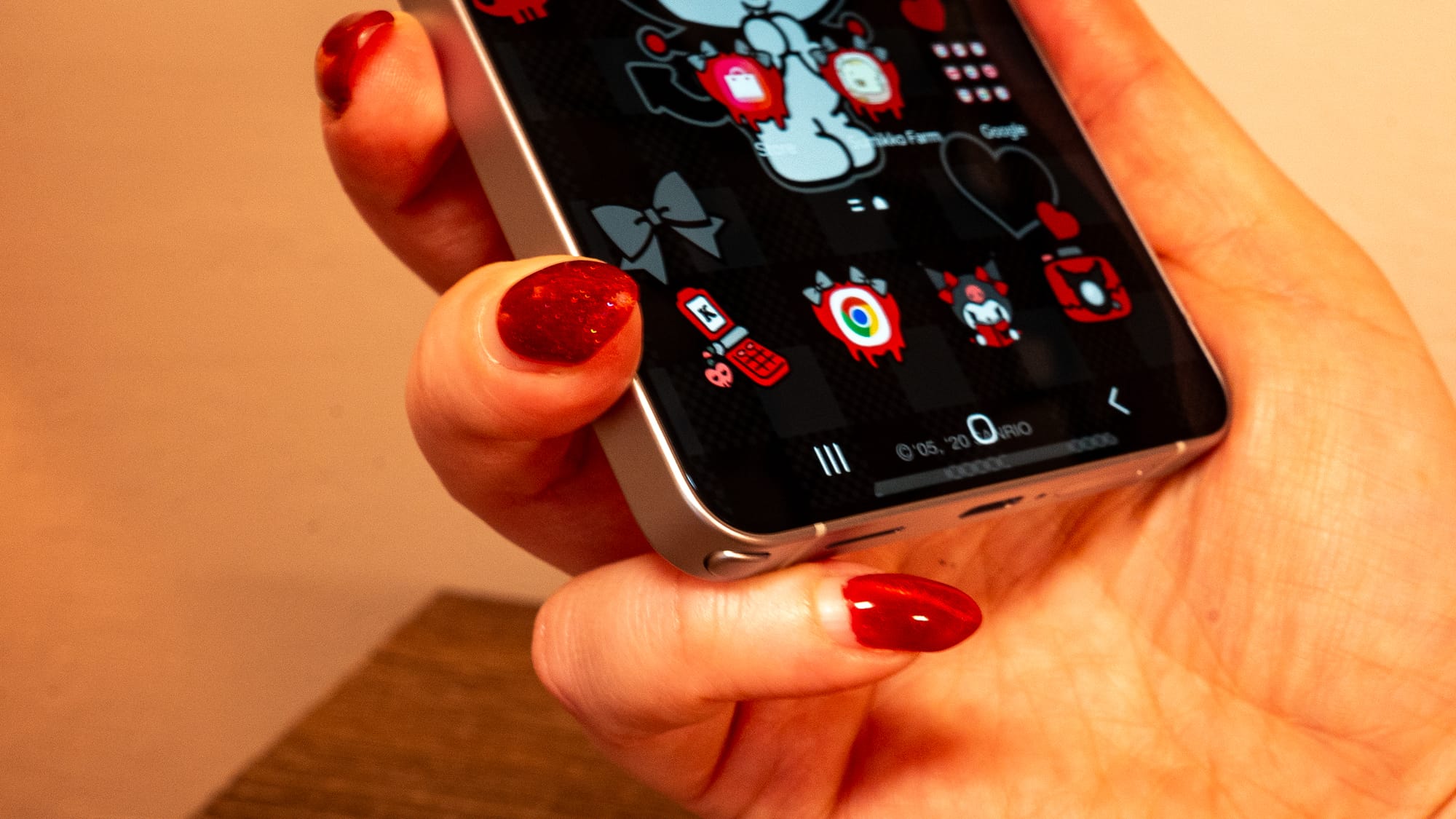
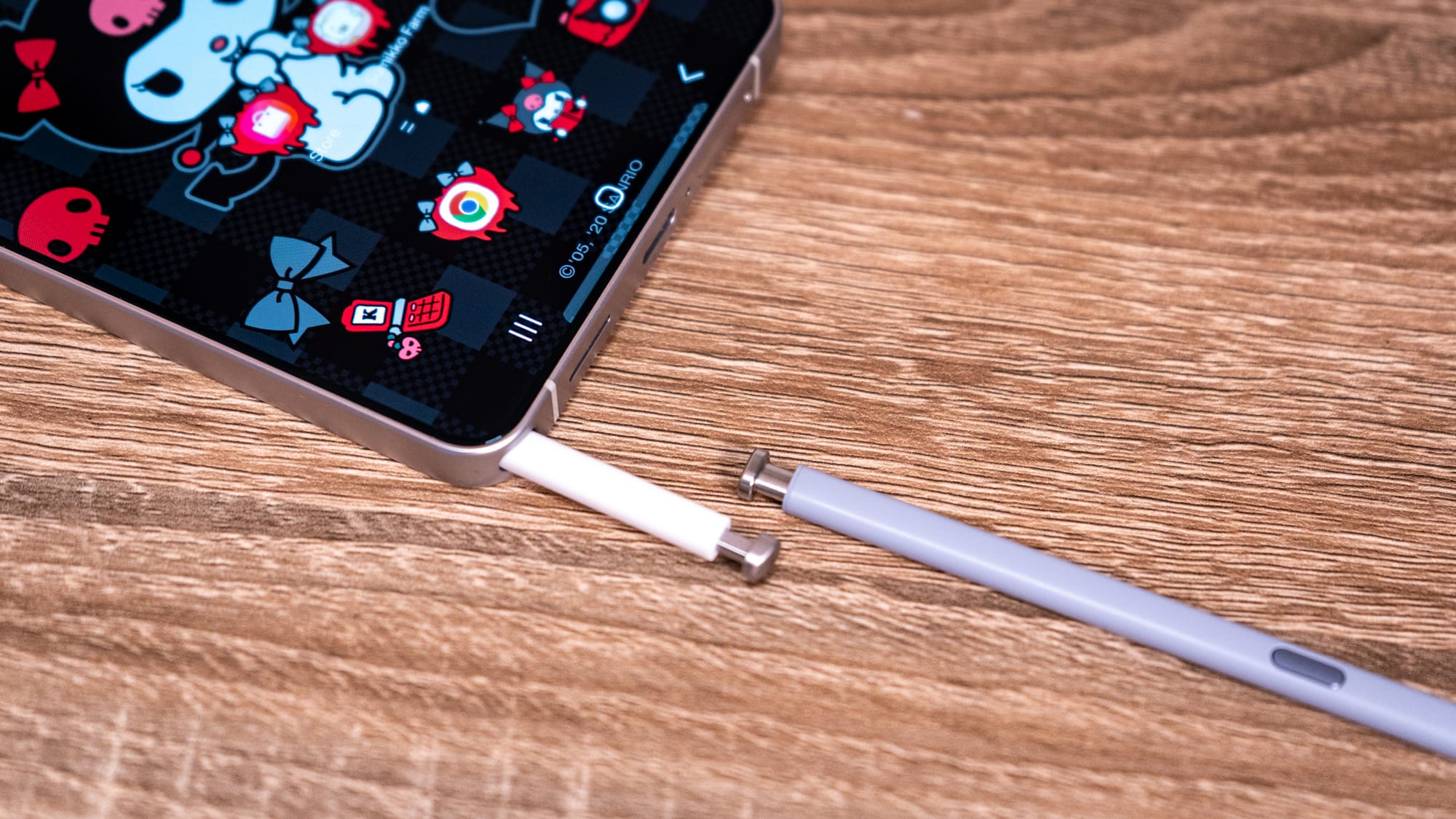
No Ultra review is complete without mention of the S Pen. This year, the stylus underwent a minor physical redesign. Samsung had to change the shape of the S Pen's cap so that the bottom corners of the frame remained rounded even when the stylus was docked. The result is no longer a flat, symmetrical button, but an asymmetrical arc to match the 12mm curve of the phone's corner. It means you can only insert the S Pen one way, or it sticks out a teeny tiny bit. whereas on previous models, you could slide it into the corresponding silo, even with your eyes closed.
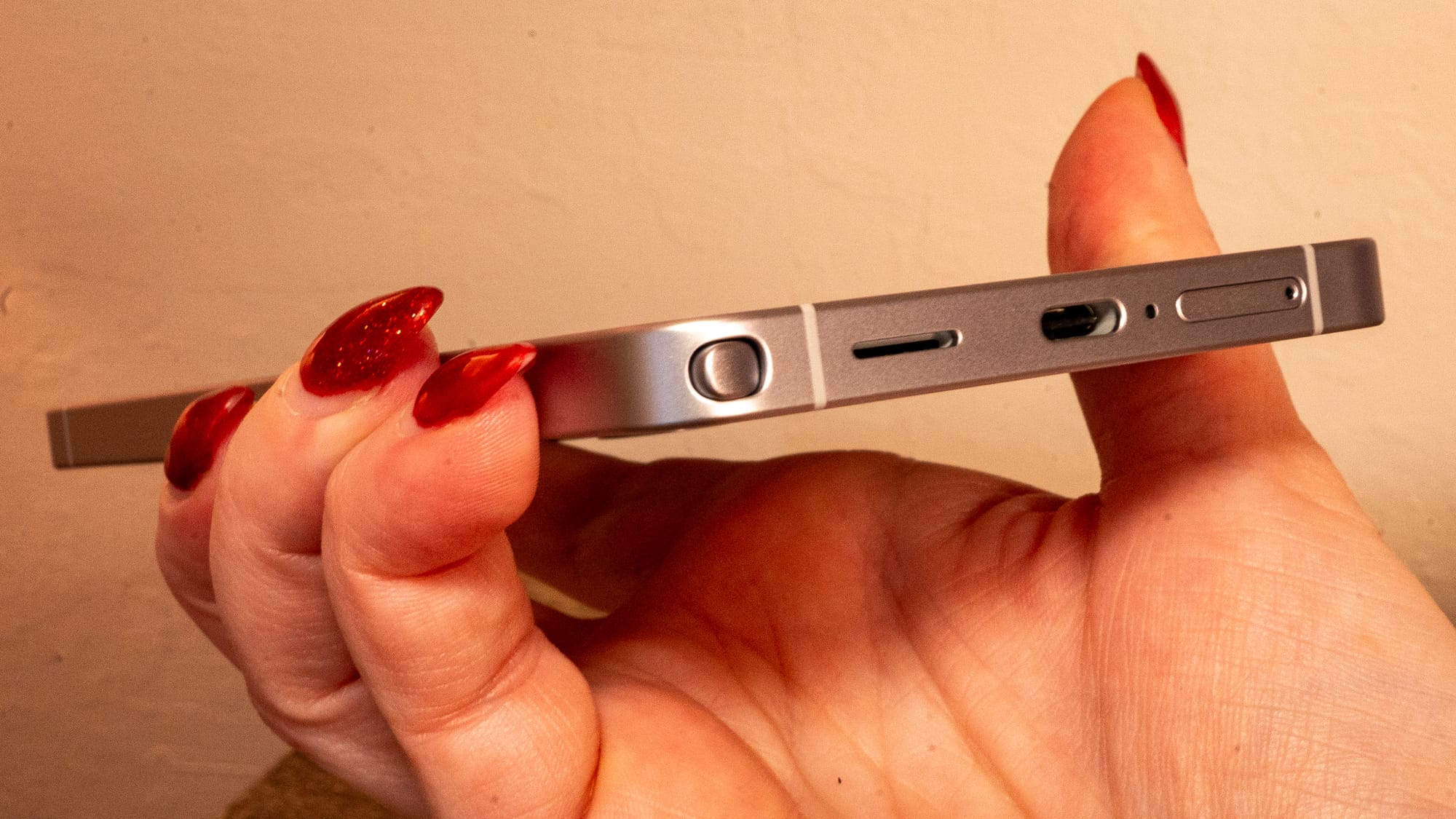
The S Pen is still worth the permanent residency in the chassis, especially if you plan to get meticulous. I mostly use it to play my tap-tap Sumikkogurashi Farm game, which I log into before bed every night, and to scroll through webpages and articles like a gremlin who refuses to use their fingers. It's also handy for editing photos and cropping screenshots the way you like. Or if you plan to use the Galaxy S26 Ultra's built-in generative AI editing features, the S Pen helps outline people and objects for removal.
Samsung claims the S Pen feels smoother on the Galaxy S26 Ultra because of 144Hz-equivalent touch sampling and AI-powered prediction. However, smoothness doesn't necessarily equal precision. While I noticed the drag felt lighter, I hit a few snags during a very "real-world" test: highlighting the "must-see" bands on a Warped Tour band list. When I tried highlighting the bands with the S Pen, the default image editor struggled to accept my lines. It felt like the software's stroke-prediction was so eager to move forward with what it thought I would do next that it was jerking my precision. If you're a digital artist or you like to play meticulous tap-tap games, you might find yourself fighting the AI when you're simply trying to draw a line.

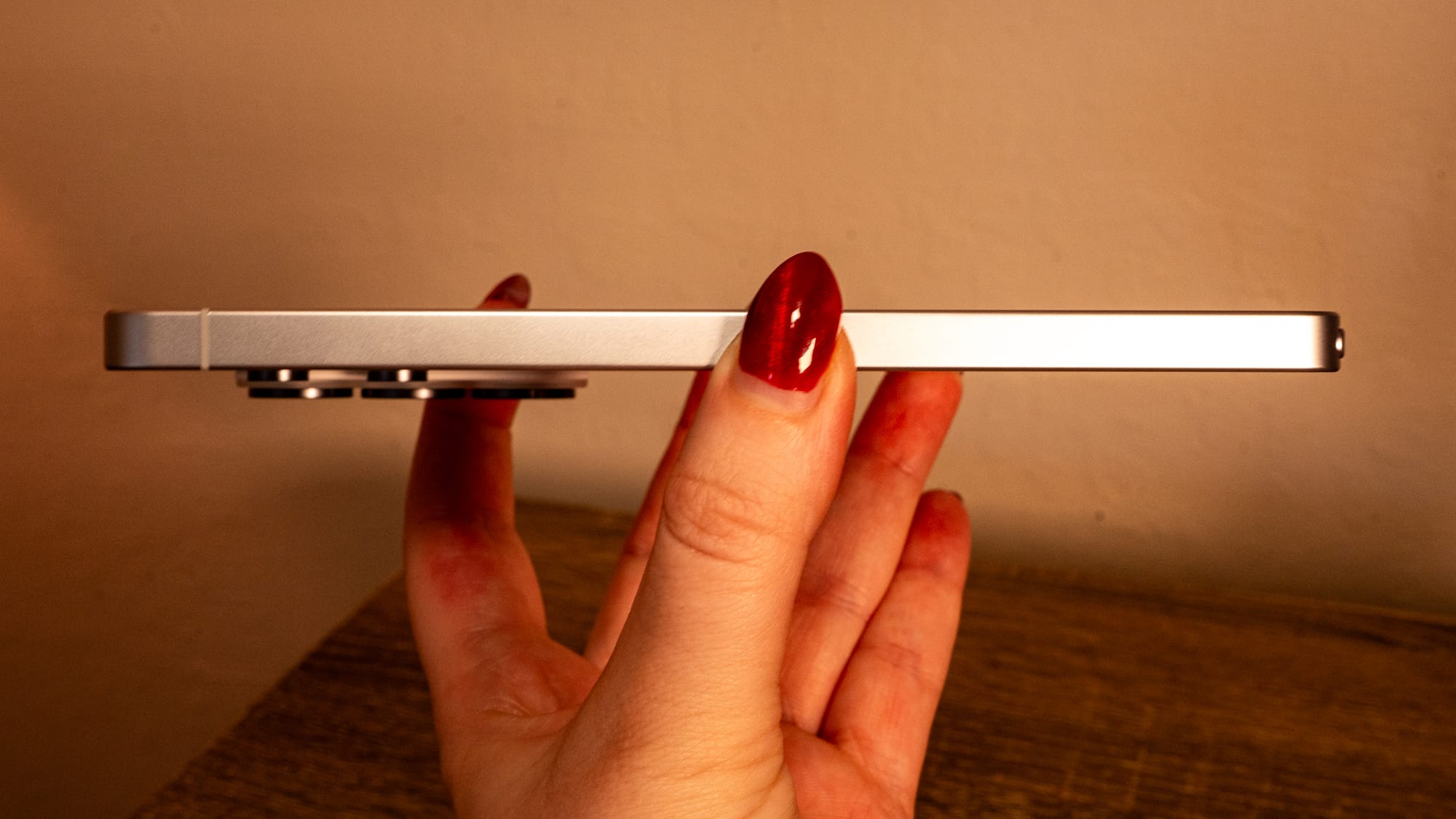
Samsung's "ultimate" smartphone is available with the same 12GB RAM configuration as the regular Galaxy S26/S26+. You can get a 16GB RAM version of the Galaxy S26 Ultra. But that amount of memory is gated behind the 1TB "tax," which will cost you $500 more than the base price, or $1,800. Everyone else is getting 12GB, so that's what we're testing.
The Galaxy S26 Ultra uses the Snapdragon 8 Elite Gen 5 "For Galaxy," meaning it's been tuned especially for Samsung's device. The processor is overclocked to 4.74GHz, compared to the standard 4.6GHz. At the end of the day, it's a numbers game that enables Samsung to market its units as offering the best-performing Snapdragon chips available.
The Galaxy S26 Ultra's benchmarks tell a story of a device doing everything it can to avoid overheating. I ran Geekbench 6 three times in a row to test performance sustainability. My first run hit the marketing numbers: 3,700 single-core and 11,000 multi-core. But by the third run, the multi-core score tumbled to 10,875, a roughly 1.2% drop in performance after just a few minutes of synthetic testing. I have a sneaking suspicion that Samsung throttled up the processing speed so that when it organically winds down, it's still firing on the cylinders necessary to make the numbers, but this is purely a hunch. Regardless, the Galaxy S26 Ultra's lowest multi-core performance score is still faster than the Galaxy S25 Ultra's peak, which hovers around the upper 9000s.
Samsung is particularly vocal about the work it's done to improve thermal dissipation in the Ultra's internal chassis. Reverting to an armo aluminum frame from last year's sheeny titanium shell wasn't a cost-cut, but a move for better thermal conductivity. By increasing the internal surface area by 15%, Samsung gives heat the room to roam inside the chamber. The company's thermal anxiety was so high that, as we recently found out from Phone Repair Guru's video, it swapped the standard graphite pads for actual thermal paste on the processor, storage, and memory modules. Graphite pads are typically used, though they may have microscopic air gaps that can trap air. While graphite can leave microscopic, air-trapping gaps, the liquid-to-solid paste fills every nook and cranny, creating a more seamless bridge between the chip and the heat sink.
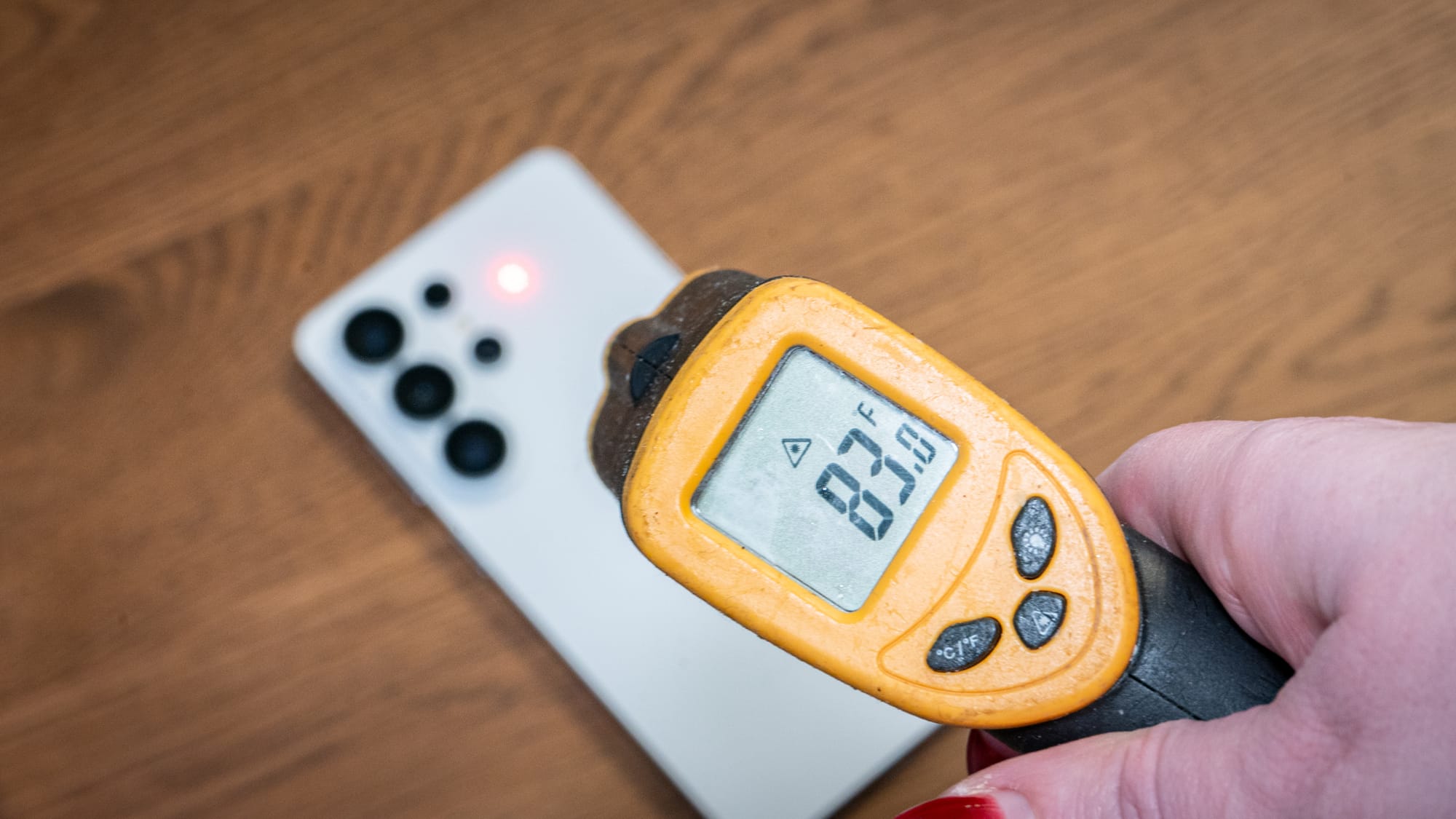
The Galaxy S26 Ultra kept its cool on the outside. During my AnTuTu benchmark session, the heat concentrated exactly where the Snapdragon 8 Elite SoC lives: at the top of the backside, right beside the camera lenses. My kitchen thermometer "zapped" the backplate at 100 degrees Fahrenheit—it's around 80 degrees when idling, though you can't feel that on the outside—or about the temperature of a USB-powered hand warmer. While it's certainly warm, it's not scalding.
The real magic lies in the delta between the Galaxy S26 Ultra's chassis and its inner silicon. While AnTuTu reported an internal temperature of 42.1 degrees Celsius (108 degrees Fahrenheit), my external readings were lower. The 8-degree temperature gap shows that Samsung's decision to apply thermal paste to the most performance-intensive components keeps heat "on the move" rather than allowing it to hover where it shouldn't. The heat dissipates across the internal surface, preventing the device's exterior from overheating while it's in your hand.
Samsung's charging speeds have finally lived up to its "ultra" claim, though it depends entirely on the charging brick you have at home. The 5,000mAh battery promises a 75% charge in just 30 minutes when used with Samsung's newly released 60W PPS charger.
Using a 45W OnePlus charging brick and red cable (yes, I know, wrong brand), the S26 Ultra charged swiftly. Starting from nearly dead at 13%, the phone hit 67% in about 40 minutes. It found its second wind in the middle of the cycle, jumping from 67% to 75% in 11 minutes. The third time I checked it, the phone had successfully reached 100%. It took less than 90 minutes to fully top up, which bodes well for airport delay dwellers desperate to juice up before a flight.
Wireless charging is a slightly different affair. The Galaxy S26 Ultra now supports up to 25W wireless charging due to its Qi 2.2 compatibility, which is nice. But when I placed the S26 Ultra with its official magnetic case onto the Samsung-branded wireless charger and 45W travel adapter, the device became almost too hot to handle. I decided to intervene and placed it on the Pixel Stand 2. That one tops out at 15W, though it can drop down to 7W or 5W if it detects a magnetic case, which was killing me, so I plugged it back into the OnePlus charger. From there, the battery sprinted to 100%.
Now let's talk about the drain. The daily endurance story of the Galaxy S26 Ultra is one of high highs and erratic lows. I ran a series of quick battery-drain tests to see how the Snapdragon 8 Elite Gen 5 handles random real-world workloads.
In a concentrated half-hour of benchmarking, the phone dropped its battery by about 5%. This is significant. It highlights that when the "For Galaxy" chip fires off, it does so on all cylinders, effectively acting as a tiny power vacuum. More passive tests showed more enduring consistency. I ran a 4K YouTube video at 75% screen brightness with the battery at 36%. About an hour later, it dropped 6%, followed by another 4% the hour after. Once I connected Bluetooth headphones, the battery worked a little harder. Over 90 minutes of video streaming with the Galaxy Buds 4 connected, the battery dropped from 26% to 18%.
What this data tells me is that the Galaxy S26 Ultra is a linear drainer for basic tasks; streaming video and scrolling around apps won't tire it out, but doing so while actively connected to Bluetooth and keeping the screen at a high brightness pushes the drain to about 6% per hour. For a workhorse, this is perfectly acceptable, but it's not amazing. If you're planning a heavy day of filming video or gaming on the train, the 5,000mAh battery will show its limitations. If you plan to play hard and travel far with the Galaxy S26 Ultra, don't do it without the charging cable.
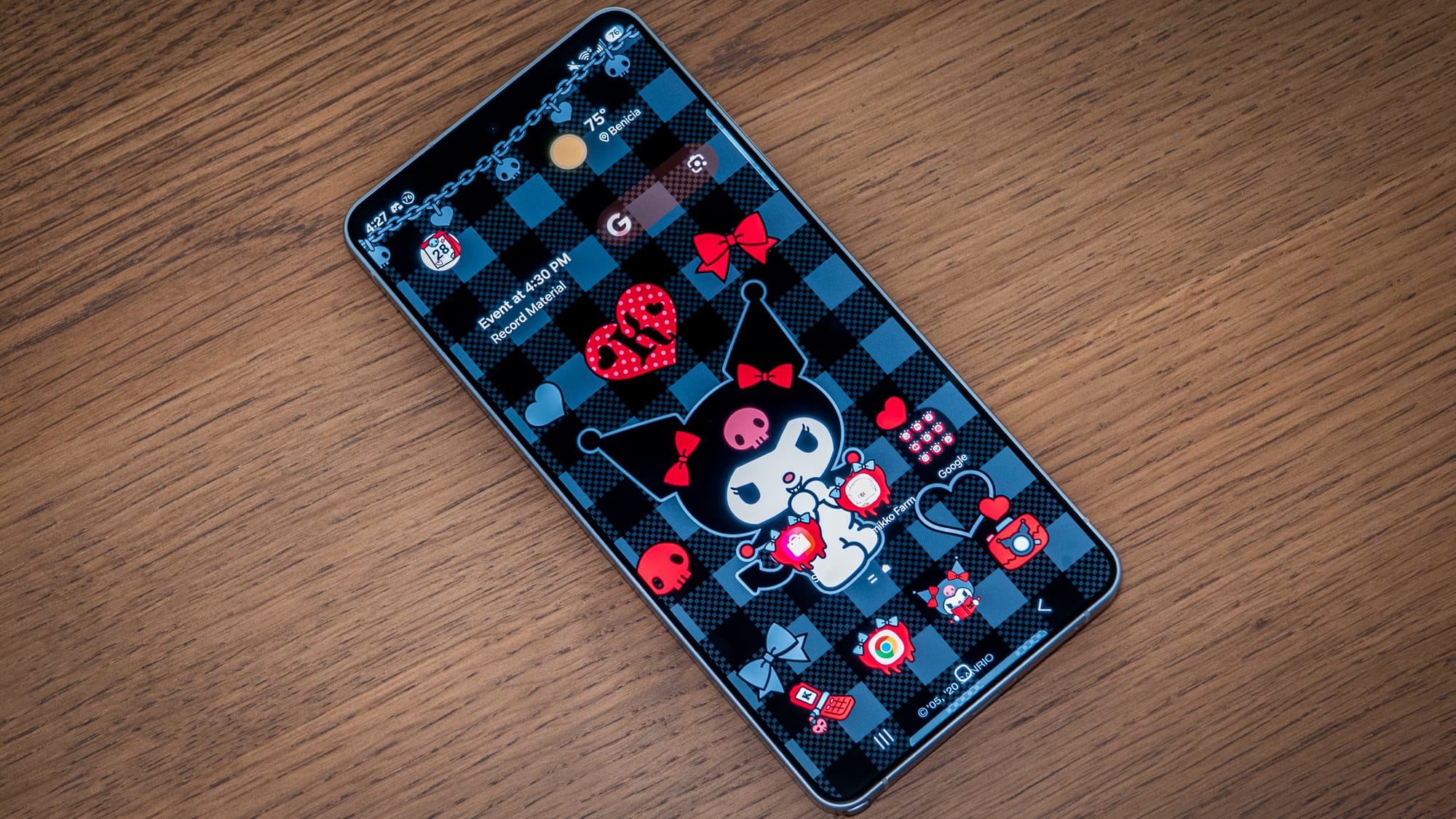
The Galaxy S26 Ultra is one of the most physically refined "Galaxy Note" devices that Samsung has ever produced. It traded the sharp, palm-piercing corners of its predecessor for a curvier, ergonomic form and a much lighter-feeling aluminum build. It's a giant phone that doesn't feel like a chore to hold, and it's also a technical powerhouse that delivers performance without scalding your palms.
But as always, there are caveats in this life. The charging speeds have gotten faster, but the reality is that you'll still be thinking about this battery if you're doing more than the status quo for prolonged periods—especially if you plan to shoot 8K video. I'll have more to say on that when I talk about the camera in my final piece.
In my next piece, I'll dive into the software: Galaxy AI, Gemini, and Perplexity, all bundled into the Galaxy S26 Ultra.