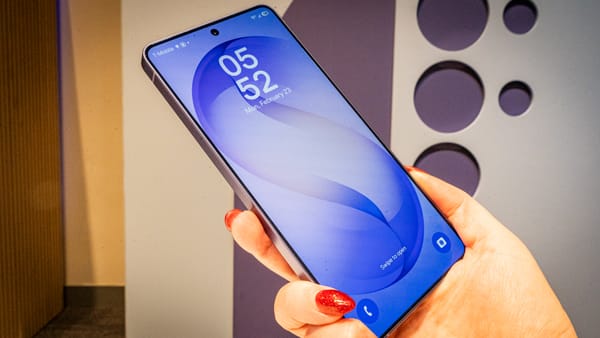
Google is now committing to four major Android feature rollouts every year, starting with this release.

It's the last major Android feature drop of the year. Google has launched its second major Android 16 update since it debuted over the summer. Pixel users will be the first to try out Gemini-powered Notification summaries, custom icon shapes, and the ability to use a device as an external monitor. There is also Gemini-aided scam control coming to everyone else's Android devices, plus some new accessibility features.
This launch also signifies "a new chapter for how Android updates work," says Google. Now, instead of a once-a-year celebration of the new Android version, you can expect frequent, bite-sized releases for all Android devices throughout the year.
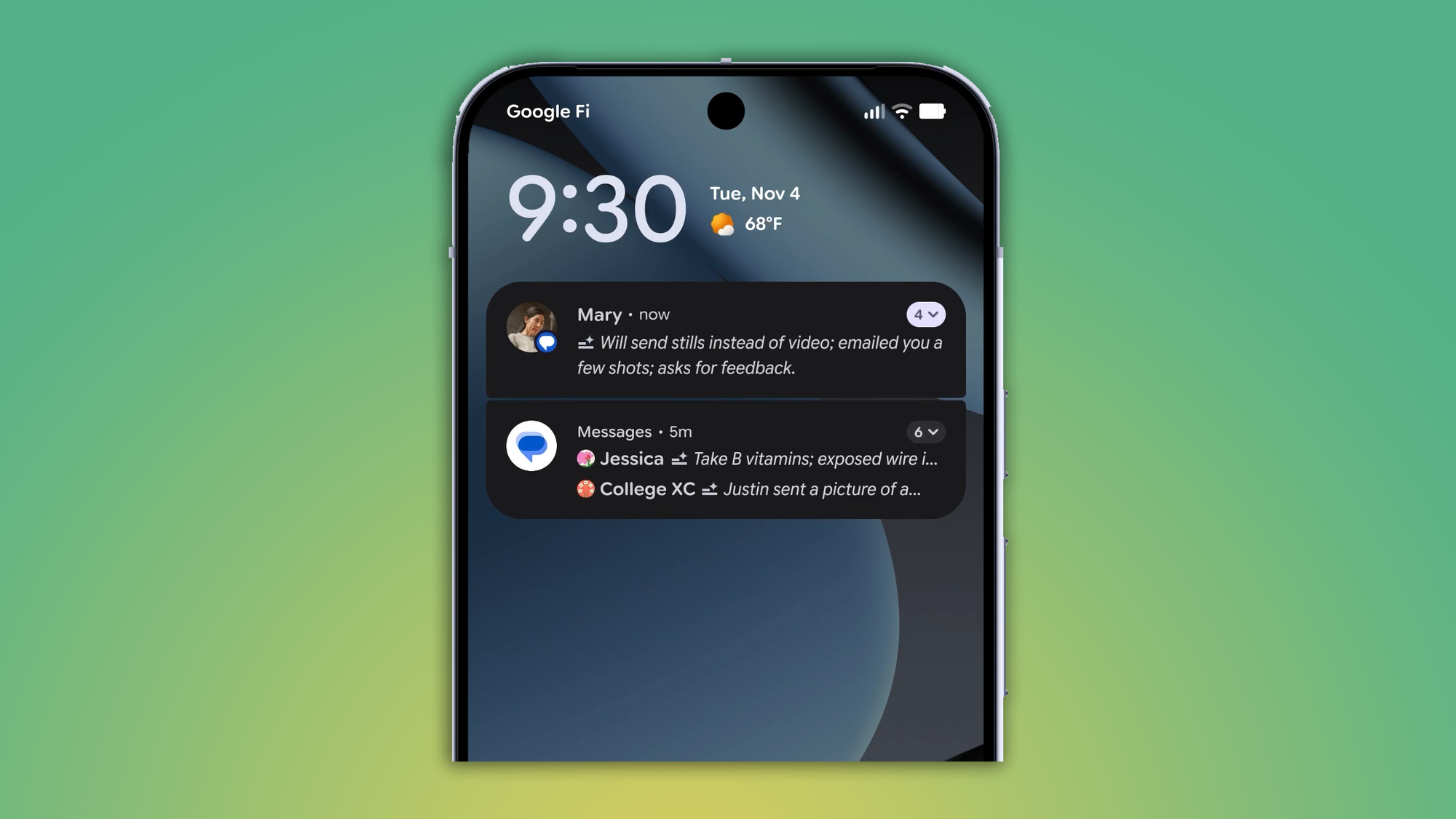
Your Pixel is finally getting Apple Intelligence-like notification summaries, though Gemini powers them. Notification Summaries will finally start pouring through after this update hits, though the feature was originally introduced in a Pixel Drop last month. Let's see if it suffers the same backlash that Apple's notification summaries did at the very start. This quarterly Android update also includes better notification organization, which will hopefully keep the noise in the notification panel to a minimum.
Custom icon shapes are now available for your Material 3 Expressive theming needs. In addition to the rounded square and the circle, Android will offer four-sided and seven-sided cookie shapes, as well as an arch. You'll notice these are the same dynamic shape elements you can currently add to the wallpaper.
These custom icons join Android 16's Themed Icons, which were effectively soft-launched when Google announced the Wicked theme last month. To that end, the dark theme is getting expanded across the interface, along with reduced brightness to save more battery and your precious eyes.
The rest of the Android ecosystem will benefit from this update, too, with a handful of features focused on reducing scams. Coming to all Android devices, Google Messages will filter out unknown numbers inviting you to a group chat. If you recognize the number, you can let the app know it's safe and subsequently add the person to your contacts. But it will also enable you to immediately block and report the number attempting to rope you into a conversation.
Circle to Search now lets you look up whether messages and numbers are scams. After you long-press the Home button, the AI Overview will check to see if there are reports of wrongdoing with what you've highlighted on screen. If it's a verified "uh-oh," the overview will guide you through the next steps.
This last feature is less about scams and more about being taken seriously. If you need someone to know you're urgently calling them for something, you can use the Call Reason function in the Phone by Google app to flag your call as such. Even if they don't pick up on their end, they'll see in their dialer that your call was marked as "urgent".
Every major Android update includes new features for users who rely on accessibility. This rollout introduces more expressive captions to both YouTube and the operating system, so you can see if someone is feeling [joyful].
Android users using a tethered or wireless mouse will have an easier time clicking and selecting interface elements with the arrival of AutoClick, which is meant to reduce physical strain. And if you're a fan of using Voice Access, now you can call on Gemini to step aside and let you use the accessibility feature rather than the AI.
utilizing
Lastly, hearing aid users now have the same benefits as those with compatible earbuds and headphones. Fast Pair is now available for Bluetooth LE Audio-enabled hearing aids.