The Inmo Air3 brings the entire Google Play Store to your eyeballs, but it has a frustrating lack of staying power.

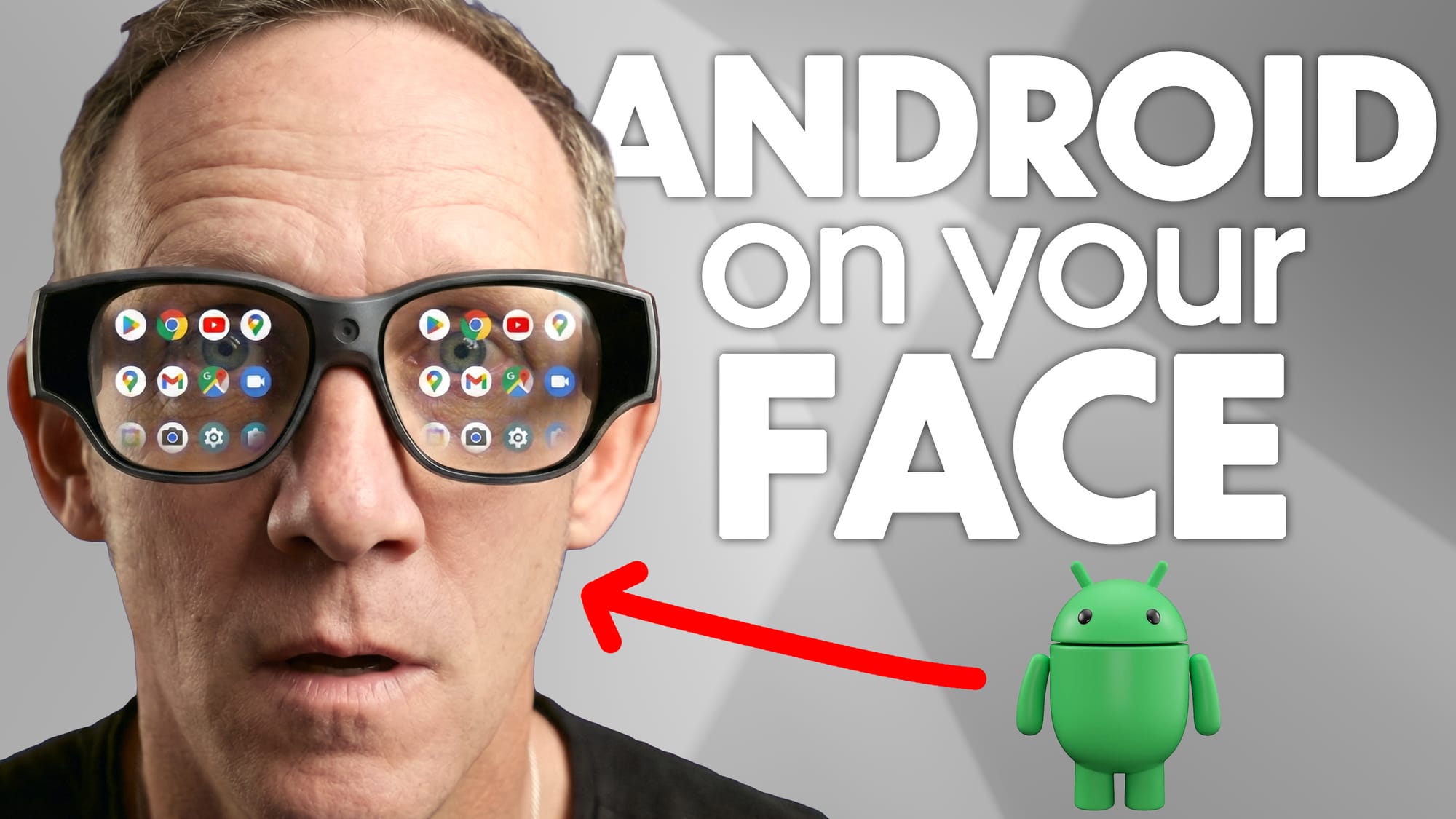
Smart glasses have long promised a future, and there's no question they've come a long way since the debut of Google Glass. The fact is, compromise with smart glasses remains prevalent in 2026. While the INMO Air3 addresses some shortcomings of previous attempts in the category, it doesn't address the most significant issues plaguing smart glasses today.
Instead of relying on a phone connection or a stripped-down non-distinct operating system, these glasses run full Android 14 natively, complete with official Google Play Store access. It's a genuinely rare feat in this category, making the Air3 one of the most capable standalone smart glasses you can buy right now. After spending time with these glasses, I walked away impressed by the ambition but uncertain about who they're really for today.
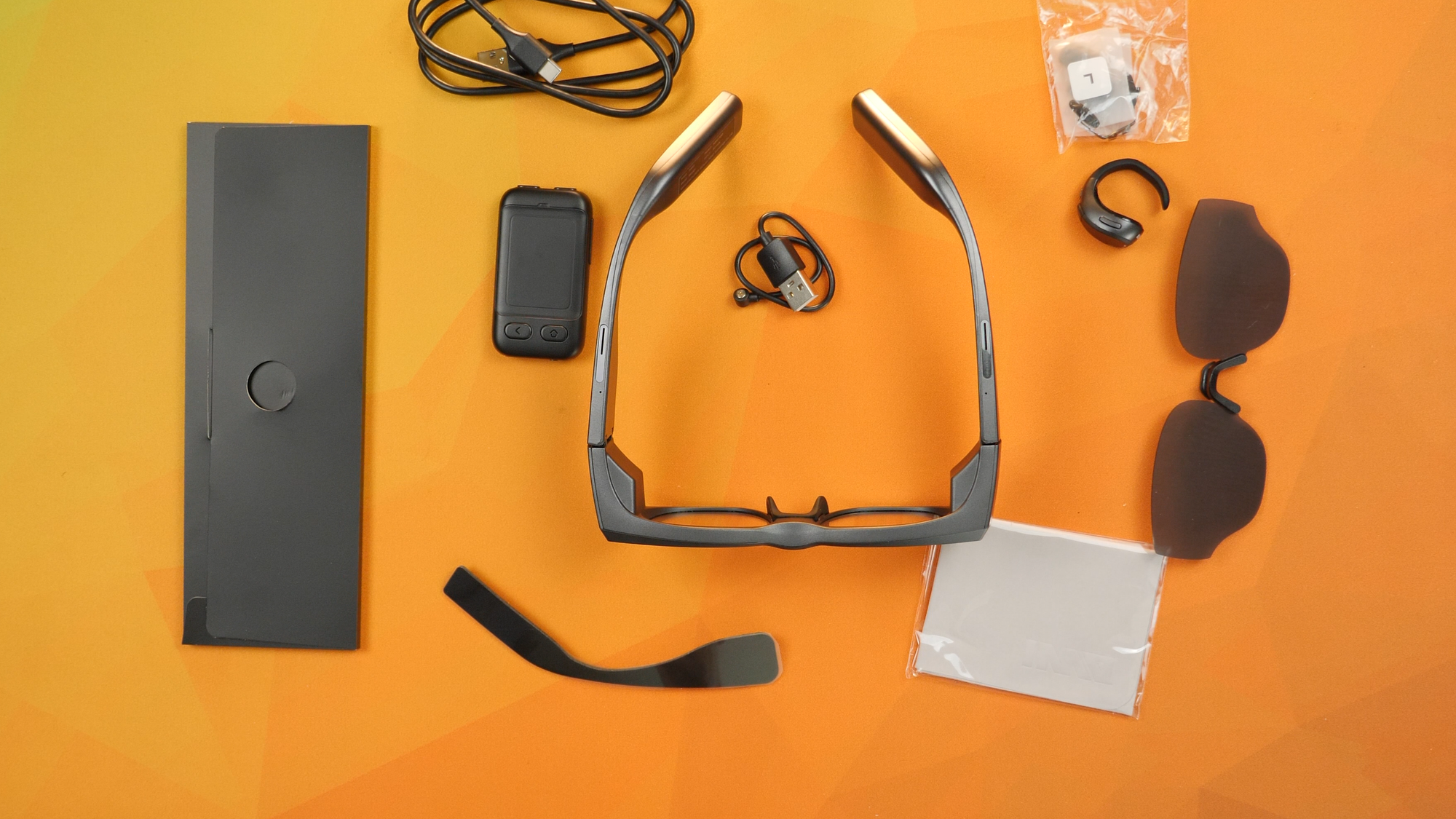
A self-contained Android driven smart glasses solution with three types of control and the Play Store installed can't overcome the battery shortfalls.
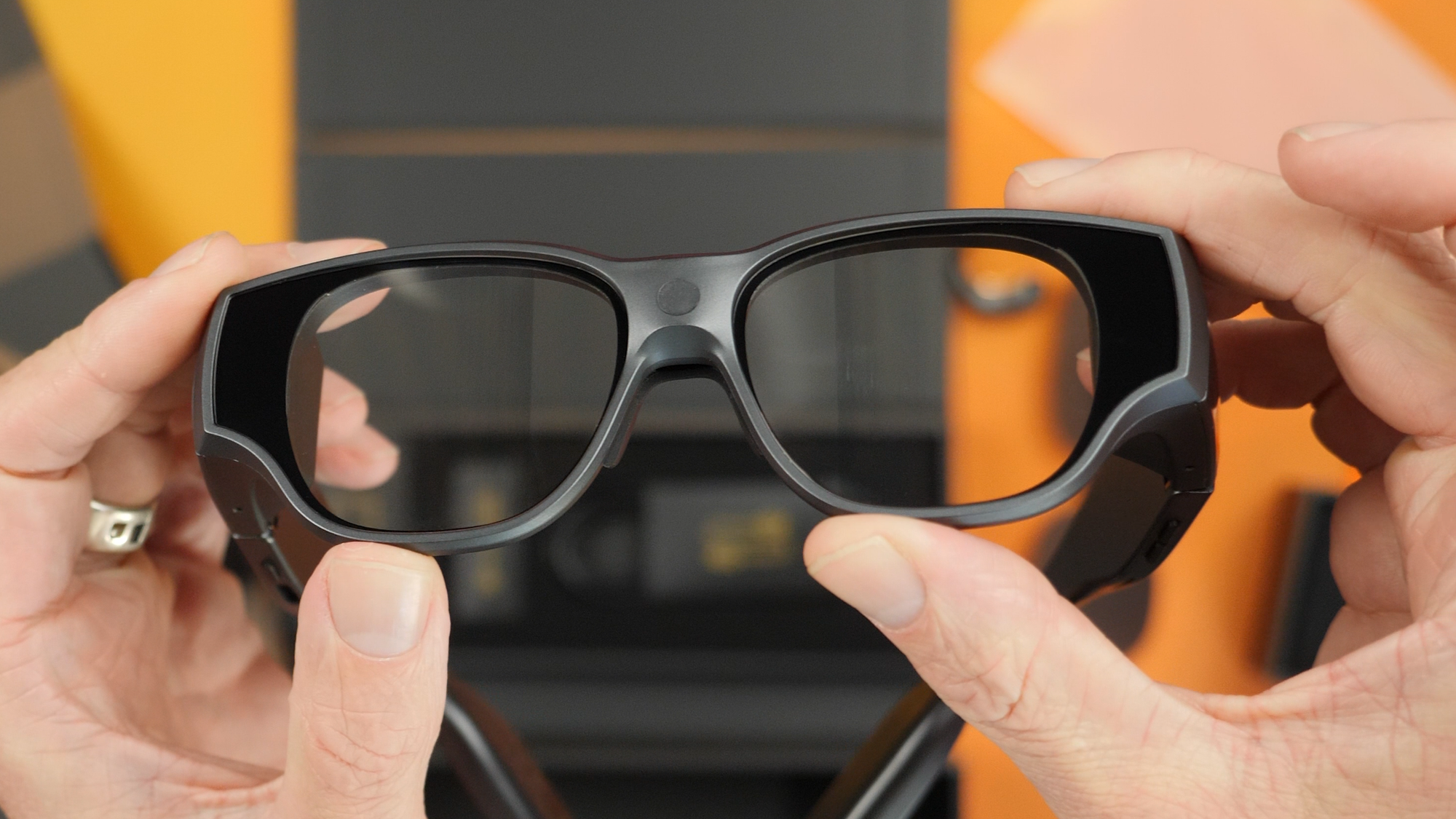
Under the chunky frames, the INMO Air3 packs a Snapdragon X 8-core CPU, 8GB of RAM, and 128GB of storage. Each lens features a Sony Micro-OLED panel at 1080p with full-color waveguide optics and 600 nits of peak brightness. The marketing speak says this equates to a 150-inch virtual screen, roughly 13 feet in front of you, with a 36-degree field of view. Let's be honest, though: it's an HD display sitting an inch from your eyeballs.
Four built-in mics handle voice commands and calls, and two open-air speakers near each ear deliver audio without blocking out the world around you. I do wish they had upgraded the speakers' sound, as they are pretty papery and tiny in use.
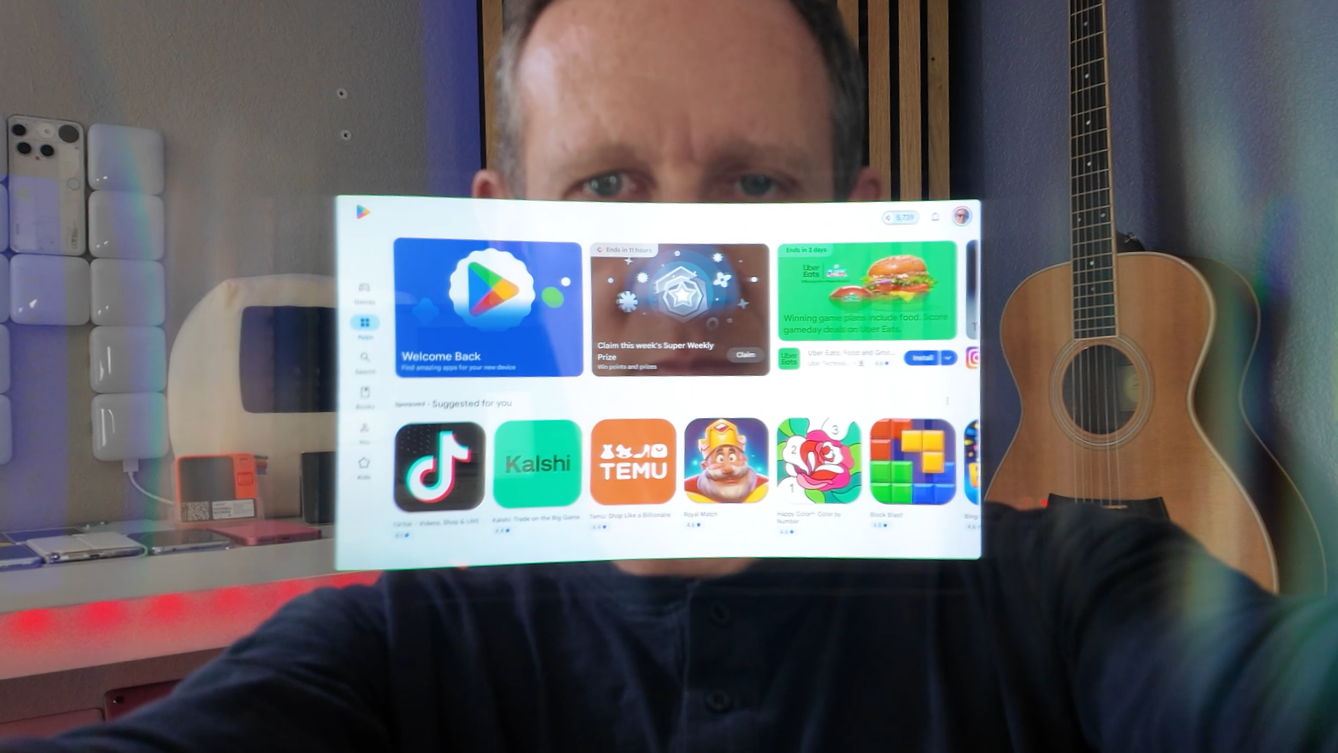
What sets the Air3 apart from competitors like the RayNeo X3 Pro is its true GMS support. INMO made an official deal with Google to include the Play Store and Chrome on the international version, meaning installing apps is friction-free and done the same way it's done on a consumer smartphone. In other words, you don't need to know how to ADB and sideload APK files to the glasses to install any random Android app.
From the Play Store, I installed Gmail, Google Maps, YouTube, and even Gemini without any hassle. Not all apps work to their full capacity. For instance, Maps doesn't give turn-by-turn directions, a symptom of the lack of a GPS sensor in the glasses. Realistically, most Android apps aren't designed for a floating heads-up display, but having native access to the full app ecosystem is a meaningful advantage.
The built-in AI assistant, activated with the wake word "OK Amu," did a solid job identifying objects and brands on my desk through the onboard camera with surprising accuracy. However, not being able to interrupt its somewhat long-winded responses by voice made some of my conversations pretty tedious.
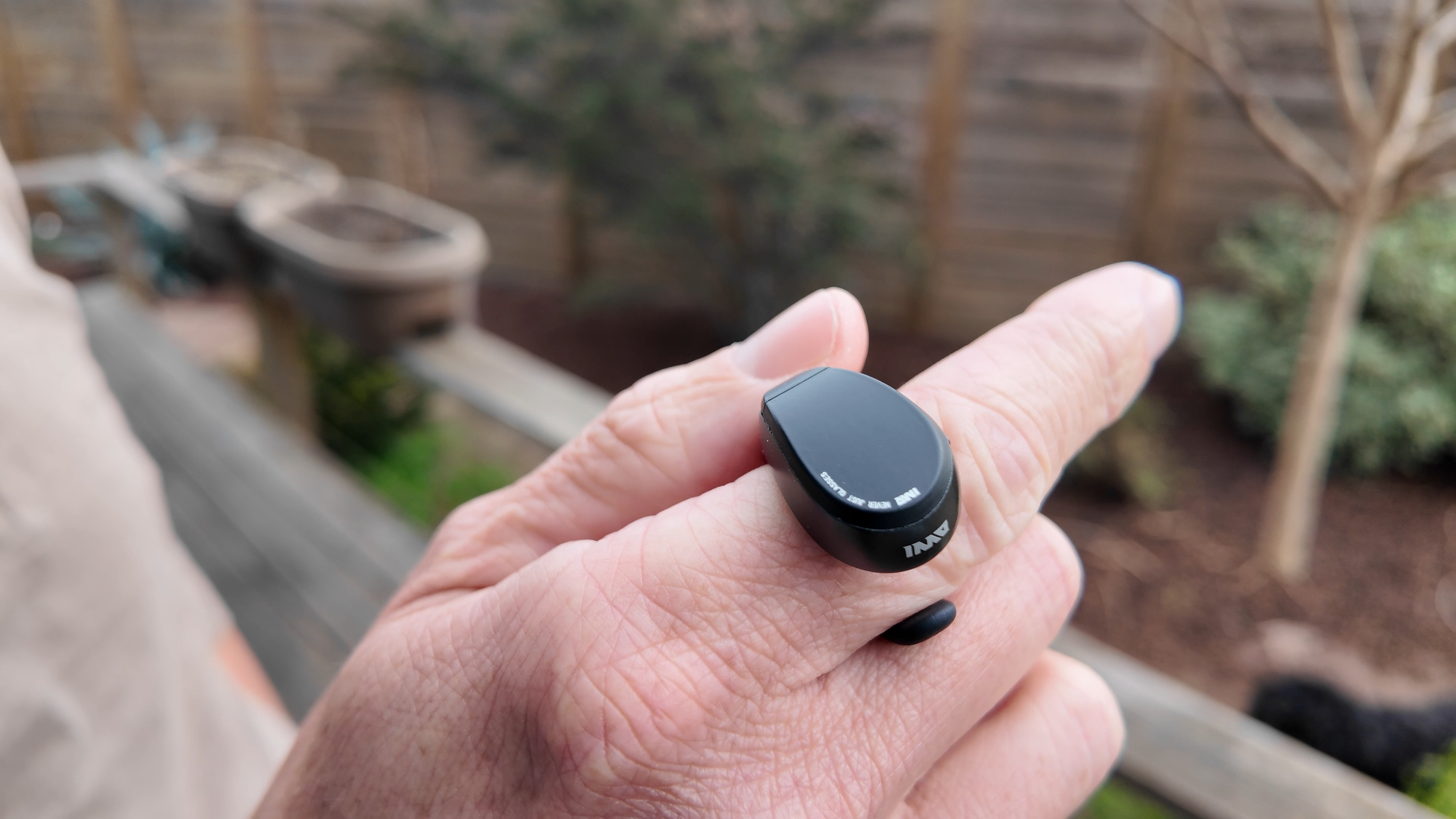
The Air3 offers three input methods: temple touchpads, a wireless trackpad remote, and a ring controller. The ring is easily my favorite option, since it lets hand waves control it. Finding the right fit takes some practice, but it offers cursor control and tap-to-select that feel more intuitive than alternatives.
None of the three methods is very good for typing. Sure, I could connect a Bluetooth keyboard for long, complicated passwords, since this is, after all, an Android device. But it complicates the rest of the setup. The absence of voice input on the system-wide keyboard makes typing in anything far more painful than it needs to be.
The display itself is the highlight. Indoors, it's bright and vibrant. I noticed that the center of the viewing window is sharper than the side edges. INMO told me this is a symptom of the waveguide technology that they integrated into the lenses, but it's important to mention that I haven't noticed this with other smart glasses like these. Also, the waveguides embedded in the lenses are visible when someone looks at you head-on, further presenting to the world that these are not ordinary glasses.
Outdoors is another story entirely, with a mere 600 nits of peak brightness. The display can't compete with direct sunlight, especially on the brightest of days. I tried to watch a YouTube video as I left for a walk with my dogs, and the sun immediately made the screen completely unwatchable, which is probably for the best, since that's an objectively terrible idea anyway. But hey, I do these things so you don't have to!
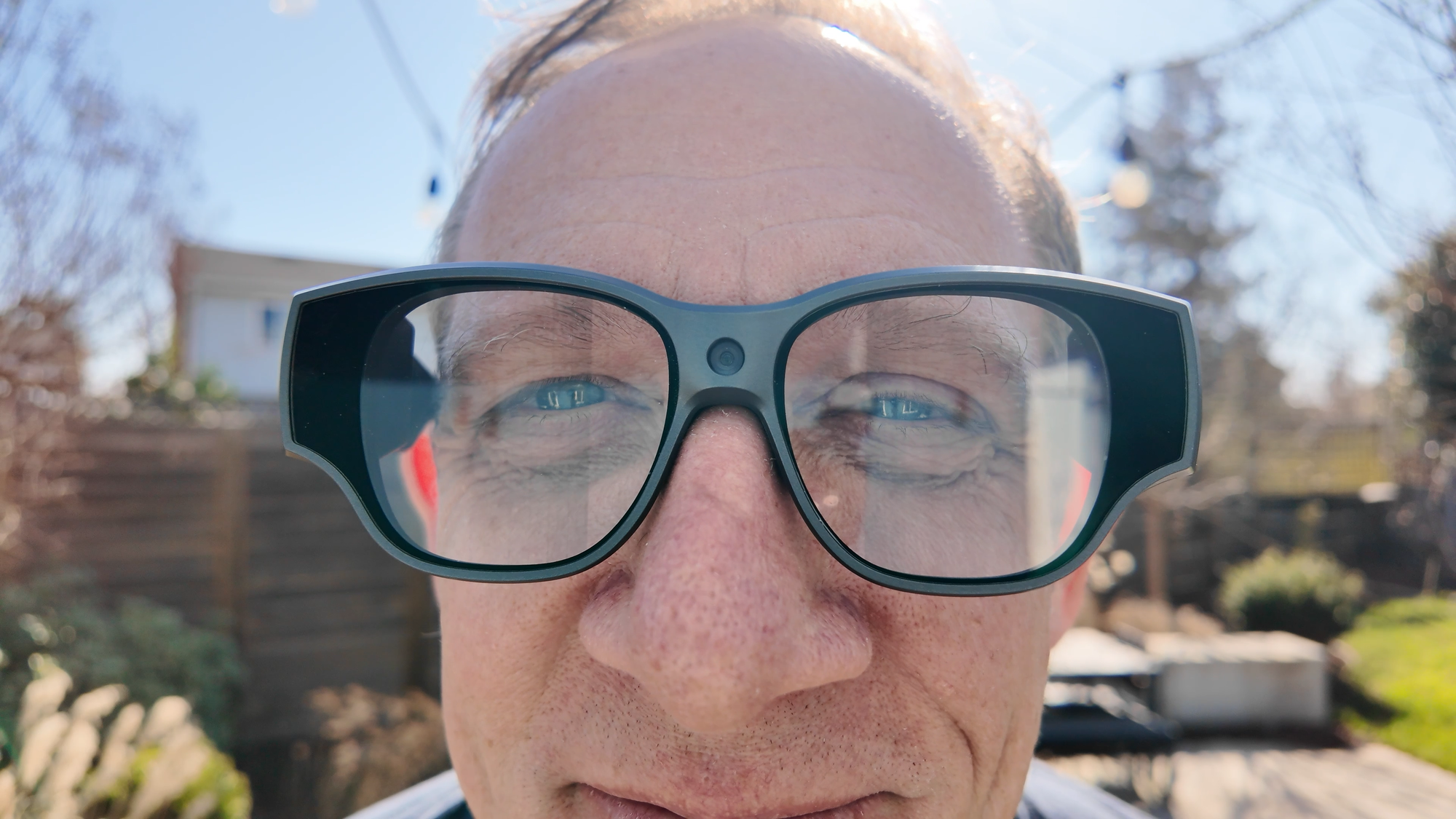
The camera finally delivers something I've been wanting on smart glasses: landscape-capable camera capture! Video quality maxes out at 1080p, and footage is usable if unspectacular. I also attempted to live stream on StreamYard through Chrome using the glasses, and let's just say that was an abysmal failure. It forced vertical, and the frame rate dropped to around 3 frames per second.
Comfort-wise, I expected these chonkers to be incredibly uncomfortable through extended wear, but that really didn't end up being the case at all. The glasses surprised me, save for a bit of pinching behind the ears, and I also noticed little if any heat buildup throughout the frame. That "hot face" factor has plagued most other smart glasses I've tested, including Google's still-unreleased Project Aura, so that's a considerable feather in its cap.
None of this matters if the device doesn't stay powered, and that's where things fall flat. Battery life is a real challenge on the INMO Air3. INMO claims up to seven hours of standby and two hours of heavy use. I consistently got 60 to 90 minutes of screen-on time before needing a charge, and that window shrinks further with video recording or streaming. A USB-C port on the underside of the arm lets you plug in a battery pack while wearing them, but the placement is awkward, especially compared to the RayNeo X3 Pro's smarter end-of-stem design.
The INMO Air3 is the most capable standalone smart-glasses experience I've tested to date in the consumer market. The Play Store access alone sets it apart from nearly everything else in the category.
But after living with them, I kept returning to one question: do these glasses unlock something I can't already do on a phone? Right now, I'm not convinced they do. The potential is obvious, but the use case remains uncertain.
For developers, tinkerers, and early adopters who want to help shape this category, the Air3 is a compelling platform. For everyone else, it might be worth waiting to see what Google's Project Aura brings when it arrives, which could solve many of the same problems we're seeing with AI and spatial computing built before Google has effectively laid out the schematics.